MacOS 27 Golden Gate Delivers Substantial Upgrades to the Photos App with Apple Intelligence and Enhanced Organization

The release of macOS 27 Golden Gate marks a significant milestone for Apple’s desktop operating system, bringing a comprehensive suite of enhancements to the native Photos application. While the update skips a radical visual overhaul of the user interface, it introduces a robust array of features driven by machine learning, advanced editing capabilities, and long-awaited organizational tools. Designed to bridge the gap between casual users and professional photographers, the update expands the utility of Apple Intelligence across compatible hardware while addressing persistent workflow friction points reported by consumers.
Evolution of Apple Intelligence in Image Editing
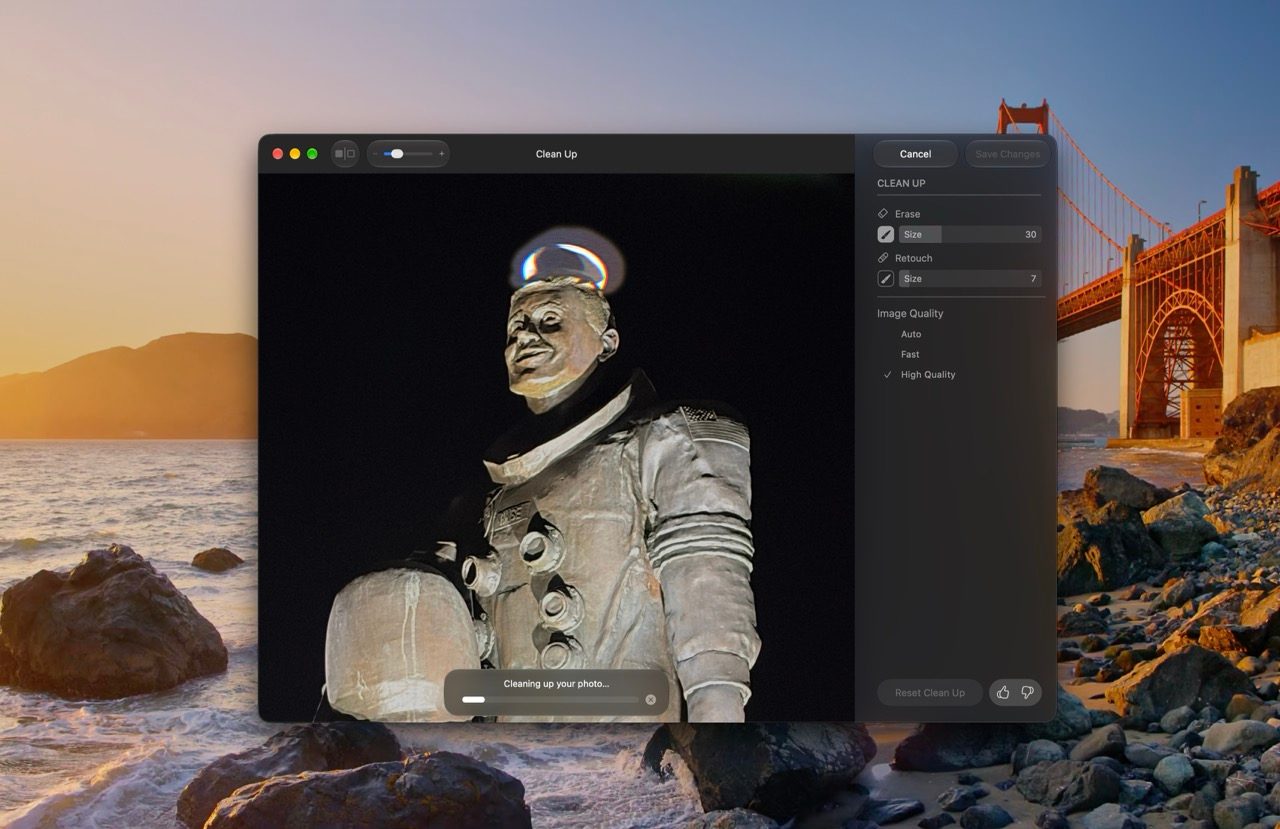
At the forefront of the macOS 27 update are advanced editing capabilities housed within a newly designed Tools pane. These features leverage the processing power of Apple Intelligence and require a compatible Mac equipped with Apple silicon. Among the most notable updates is the refinement of the "Clean Up" tool, which utilizes generative AI to remove unwanted elements from images. Apple has integrated a dual-mode system, offering a fast mode optimized for minor blemishes and a high-quality mode capable of managing intricate edits within complex visual scenes with enhanced realism.
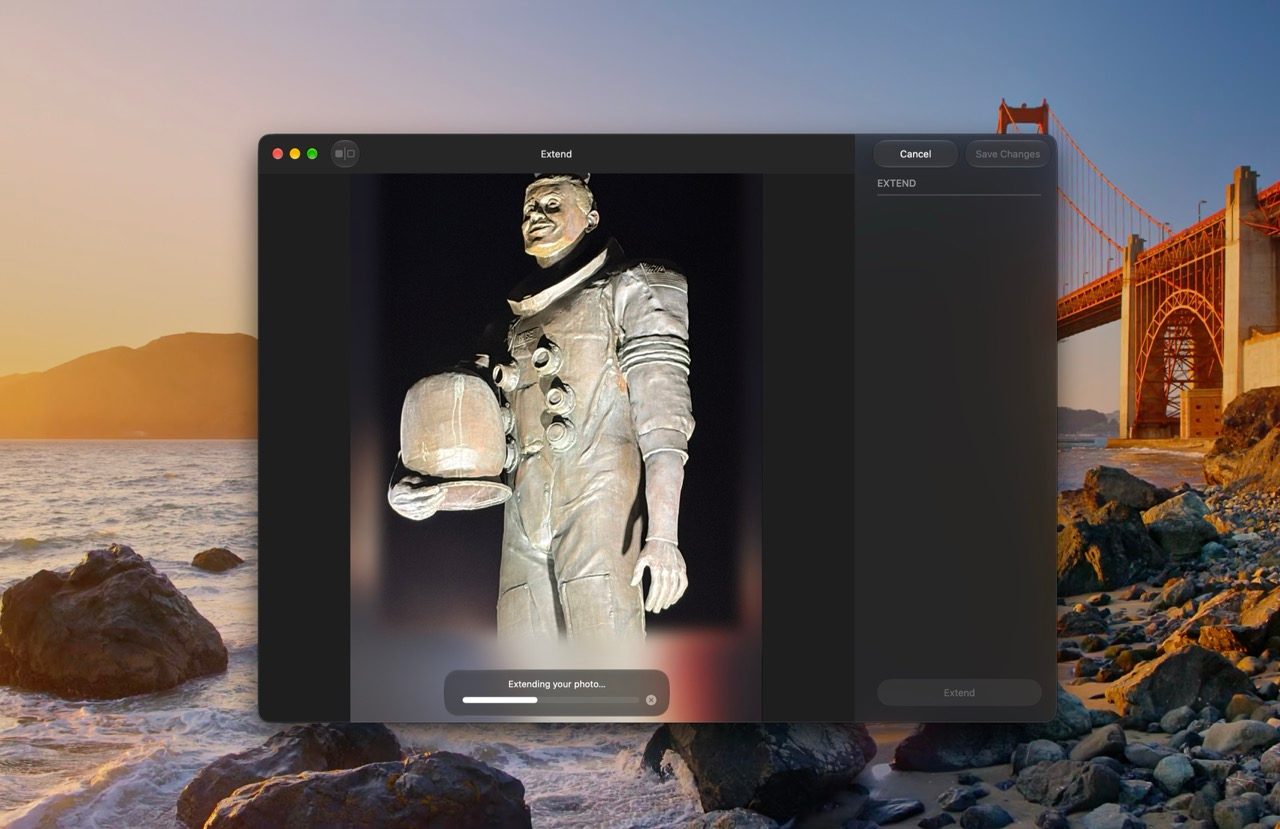
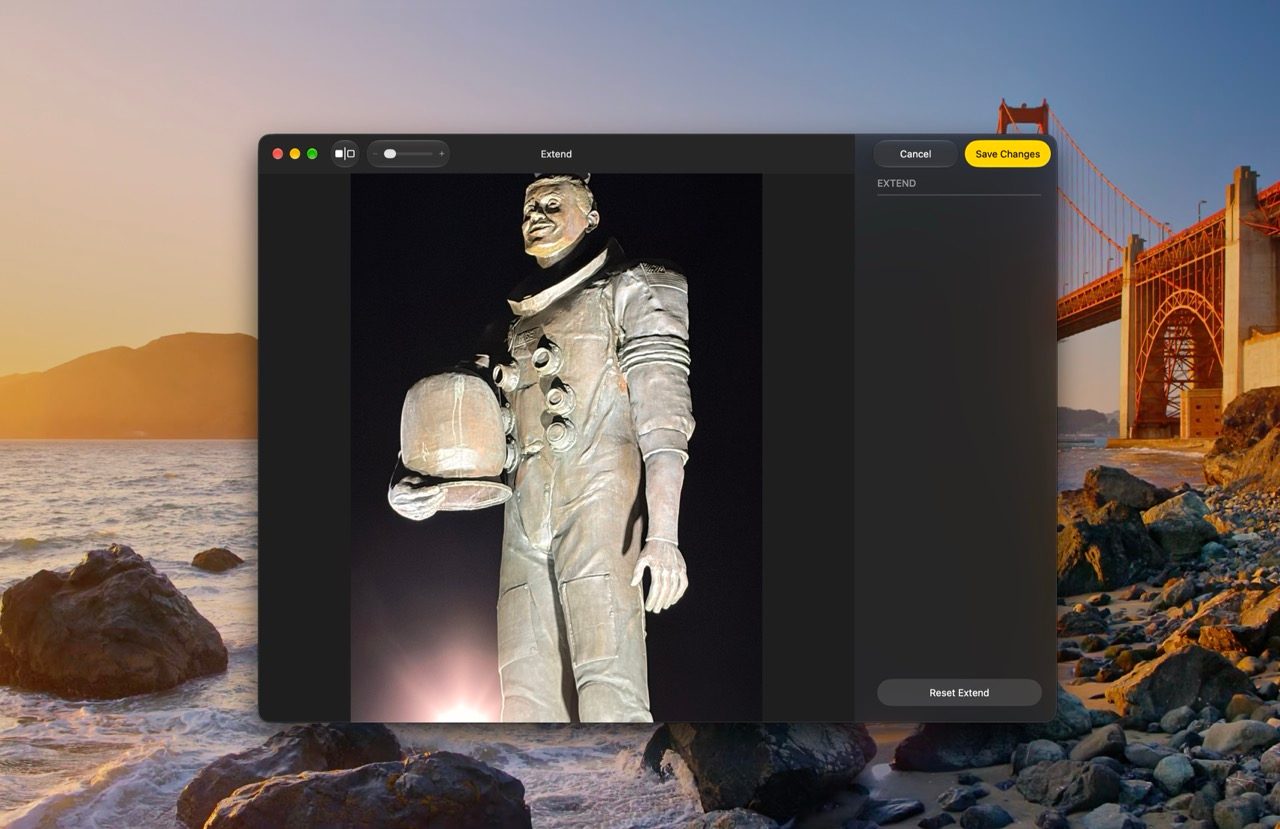
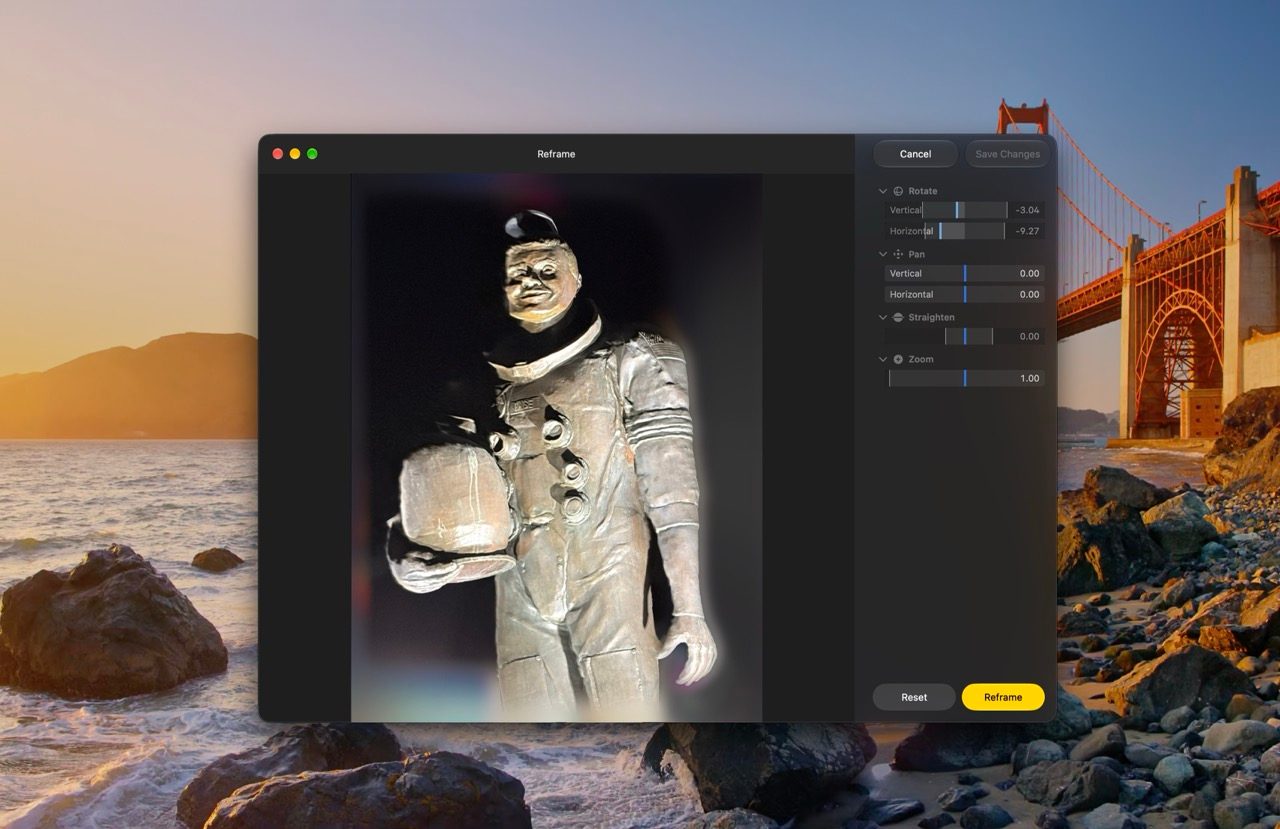
Complementing Clean Up is the newly introduced "Extend" tool. By deploying generative neural models, Extend allows users to expand the boundaries of an image beyond its original frame. This functionality provides practical solutions for correcting skewed horizons, altering aspect ratios, or introducing negative space around a primary subject. Furthermore, the integration of "Spatial Reframing" introduces a three-dimensional perspective to standard two-dimensional photography. The application constructs a 3D computational model of the scene, enabling users to subtly rotate around subjects, pan, or zoom while generative algorithms seamlessly fill in any newly exposed visual gaps.
Streamlined Collaboration and Cross-Platform Sharing
Shared media management has historically presented challenges for users operating within mixed-device households. With macOS 27 Golden Gate, Apple has expanded the capabilities of iCloud Shared Albums to support full-resolution media transfers across all common image and video formats. Crucially, the update removes traditional ecosystem barriers by allowing Windows and Android users to access, view, and contribute to shared albums directly via iCloud.com.
To minimize everyday clutter, Apple has introduced automation options that permit temporary shared albums to automatically expire after 30 days. Additionally, users can now import entire shared collections into their personal libraries with a single click, streamlining what was previously a tedious, multi-step process.
Enhanced Organization for Professional and Casual Workflows
Beyond generative editing and sharing, macOS 27 introduces granular organizational features tailored to curation and presentation. The application now supports customizable slideshows, allowing users to select specific media, adjust slide durations, define transition styles, and incorporate custom soundtracks. Crucially, completed slideshows can be exported and saved as standard video files directly within the library, ensuring consistent playback without requiring dynamic rendering on subsequent views.

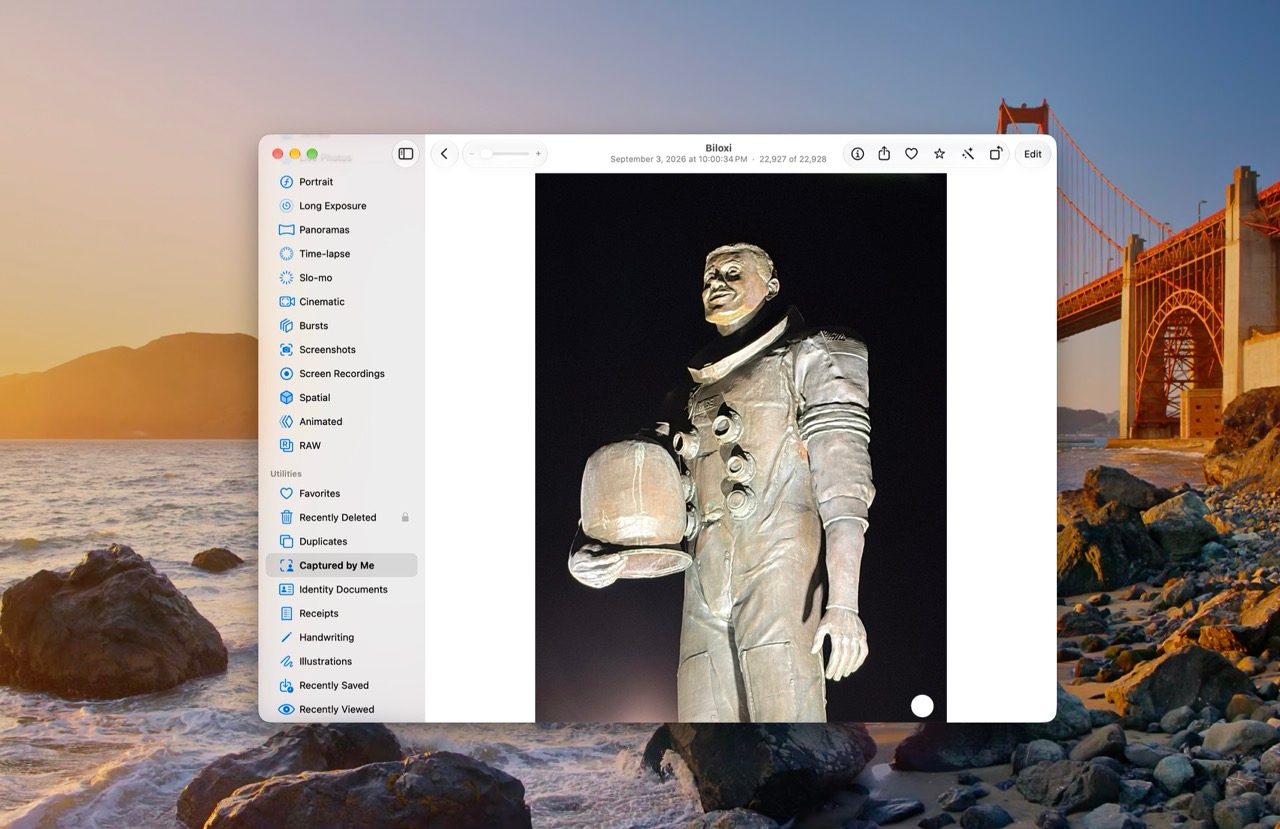
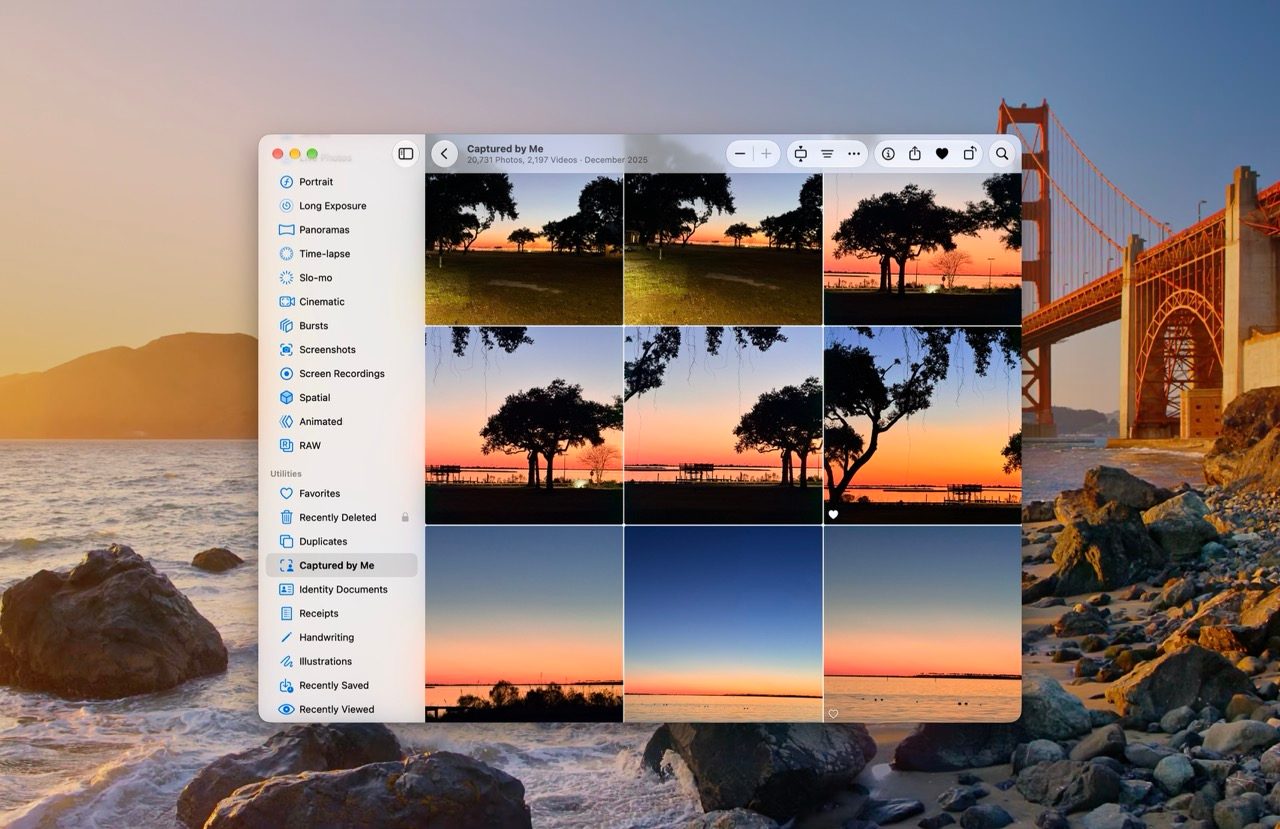
For cataloging precision, Apple has added a traditional one-to-five-star rating system. Although disabled by default and requiring manual activation within the application preferences, these ratings integrate directly into the library’s filtering system. Alongside star ratings, a new "Captured by Me" smart collection automatically aggregates photographs captured specifically via the device’s Camera app, excluding screenshots, saved memes, and downloaded graphics, thereby simplifying library reviews.
Background Infrastructure: Syncing, Search, and System Integration
Beneath the user-facing interface, macOS 27 implements critical infrastructure improvements designed to optimize daily system performance. Users can now prioritize iCloud Photos synchronization, ensuring newly imported batches of images or videos receive preferential upload bandwidth. This modification is particularly advantageous for professional photographers and content creators who rely on rapid multi-device synchronization immediately following field shoots.
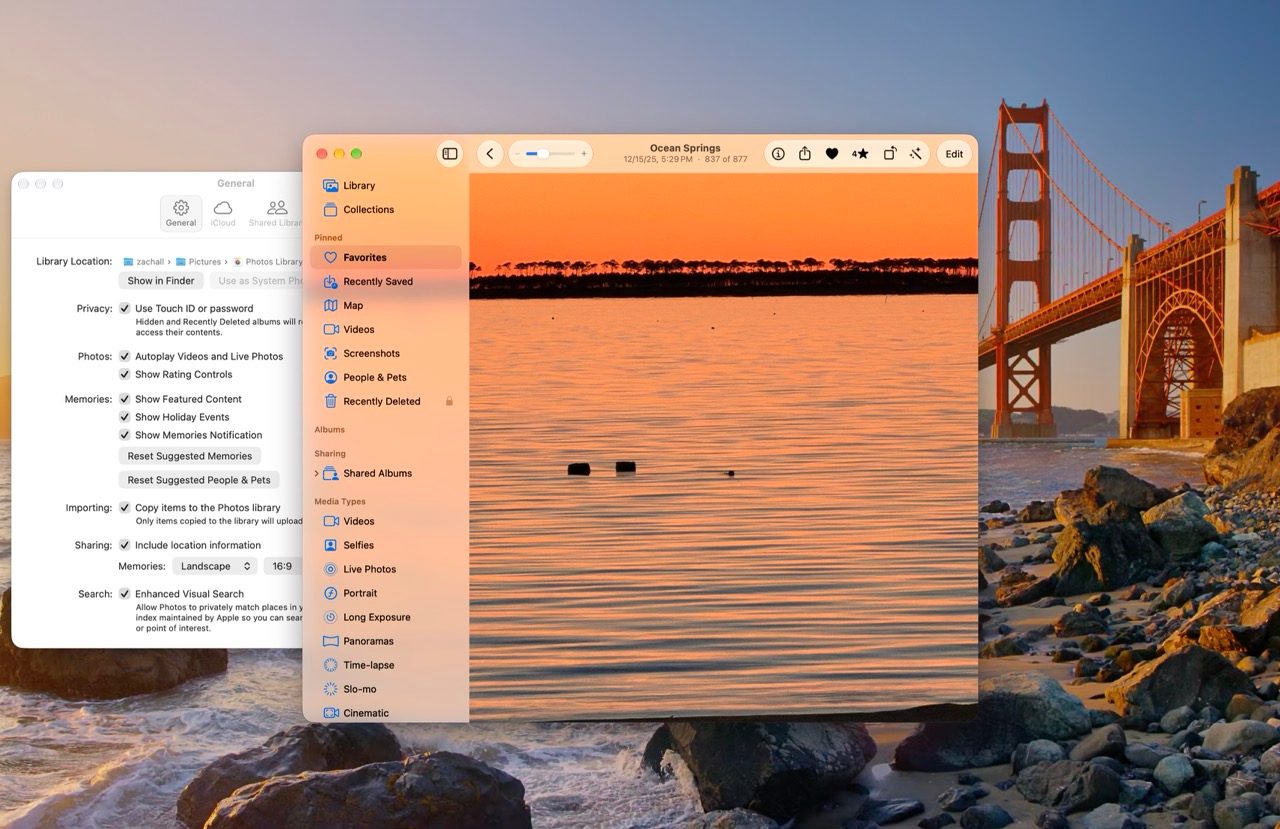
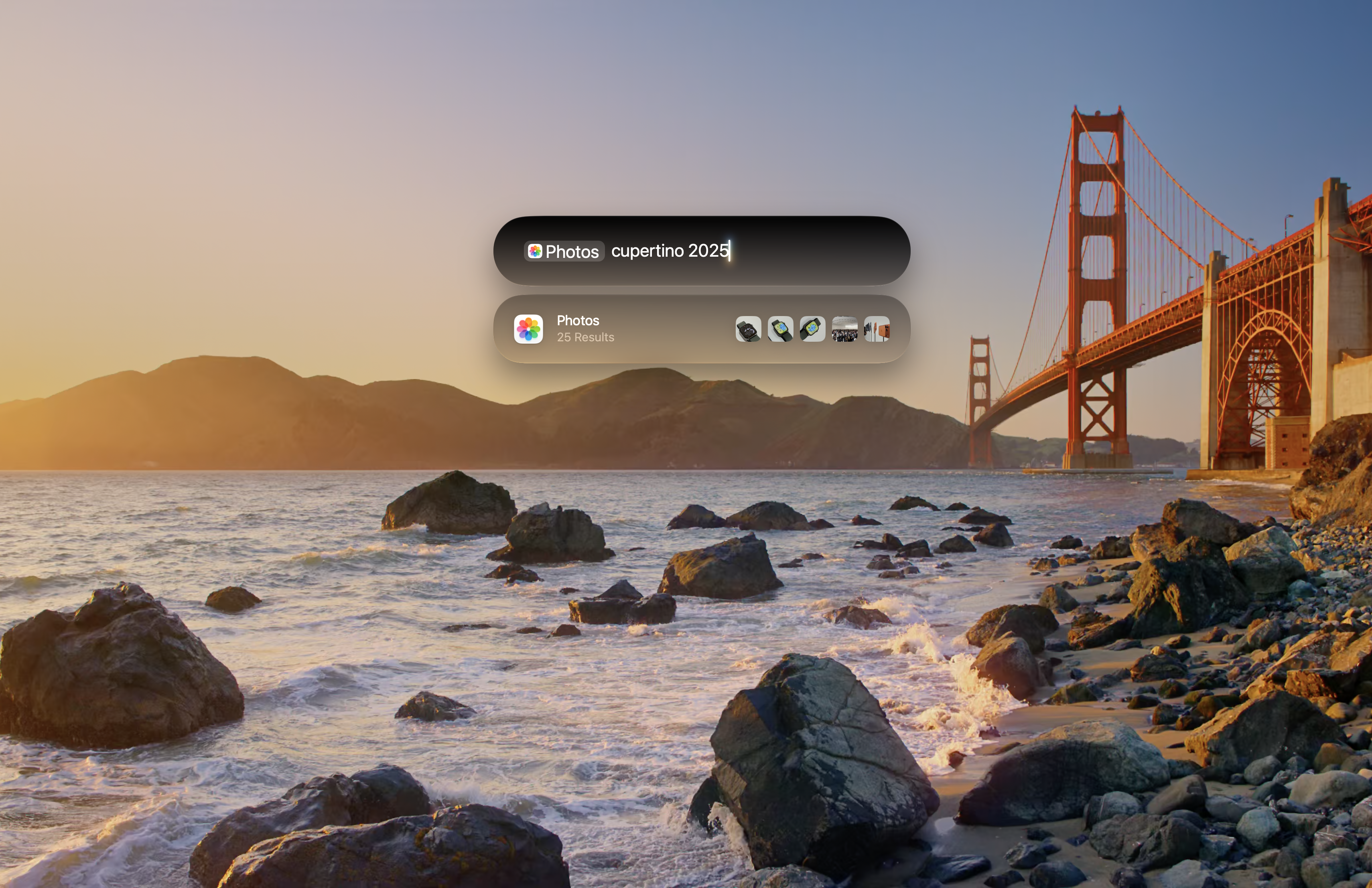
Concurrently, Apple has overhauled the underlying search indexing architecture utilized across Spotlight, Mail, and the Photos application. The upgraded indexing framework maintains continuous, real-time metadata updates throughout the day, resulting in faster and more comprehensive search queries when hunting for specific visual content based on semantic descriptions, locations, or dates.
Industry Implications and Market Context
The release of the Golden Gate build serves as the final testing phase ahead of the public rollout of macOS 27. Industry analysts note that by focusing on functional depth rather than superficial cosmetic changes, Apple is steadily positioning the Mac ecosystem as a serious contender for professional digital asset management. While specialized software suites like Adobe Lightroom and Capture One remain industry standards for professional color grading and tethered shooting, the native Photos app continues to absorb features previously exclusive to professional editing suites, lowering the barrier to entry for advanced digital photography.
By coupling these capabilities with cross-platform accessibility via the web, Apple aims to retain user loyalty while capturing market share from competing cloud storage providers. As users prepare for the day-one installation of macOS 27, third-party ecosystem tools—such as MacPaw’s CleanMyMac—are frequently recommended by system administrators to audit storage capacity and ensure optimal hardware performance during major operating system transitions. The official public deployment of macOS 27 is expected in the coming weeks, promising a modernized, highly integrated media management experience for millions of Mac users worldwide.
Related posts: