Cricut Explore 5 review: a faster, smarter crafting machine that’s perfect for beginners

The digital crafting landscape has undergone a significant transformation over the last decade, transitioning from niche scrapbooking tools to sophisticated desktop peripherals capable of professional-grade production. At the center of this evolution is Cricut, a brand that has successfully bridged the gap between home hobbyists and small-scale entrepreneurs. The release of the Cricut Explore 5 marks a pivotal moment for the company’s mid-range lineup. While not a radical departure from its predecessors, the Explore 5 represents a meticulous refinement of the platform, prioritizing speed, spatial efficiency, and user accessibility.
For many creators, the Explore series serves as the primary gateway into the Cricut ecosystem. Positioned between the compact Cricut Joy and the heavy-duty Cricut Maker, the Explore 5 is engineered to handle the vast majority of everyday crafting tasks—including card making, sticker production, and custom vinyl decals—without the higher price point associated with the professional-tier Maker series. After extensive real-world testing, it is clear that while the Explore 5 may not necessitate an immediate upgrade for owners of the most recent previous model, it stands as the most polished entry point for newcomers and a compelling upgrade for those using aging hardware.
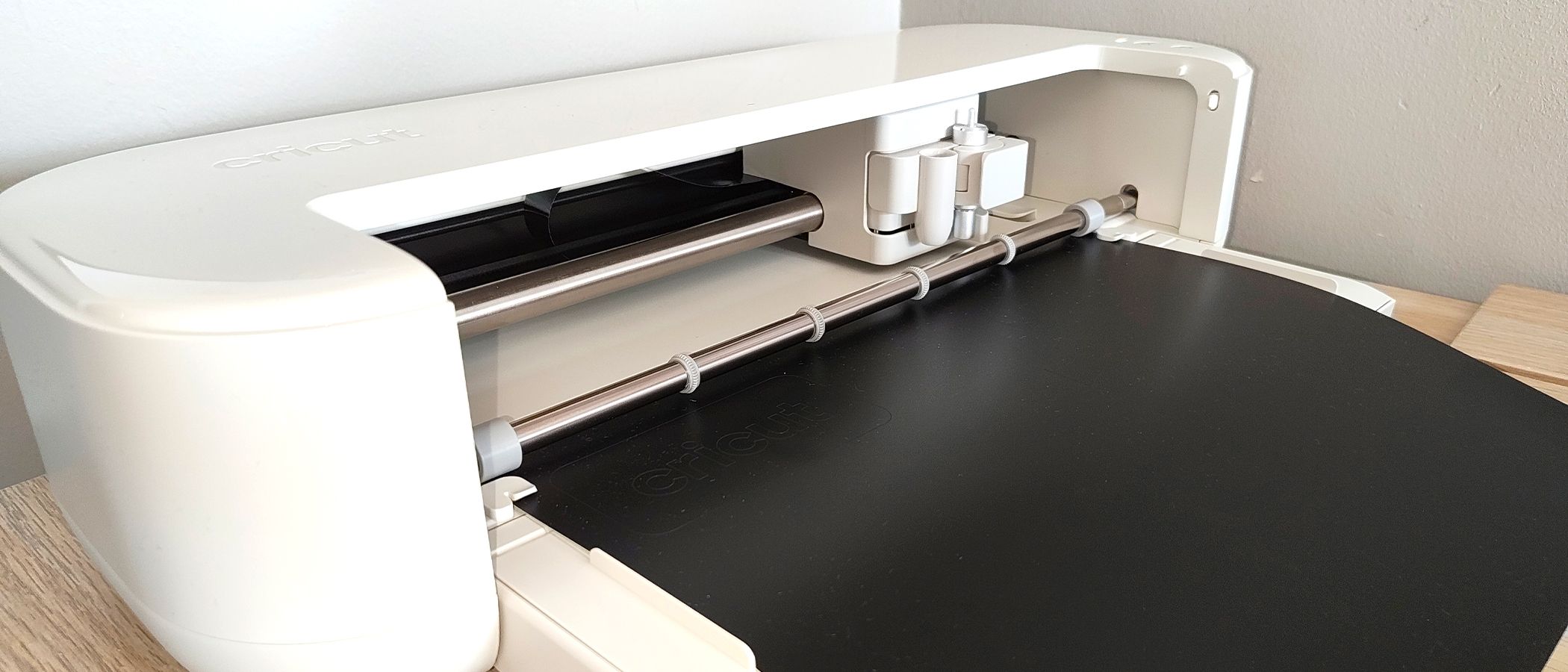
Design Evolution and Spatial Efficiency
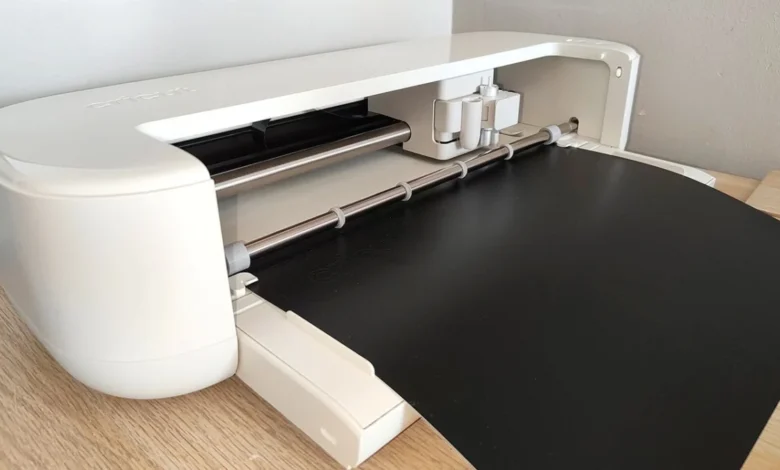
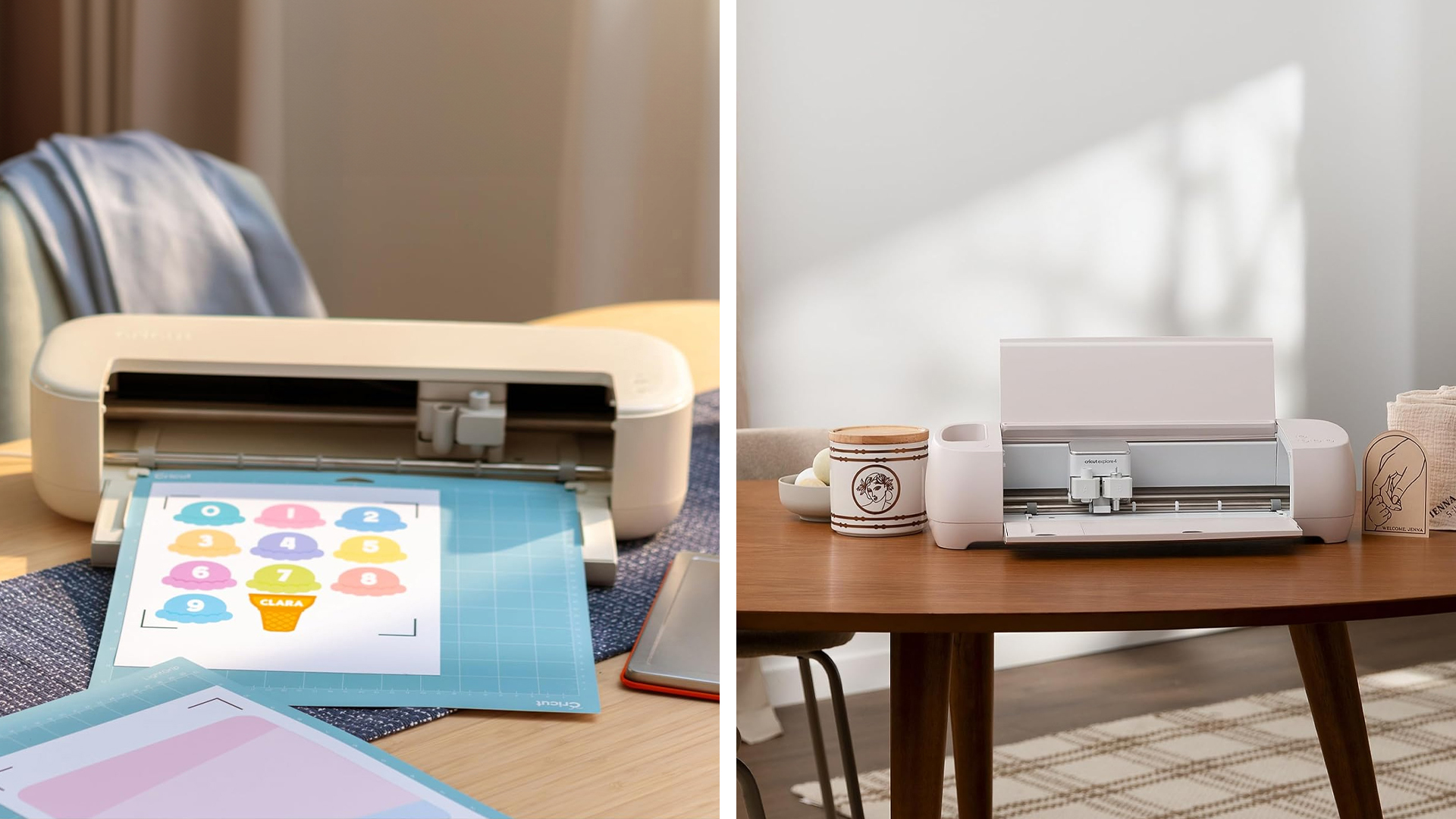
One of the most immediate and impactful changes in the Cricut Explore 5 is its physical footprint. In an era where home workspaces are increasingly multi-functional, the footprint of a desktop machine is a critical consideration. The Explore 5 measures approximately 19.8 by 4.7 inches, a notable reduction in size compared to the Explore 4. This sleeker, more compact profile allows the machine to occupy a permanent position on a standard craft desk or bookshelf, eliminating the need to store and retrieve the device between projects.
The aesthetic direction of the Explore 5 continues Cricut’s trend of drawing inspiration from high-end consumer electronics. The cleaner, more minimalist design language mirrors the industrial design of modern tablets and laptops, moving away from the bulkier, more utilitarian look of early 2010s models. Despite the reduction in size, the machine maintains a robust build quality, providing the stability necessary for high-precision cutting.
Technical Performance: Speed, Sound, and Precision
In the world of digital cutting, performance is measured by three primary metrics: speed, noise level, and accuracy. The Explore 5 shows measurable improvements in all three categories.
- Increased Cutting Velocity: The Explore 5 is engineered for efficiency. Whether utilizing the machine for intricate vinyl lettering or simple cardstock shapes, the time from "send to mat" to project completion is noticeably shorter than previous generations. This increase in speed does not come at the expense of quality; the machine maintains clean edges and sharp corners even on complex designs.
- Noise Reduction Technology: Previous iterations of the Explore range were known for a distinct mechanical "chugging" sound during operation. The Explore 5 features a refined motor system that operates with a significantly lower decibel output. This makes the machine suitable for use in shared living spaces or during late-night crafting sessions without causing disruption.
- Enhanced Motion Control: The cutting and drawing performance of the Explore 5 is smoother than its predecessors. Older models occasionally suffered from a slight mechanical "sway" or vibration when the blade carriage moved rapidly across the X-axis. The Explore 5 utilizes updated firmware and hardware stabilization to ensure that the blade and pen movements are fluid, resulting in higher fidelity for small-scale projects.
The Starter Bundle: A Strategic Entry Point
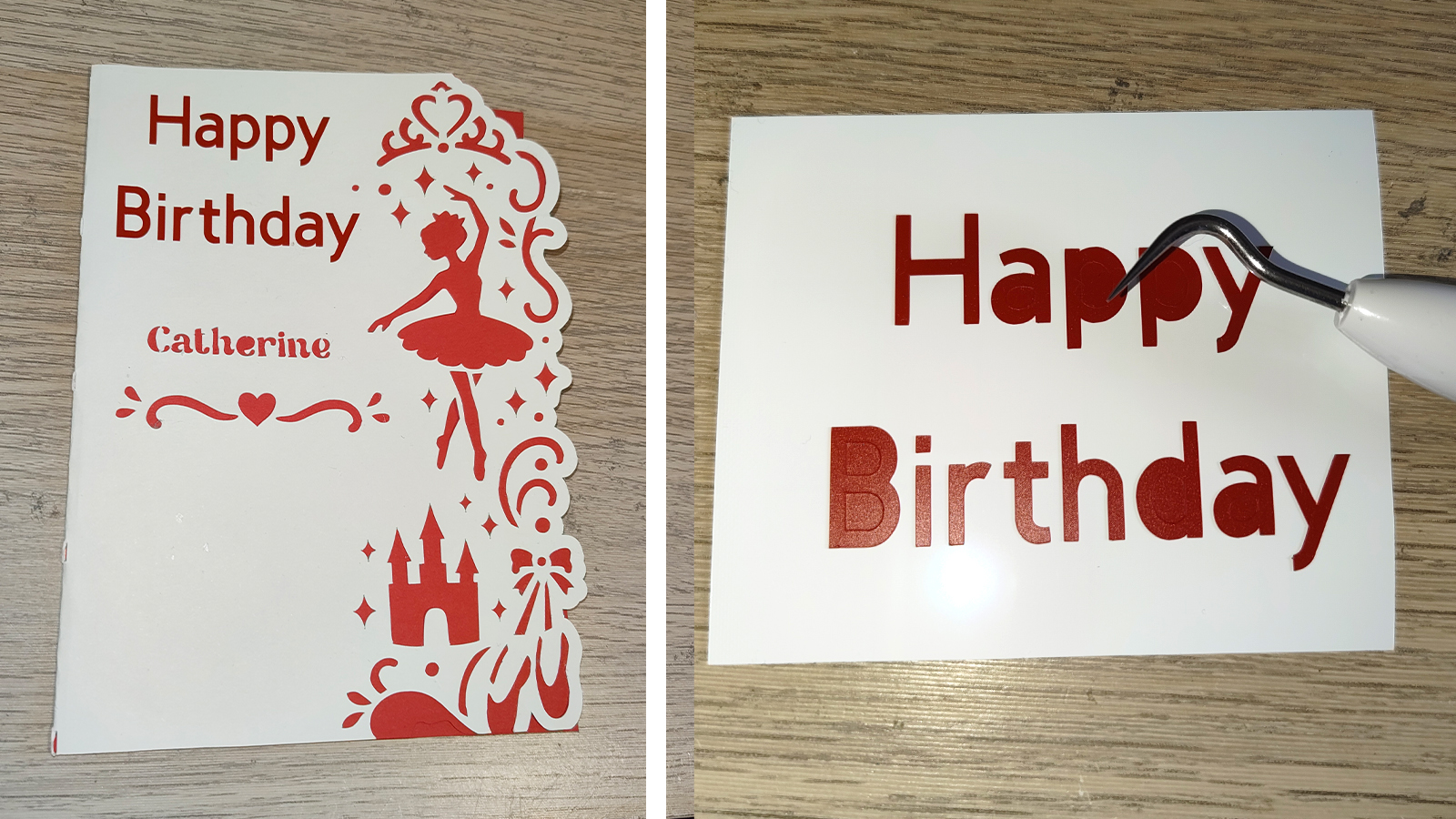
Cricut has strategically packaged the Explore 5 to provide immediate utility for first-time users. The inclusion of a comprehensive accessory kit addresses one of the primary hurdles for beginners: the "hidden costs" of starting a new hobby. The bundle includes a LightGrip cutting mat, a portable paper trimmer, a double card mat, a fine-point pen, and a variety of essential tools including a spatula, weeder, and scraper.
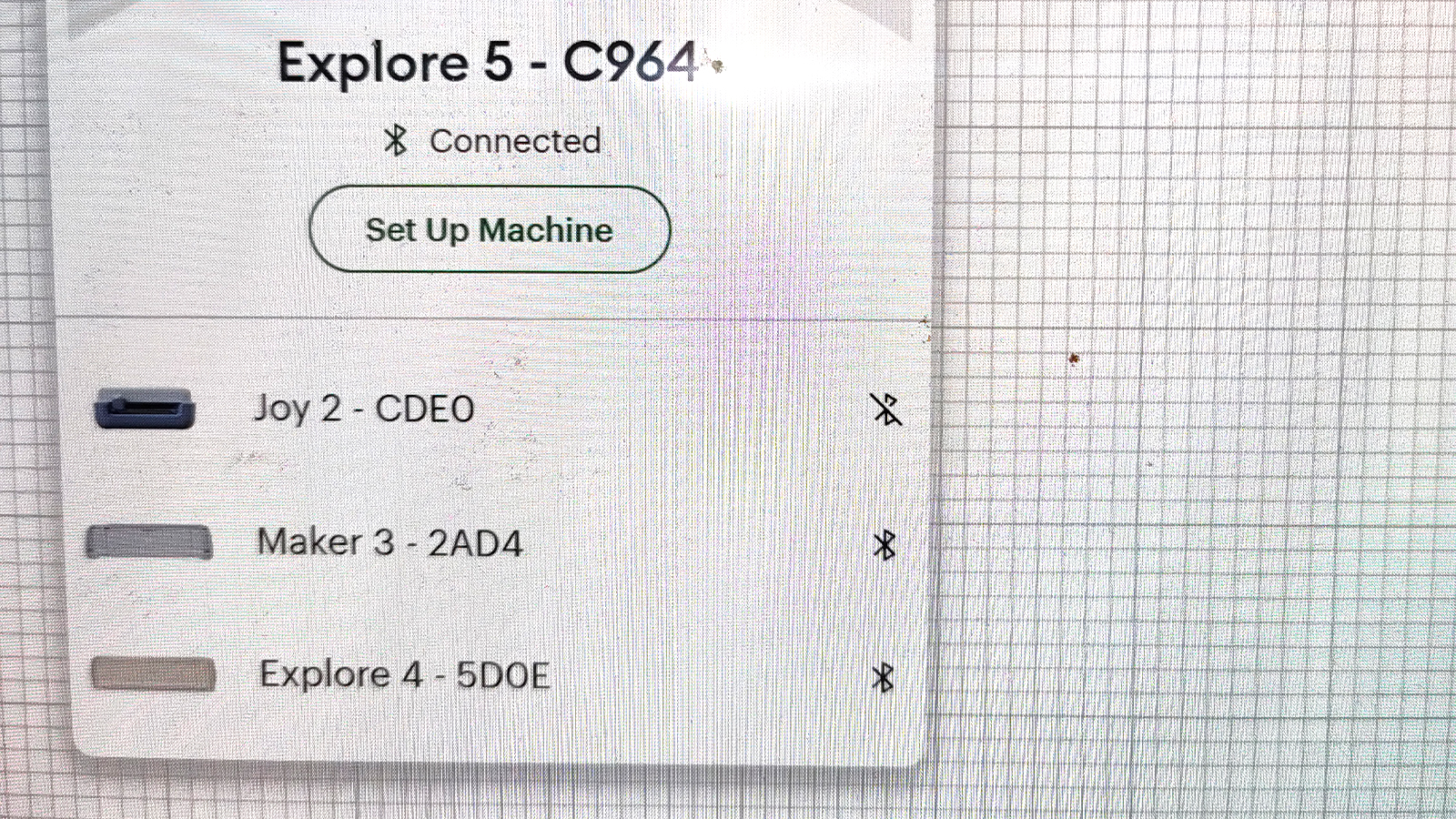
Perhaps the most significant addition to the bundle is the scoring stylus. In previous Explore iterations, the scoring tool was often sold separately. By including it in the box, Cricut has expanded the machine’s immediate capabilities to include paper engineering, allowing users to create professional-quality fold lines for gift boxes, invitations, and 3D paper crafts. The inclusion of sample materials—Smart Permanent Vinyl, Smart Iron-On, and printable vinyl—ensures that the user can complete their first project within minutes of unboxing.
A Chronology of the Explore Series
To understand the positioning of the Explore 5, it is helpful to look at the lineage of the series:
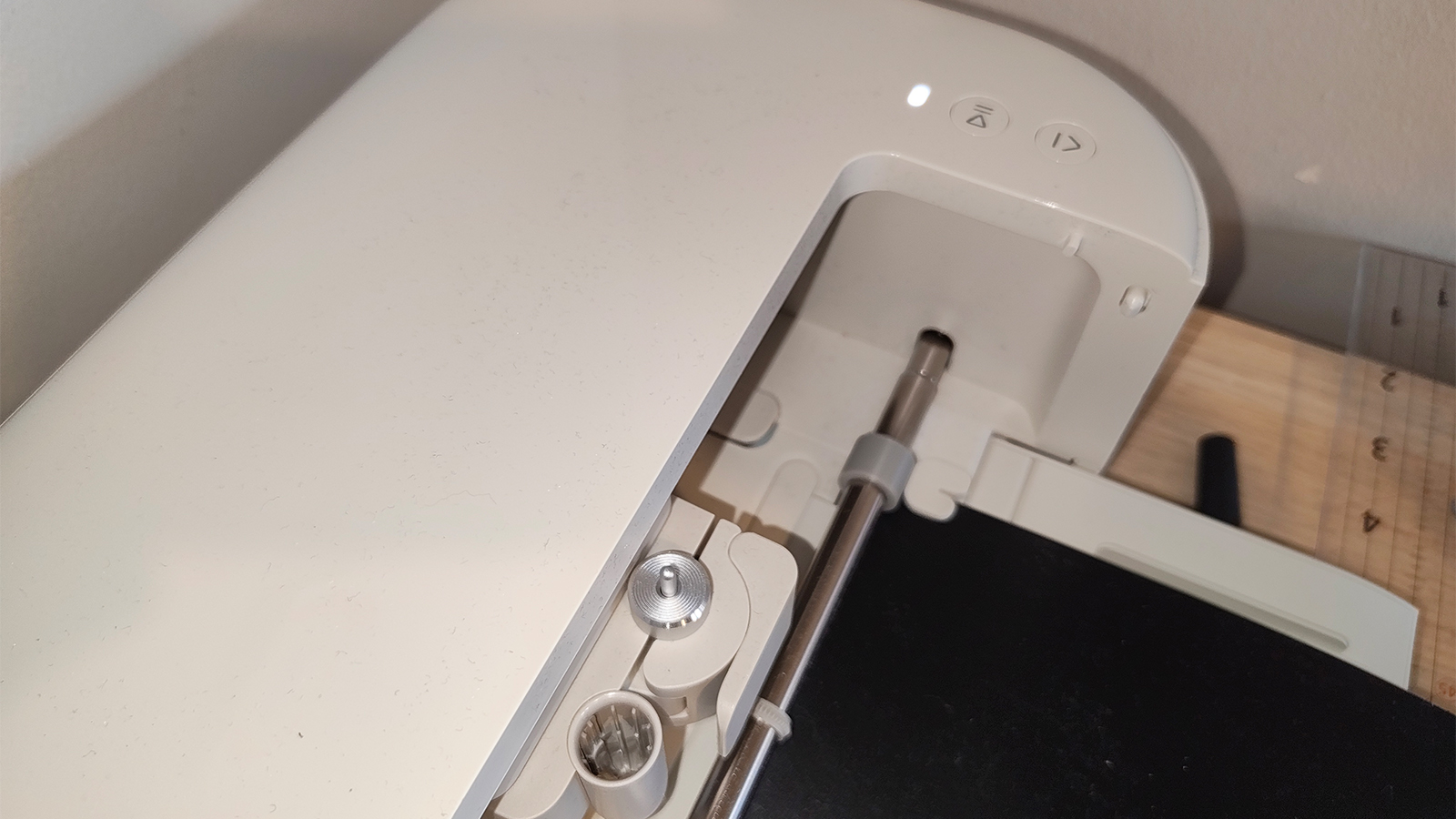
- Cricut Explore Air & Air 2: Introduced wireless Bluetooth connectivity and "Fast Mode," setting the standard for the modern home cutting machine.
- Cricut Explore 3: Introduced "Smart Materials," allowing for matless cutting of up to 12 feet in length, significantly increasing productivity for large-scale decals.
- Cricut Explore 4: Focused on minor hardware stability and slight speed increments.
- Cricut Explore 5: The current pinnacle of the range, optimizing the footprint, further reducing noise, and streamlining the software-to-hardware workflow.
This progression shows a clear trend: Cricut is no longer chasing massive jumps in cutting force (which is reserved for the Maker line) but is instead focusing on the "quality of life" features that make the machine a seamless part of a creative workflow.
The Software Experience: Cricut Design Space
While the hardware of the Explore 5 is nearly beyond reproach for its class, the software remains a point of contention for advanced users. Cricut Design Space is the proprietary application required to operate the machine. It is designed with a "mobile-first" philosophy, making it highly accessible for those who prefer to design on tablets or smartphones.
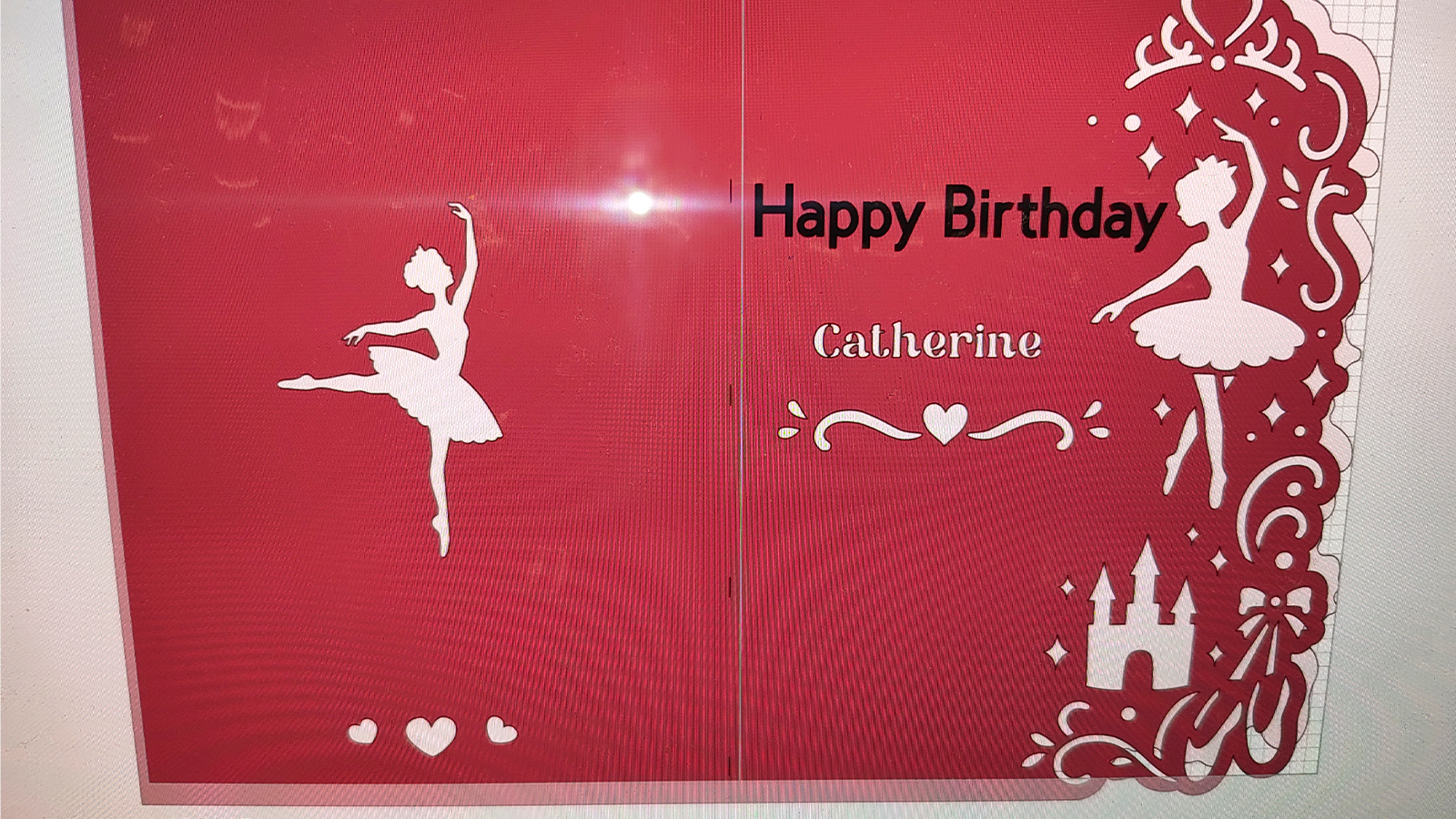
The software features an extensive library of pre-made projects and an increasingly capable AI-assisted design generator. For beginners, the step-by-step project guides are an invaluable resource, demystifying the process of layering vinyl or assembling complex cards.
However, professional designers often find Design Space limiting. The editing tools lack the depth found in industry-standard software such as Adobe Illustrator or Affinity Designer. Most professional "Cricut-preneurs" choose to create their vector files (SVGs) in external programs and import them into Design Space only for the final cutting phase. While Design Space is functional and stable, it remains the one area where the user experience occasionally lags behind the sophistication of the physical machine.
Comparative Analysis: Explore 5 vs. Maker 4
For consumers deciding between the Explore 5 and the more expensive Maker 4, the choice depends entirely on the materials intended for use.
- The Explore 5 is the "everyday" machine. It is optimized for over 100 materials, including various weights of paper, cardstock, vinyl, and iron-on (HTV). It uses a drag-blade system that is perfect for thin to medium-thickness substrates.
- The Maker 4 is the "industrial" version. It features a sophisticated Adaptive Tool System that provides 10 times the cutting force of the Explore series. This allows the Maker to use a rotary blade for unbacked fabric, a knife blade for heavy woods (like balsa and basswood), and engraving tips for metal and leather.
If a user’s primary goal is scrapbooking, card making, or creating custom apparel with vinyl, the Explore 5 offers superior value. The Maker 4 is only necessary for those looking to branch into quilting, woodworking, or heavy leathercraft.
Broader Impact and Market Implications
The launch of the Explore 5 comes at a time when the "Side Hustle Economy" continues to grow. Platforms like Etsy and Shopify have seen a surge in small businesses specializing in personalized goods. The Explore 5 is specifically positioned to support these micro-businesses. Its increased speed allows for higher throughput, while its compact size makes it viable for those operating out of small apartments or home offices.
Furthermore, the machine’s ease of use has implications for the educational sector. Many "Maker Spaces" in schools and libraries have adopted Cricut machines as a way to introduce students to digital fabrication and STEM concepts. The Explore 5’s streamlined setup and safety-conscious design make it an ideal candidate for these environments.
Final Verdict: A Refined Powerhouse
The Cricut Explore 5 does not reinvent the wheel; rather, it ensures the wheel turns faster, more quietly, and with greater precision. It is a machine that respects the user’s time and space. For those currently using an Explore Air 2 or an older model, the transition to the Explore 5 will feel like a significant technological leap. For the first-time buyer, it represents the most user-friendly and comprehensive package currently available in the mid-range cutting market.
By focusing on thoughtful upgrades—such as the included scoring stylus and the reduced footprint—Cricut has solidified the Explore 5’s position as the benchmark for home crafting. It remains a testament to the brand’s ability to listen to its community and deliver a product that balances professional-looking results with the approachability of a household appliance. While the software continues to evolve, the hardware of the Explore 5 is a definitive success, offering a reliable, high-performance solution for the modern creator.