Gemini app rolls out major side panel and settings redesign on Android following the Gemini 4 Argon update


Following the recent transition to the Spark-to-Task task management architecture, Google has officially deployed a significant user interface overhaul for the Gemini application on Android. This latest update, which follows a parallel rollout across iOS, macOS, and web platforms last week, seeks to streamline user navigation and unify the fragmented settings architecture that has characterized the AI assistant’s experience throughout 2026.
The Evolution of the Gemini Interface
The update represents the most substantial aesthetic and functional shift in the Gemini app since its integration as a primary Android assistant. For many months, user feedback indicated that the navigation drawer and the dual-layered settings menu were becoming increasingly cumbersome as Google added features like "Gems," "Scheduled," and "Daily Brief" to the platform.
The primary change to the side panel involves the relocation of the search functionality to the top-right corner. This adjustment creates a more intuitive workflow, separating global search from the contextual chat navigation. The "New Chat" button retains its position as the primary call-to-action, but the "Library" tab has been elevated to a more prominent position. This shift is designed to reduce the friction users experience when attempting to toggle between active sessions and their historical archives.
Managing Navigation Density
To address the issue of interface clutter, Google has implemented a dynamic expansion system within the navigation drawer. The app now limits the visible list to five items, introducing a "More" expansion button that reveals the remainder of the user’s tools. For subscribers to the AI Ultra tier, the expanded list is comprehensive: New Chat, Library, Images, Scheduled, Daily Brief, Customize, Students, Videos, and Gems.
This design choice reflects a broader trend in mobile productivity software—prioritizing essential, high-frequency actions while tucking auxiliary tools behind modular menus. By limiting the initial view, Google ensures that the app remains performant and visually accessible, even for users who have populated their accounts with a wide array of customized "Gems" or scheduled automation tasks.
Consolidation of the Settings Architecture
Perhaps the most impactful aspect of this update is the total consolidation of the settings menu. Previously, the Gemini app suffered from a split-personality configuration: preferences were awkwardly divided between the account-specific menu and a separate "Gemini Settings" dashboard.
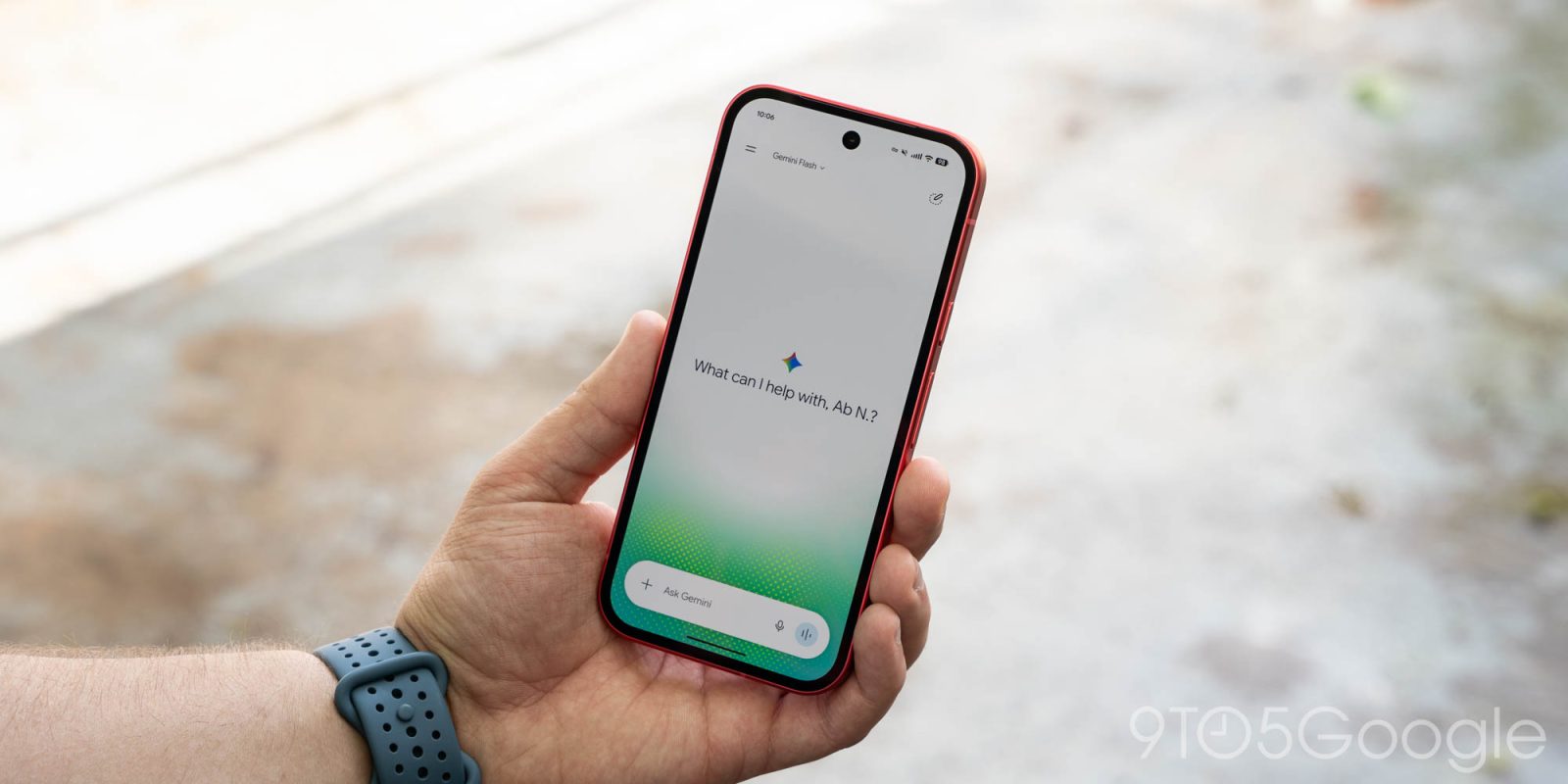
The new, unified settings page serves as a centralized hub for all user preferences. The account menu has been stripped down to its core functions—switching between Google profiles, providing feedback, and accessing help documentation. This simplification allows the "Settings" page to act as the primary interface for personalization.
The new configuration is organized under clear headers:
- Account Management: Direct access to account profiles and usage limits.
- Preferences: A comprehensive list including Notifications, Personal Intelligence, Avatar customization, Task settings, the newly added Theme selector, Skills, Voice, Media, Device controls, Cart and orders, and Gemini Notebook.
The introduction of the "Theme" setting within the app suggests that Google is moving toward greater parity between its mobile applications and its web-based services, allowing users to decouple the app’s appearance from system-wide Android dark/light mode settings if desired.
Chronology of the Gemini 4 Argon Transition
The path to this interface redesign has been marked by a rapid series of updates intended to transform Gemini from a simple chatbot into a comprehensive productivity ecosystem.
- September 2026: Google announces the roadmap for the "Argon" series of updates, signaling a move toward more agentic behavior where the AI performs tasks across integrated apps.
- October 12, 2026: The "Spark-to-Task" update is pushed to early adopters, fundamentally changing how Gemini processes complex requests into discrete, actionable tasks.
- October 13, 2026: Google releases Gemini 4 Argon to web, macOS, and iOS users. This update included the foundational UI changes that were missing from the Android version at that time.
- October 16, 2026: Integration of the "Universal Cart" shopping feature begins, adding to the growing list of settings managed within the app.
- Present Day: The server-side update brings the Android version into parity with the rest of the ecosystem, marking the completion of this design cycle.
Contextual Analysis: Why the Redesign Matters
The shift in interface design is not merely cosmetic; it signals a strategic pivot in how Google views the role of Gemini. By consolidating "Cart and orders," "Scheduled" tasks, and "Gemini Notebook" into a single settings menu, Google is positioning Gemini as an operating system layer rather than a standalone app.
Data analysts tracking the AI space have noted that as AI models become more capable of executing multi-step workflows, the user interface becomes the primary competitive differentiator. A user who cannot find the "Scheduled" tasks or the "Gems" configuration is less likely to utilize the paid features of the AI Ultra subscription. Therefore, the "More" button and the unified settings page are tactical responses to the increased complexity of the Gemini feature set.
Furthermore, the integration of "Personal Intelligence" settings into the main menu suggests that Google is doubling down on privacy-centric, on-device processing. Users now have a clear, singular location to toggle the extent to which the model learns from their personal data, providing a more transparent experience that may help mitigate concerns regarding data harvesting in AI assistants.

Industry Implications and User Impact
The design language shift toward a more modular, expandable sidebar is consistent with other industry leaders, such as Microsoft’s Copilot and OpenAI’s ChatGPT. However, Google’s inclusion of system-level controls—such as "Device controls" and "Cart and orders"—sets its offering apart by bridging the gap between an AI assistant and an e-commerce/home automation platform.
For the average Android user, the primary benefit of this update will be a reduction in the "hunt and peck" approach to menu navigation. By placing the most relevant tools—Library and New Chat—at the forefront, Google is optimizing for the "quick query" use case, which accounts for the vast majority of mobile interactions.
Conversely, power users who utilize Gemini for complex project management or educational purposes (via the "Students" and "Videos" categories) will benefit from the organization of the expanded list. The ability to manage these specific tools under a single settings umbrella reduces the cognitive load required to maintain a customized AI workflow.
Looking Ahead
While this update concludes a major phase of the Gemini 4 Argon rollout, industry observers expect Google to continue refining the "Skills" section of the settings menu. As the model gains the ability to interface with third-party applications more natively, the settings menu will likely expand further to include API management and third-party plugin configurations.
Google has not yet commented on whether further UI changes are planned for the remainder of the year, but the stability of the current interface suggests that the company is satisfied with the current layout as a foundation for future "Agentic" capabilities. For now, Android users can expect the update to be active upon the next app refresh, provided they are running the latest version of the Gemini application from the Play Store.
As the AI arms race continues, the battle will not be won by model parameters alone, but by the efficiency with which those models are delivered to the user. With this latest update, Google has demonstrated a commitment to balancing the increasing complexity of its AI with the need for a clean, intuitive, and highly functional mobile user experience.