Mastering Action Camera Footage: How to Eliminate Aliasing and Jaggies in Post-Production

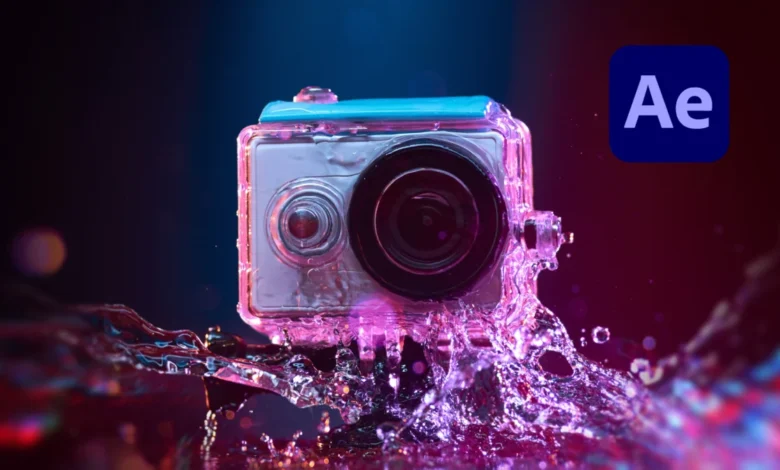
The rapid advancement of consumer electronics has made high-resolution recording devices accessible to millions of creators worldwide. Compact action cameras, aerial drones, and modern smartphones allow enthusiasts and professionals alike to capture dynamic, high-speed perspectives that were once technically impossible or financially prohibitive. However, the miniaturization of hardware necessary to produce these lightweight devices introduces optical and digital compromises. Among the most persistent technical challenges plaguing content creators is aliasing—a form of visual distortion that manifests as jagged, stair-stepped edges and distracting flickering on high-contrast lines.
Addressing this common hurdle in post-production has traditionally required blunt-force solutions that degrade overall image fidelity. Fortunately, recent workflow developments, including specialized free plugins for Adobe After Effects, offer sophisticated alternatives that preserve critical details while eliminating unwanted artifacts. Understanding the root causes of aliasing, the limitations of legacy correction techniques, and modern software solutions can significantly elevate the production value of handheld and mounted camera footage.
Anatomy of Visual Distortion: What is Aliasing?
Aliasing is a digital sampling error that occurs when a recording device’s sensor fails to capture a high enough density of data to accurately represent a fine, high-contrast pattern or edge. In digital videography, every frame is composed of a finite grid of pixels. When linear elements, water ripples, distant foliage, or architectural patterns intersect with this rigid grid at sharp angles, the sensor struggles to calculate intermediate color and luminance values.

The result is a distinct visual failure: smooth diagonal lines break down into aggressive, pixelated steps. In motion picture workflows, this artifact is frequently compounded by temporal aliasing, where moving objects cause the jagged edges to shimmer, crawl, or flicker violently from frame to frame. While any digital camera can theoretically exhibit aliasing under specific optical conditions, the phenomenon is exponentially more prevalent in action cameras, pocket-sized gimbals, drones, and cell phones due to specific physical constraints in their engineering.
Hardware Constraints: Why Action Cameras Are Prone to Artifacts
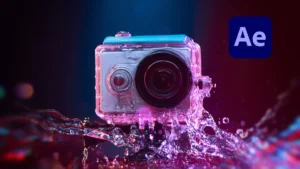
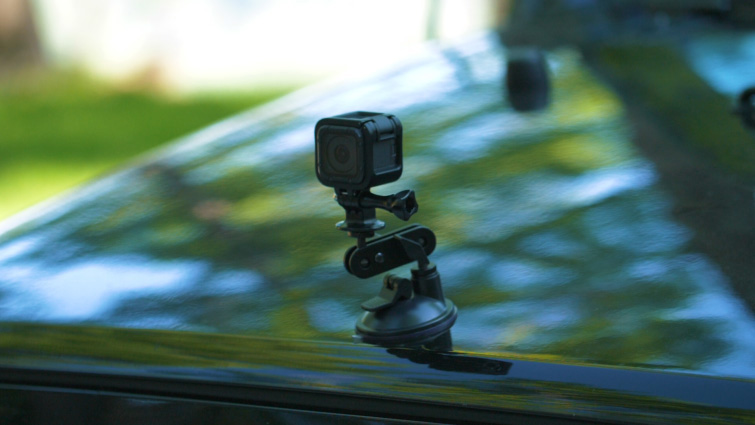
The primary catalyst for aliasing in action camera footage lies in the fundamental physics of compact sensor design. To maintain a lightweight, durable form factor that can be mounted to helmets, surfboards, and racing vehicles, manufacturers must utilize physically small image sensors. Despite boasting high resolutions such as 4K or 5.6K, the photosites on these diminutive sensors are densely packed and physically tiny, severely limiting their light-gathering capacity and dynamic range.
Compounding this physical limitation is a pervasive software-side decision made by most action camera manufacturers: aggressive in-camera sharpening. Because action cameras are frequently used out-of-the-box by consumers expecting punchy, high-contrast images, manufacturers bake high sharpening algorithms directly into the firmware processing pipeline. This digital enhancement artificially boosts contrast along edges, making the image appear crisp on small screens. However, when viewed on high-resolution monitors or large displays, this over-sharpening amplifies the visibility of sampling errors, turning minor aliasing into a major visual distraction.
Furthermore, high-compression codecs utilized by these devices to manage massive data rates at smaller file sizes introduce compression artifacts. These macroblocks and color quantization errors interact negatively with jagged edges, exacerbating the aliasing effect and making the footage exceedingly difficult to grade or broadcast professionally.
The Legacy Approach: The Limitations of Gaussian Blur
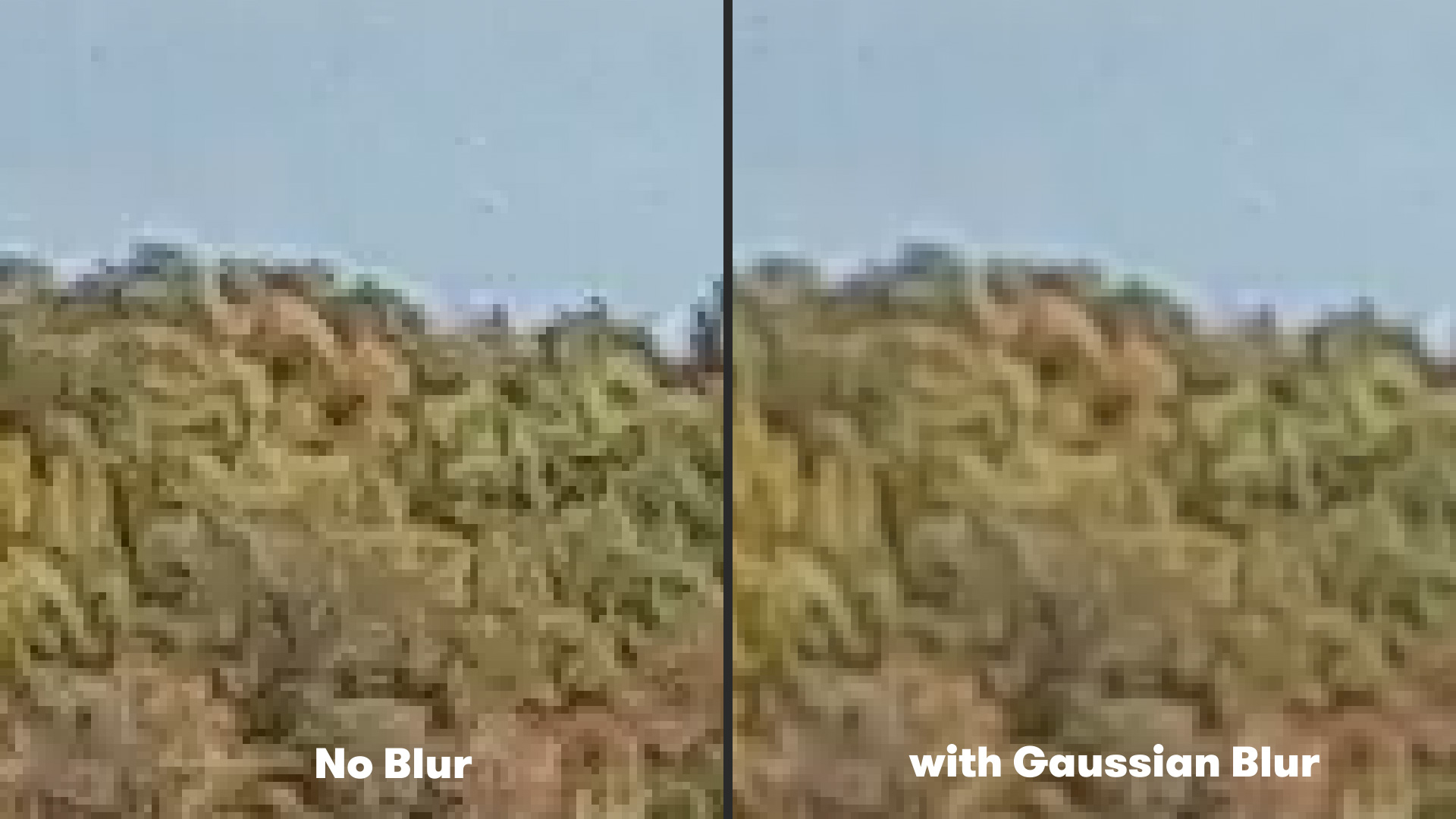
Historically, video editors and digital artists relied on basic global blur filters to combat severe aliasing and flickering on action camera clips. The standard remediation technique within Adobe After Effects involved navigating to the Effect menu, selecting Blur and Sharpen, and applying a traditional Gaussian Blur with a minimal radius—typically set to a value of two.
While this blanket approach successfully softens high-contrast edges and dampens the flickering caused by temporal aliasing, it comes at a steep creative cost. Because Gaussian Blur applies a uniform mathematical algorithm across every pixel in the frame, it cannot distinguish between unwanted jagged edges and vital fine details. Consequently, subtle textures, background sharpness, and intricate surface details across the entire composition are sacrificed to fix localized aliasing issues. For professional filmmakers striving to maintain crisp, cinematic clarity, softening an entire shot just to tame a flickering fence line or water trail is rarely an acceptable compromise.
Modern Post-Production Workflow: Leveraging the FXAA Plugin
To overcome the destructive nature of global blurring, modern post-production pipelines increasingly utilize advanced edge-detection algorithms originally developed in the computer graphics and gaming industries. One of the most efficient tools adapted for video editing is Fast Approximate Anti-Aliasing, commonly known as FXAA.
FXAA is available as a free plugin for Adobe After Effects through developer platforms such as Plugin Everything. Unlike traditional blur filters that treat every pixel equally, FXAA operates via a sophisticated edge-detection algorithm. The plugin analyzes the luminance and contrast values across the frame to identify specific geometric boundaries where aliasing and jaggies occur. Once these problematic edges are isolated, the plugin applies a localized, intelligent smoothing process exclusively to those jagged transitions, leaving the rest of the image untouched.
The integration of FXAA into an After Effects workflow is remarkably straightforward. Editors simply import their footage into a composition, select the target layer, and navigate to the effect menu to apply the plugin. Because the underlying algorithm is mathematically optimized for speed, FXAA renders exceptionally fast, making it ideal for tight deadlines and high-resolution 4K timelines.
Moreover, the plugin offers modular scalability. If a particularly stubborn piece of action camera footage exhibits severe, multi-layered aliasing, editors can stack multiple instances of the FXAA effect within the After Effects effect controls panel. This cumulative stacking allows artists to dial in the exact level of edge softening required without compromising the overall clarity of the primary subject matter.
Broader Implications for Content Creators and Indie Filmmakers
The democratization of extreme sports and travel videography has raised audience expectations regarding visual quality. Consumers no longer excuse shaky, distorted, or poorly processed video simply because it was captured on a rugged, pocket-sized device. As action camera technology continues to evolve—incorporating larger sensors, higher frame rates, and advanced internal stabilization—the demand for robust post-production repair tools remains critical.
Software solutions like FXAA bridge the gap between consumer-grade hardware capture and professional-grade delivery standards. By moving away from destructive global blurring and adopting intelligent, edge-aware anti-aliasing techniques, indie filmmakers and commercial editors can salvage difficult footage, eliminate distracting visual distractions, and deliver clean, polished content suitable for theatrical, broadcast, and digital platforms. As post-production developers continue to adapt real-time rendering algorithms for editorial suites, the toolkit available to combat optical limitations will only expand, ensuring that the boundary between professional cinema cameras and consumer action devices continues to narrow.