Mastering Audio Automation: How Dynamic Software Control Transforms Video Editing and Sound Design

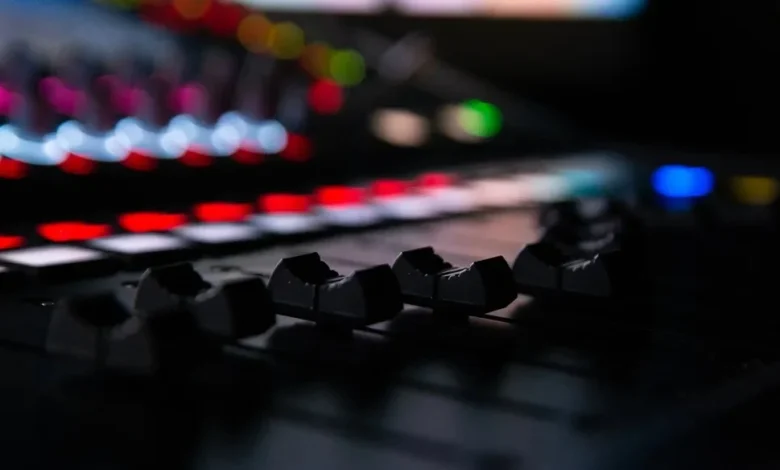
In the intricate realm of modern post-production, bridging the gap between compelling visuals and pristine soundscapes requires far more than basic digital editing. While high-definition video captures the eye, the human ear demands an equally sophisticated auditory experience to achieve true immersion. Among the most potent, yet frequently underutilized, tools in a sound engineer or video editor’s arsenal is audio automation. By allowing software to dynamically adjust parameters over time, automation transforms static, two-dimensional sound into a living, breathing component of a multimedia project.
The Evolution and Definition of Audio Automation
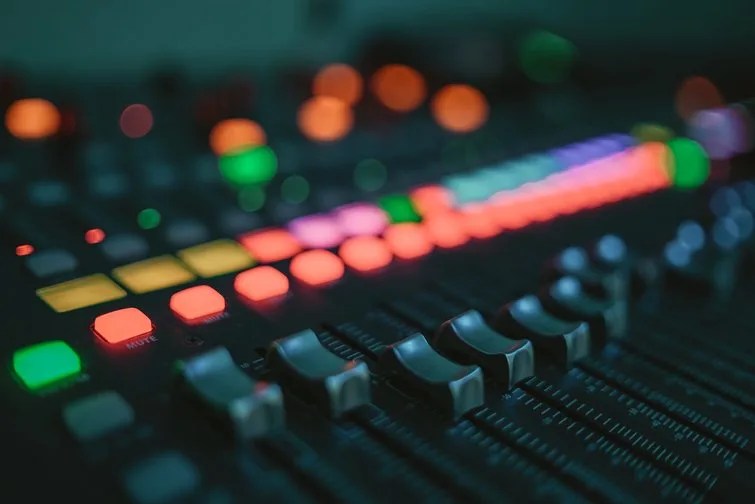
At its core, audio automation is the software-driven process of modifying various audio parameters—such as volume, stereo panning, and effects levels—automatically as a timeline progresses. Historically rooted in the physical mixing consoles of mid-20th-century recording studios, where engineers manually rode faders during live takes, modern digital audio workstations (DAWs) and non-linear editing (NLE) systems have revolutionized the practice.
The historical transition from analog hardware automation to digital software control represents one of the most significant leaps in audio engineering history. In the analog era of the 1970s and 1980s, automation systems were prohibitively expensive, relying on voltage-controlled amplifiers (VCAs) and cumbersome moving-fader technology accessible only to top-tier commercial recording studios. The advent of MIDI in the early 1980s and the subsequent rise of software-based DAWs in the 1990s democratized these capabilities. Today, independent filmmakers, bedroom music producers, and corporate media creators alike have access to virtually limitless automation tracks, enabling a degree of precision that pioneering sound designers could only achieve through painstaking, multi-layer tape splices.
Industry data compiled across post-production workflows indicates that projects utilizing advanced automation require significantly fewer corrective mixing passes in final delivery stages. According to technical surveys of broadcast and film mixing facilities, properly automated dialogue and sound effects can reduce perceived listening fatigue by up to 30%, as the human brain does not have to constantly strain to decipher fluctuating or masked audio frequencies.

Navigating Automation Modes: Write Versus Trim
To effectively harness the power of automation, editors must master the primary operational modes found within modern editing suites: Write mode and Trim mode. Each serves a distinct function in the creation and refinement of dynamic data curves.
Write Mode serves as the active capture phase of automation. When a track is armed in Write mode, any real-time manual adjustments made by the editor—whether pushing a volume fader, shifting a pan knob, or altering an effect send—are instantly recorded as automation data along the timeline. This mode is essential for capturing organic, performance-based movements, such as a natural fade-out or a dynamic sweep during a scene transition.
Trim Mode, conversely, is designed for post-capture refinement. Once automation data has been written, switching to Trim mode allows the editor to modify existing automation curves without overwriting the foundational performance data. Instead of starting from scratch, users can add new automation points, scale entire sections up or down, or smooth out abrupt transitions. This non-destructive editing approach is vital for fine-tuning complex mixes where a blanket adjustment is needed over a pre-existing dynamic contour.
The Critical Role of Automation in Dialogue Mixing
Dialogue clarity is universally recognized as the single most critical element in narrative filmmaking. Audiences will frequently forgive minor visual imperfections, but unintelligible dialogue will immediately pull a viewer out of a cinematic experience. Automation serves as a frontline defense in achieving broadcast-standard dialogue clarity.
Volume automation is indispensable when dealing with production audio recorded in acoustically challenging or noisy environments. Consider a common cinematic scenario: a character begins speaking while positioned far off-screen, gradually walking into a close-up shot. Without automation, the dialogue would remain at a static volume, defying spatial logic. By implementing progressive volume automation, editors can seamlessly scale the vocal track up as the character approaches the camera, creating an authentic sense of physical proximity.
Furthermore, spatial positioning through panning automation enhances psychological immersion. When dialogue emanates from an off-screen source—such as a character speaking from the left side of a room—panning automation roots the voice to that specific coordinate in the soundstage. As the character moves across the frame, the audio pans dynamically to match the visual vector, reinforcing the geography of the scene.
Equalization (EQ) automation further elevates dialogue quality in post-production. Environmental variables often introduce unwanted low-frequency rumbles (such as traffic or HVAC systems) while masking vital mid-to-high frequency consonantal sounds necessary for speech intelligibility. By automating EQ parameters over time, engineers can dynamically suppress low-end mud during quiet passages or selectively boost mid-range frequencies precisely when a speaker’s enunciation becomes muffled.
Enhancing Music and Sound Effects Through Dynamic Control
While dialogue prioritizes clarity and conciseness, music and sound effects (SFX) offer a broader canvas for creative experimentation through automation. Sound designers frequently utilize effects automation to inject character, depth, and emotional resonance into a project.
Reverb and delay automation, for instance, can drastically alter the perceived environment of a sound effect or musical cue. Automating a reverb send to increase exponentially during a transitional moment can create a swelling, atmospheric effect that builds tension before a narrative reveal. Similarly, tempo and pitch automation allow producers to manipulate musical elements to mirror on-screen psychological states, such as a gradual acceleration of a rhythmic pulse to signify rising panic.
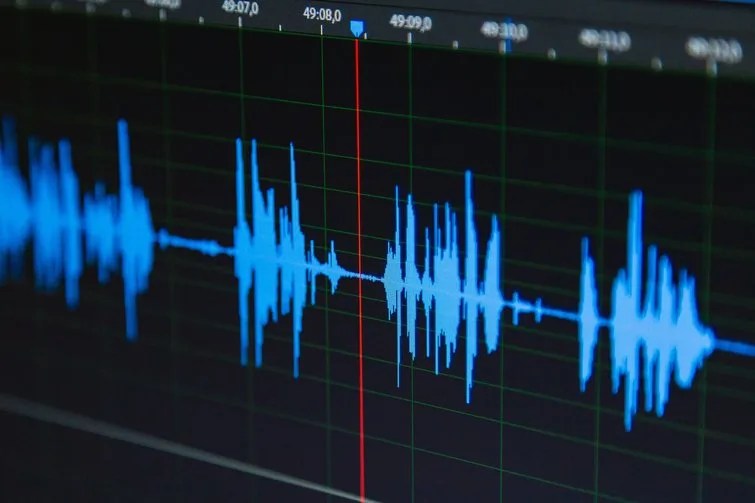
Fades and transitions represent another domain where automation prevents jarring listening experiences. Sustained sound effects—such as wind, machinery, or ambient room tone—often suffer from abrupt cut-offs when edited rigidly against visual cuts. By drawing smooth automation envelopes for volume and filter cutoffs, editors achieve seamless crossfades, ensuring that background ambiances breathe naturally alongside the visual edit.
Industry Implications and Professional Recommendations
The broader adoption of automation in video editing software—spanning platforms like DaVinci Resolve’s Fairlight, Adobe Audition, and Pro Tools—has fundamentally altered the division of labor in post-production. While dedicated re-recording mixers once held a monopoly on complex automation passes, modern NLE integrations empower video editors to rough-in sophisticated audio mixing concurrently with the picture edit.
However, industry veterans caution against over-automation. Excessive or erratic parameter adjustments can introduce pumping artifacts, phase cancellation, or unnatural listening anomalies that distract from the narrative. Professional standards dictate that automation should always serve the story, operating below the threshold of conscious awareness to support the emotional intent of the scene.
For editors looking to elevate their craft, industry professionals recommend a dedicated regimen of deliberate practice. Beginners are encouraged to download royalty-free music tracks or isolated sound effects libraries and spend time in their DAW’s automation view. Starting with basic volume rides on dialogue tracks before advancing to complex multi-parameter effects automation helps train the ear to recognize the subtle symbiotic relationship between sound and image.
Ultimately, audio automation bridges the technical divide between raw media assets and a polished, professional final cut. By embracing the creative potential of automated parameter control, editors can unlock new dimensions of depth, clarity, and emotional resonance in their storytelling.
Related posts: