Google Rolls Out Android 17 QPR2 Beta 5 to Pixel Devices with Crucial Bug Fixes and Performance Enhancements


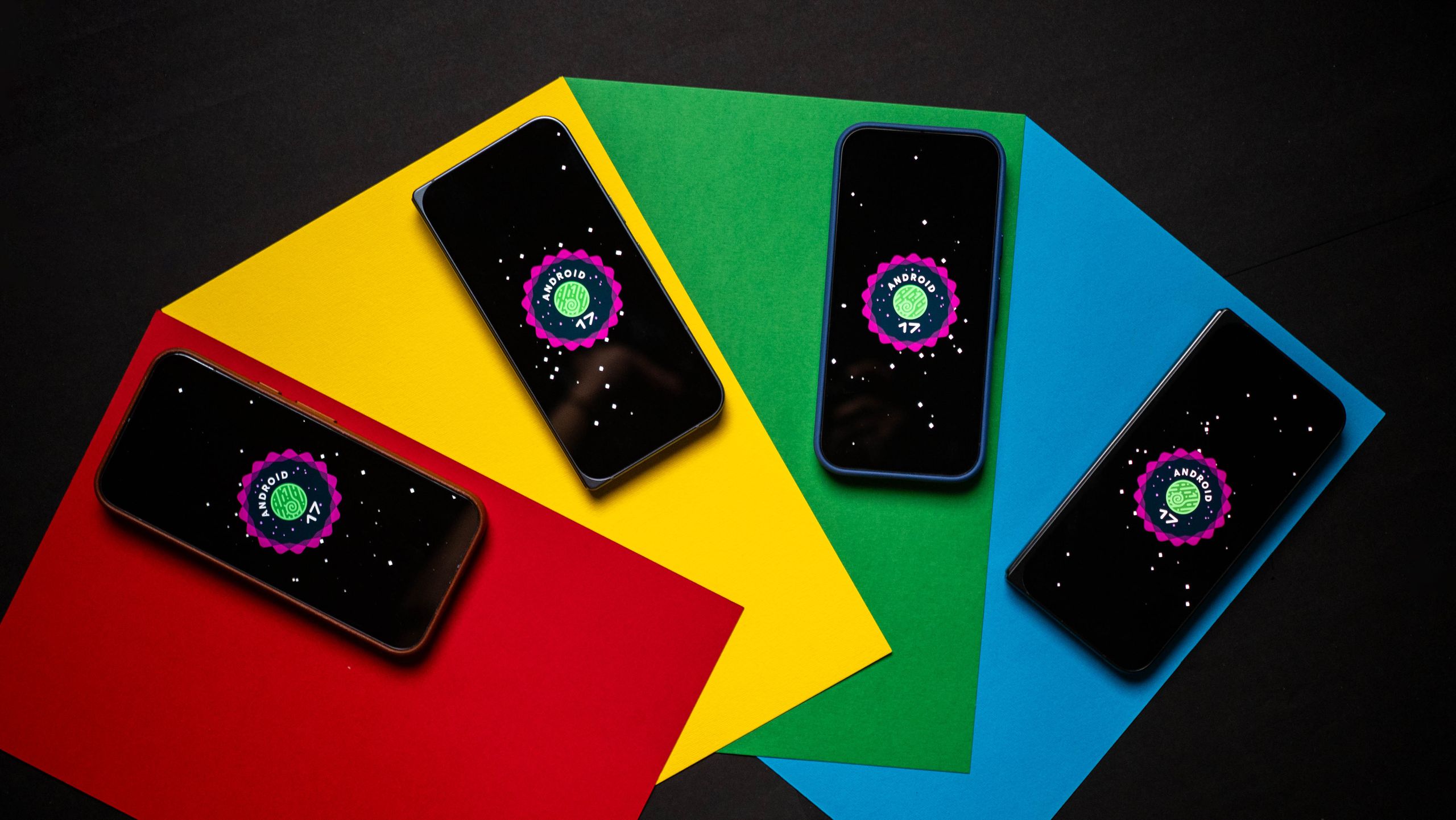
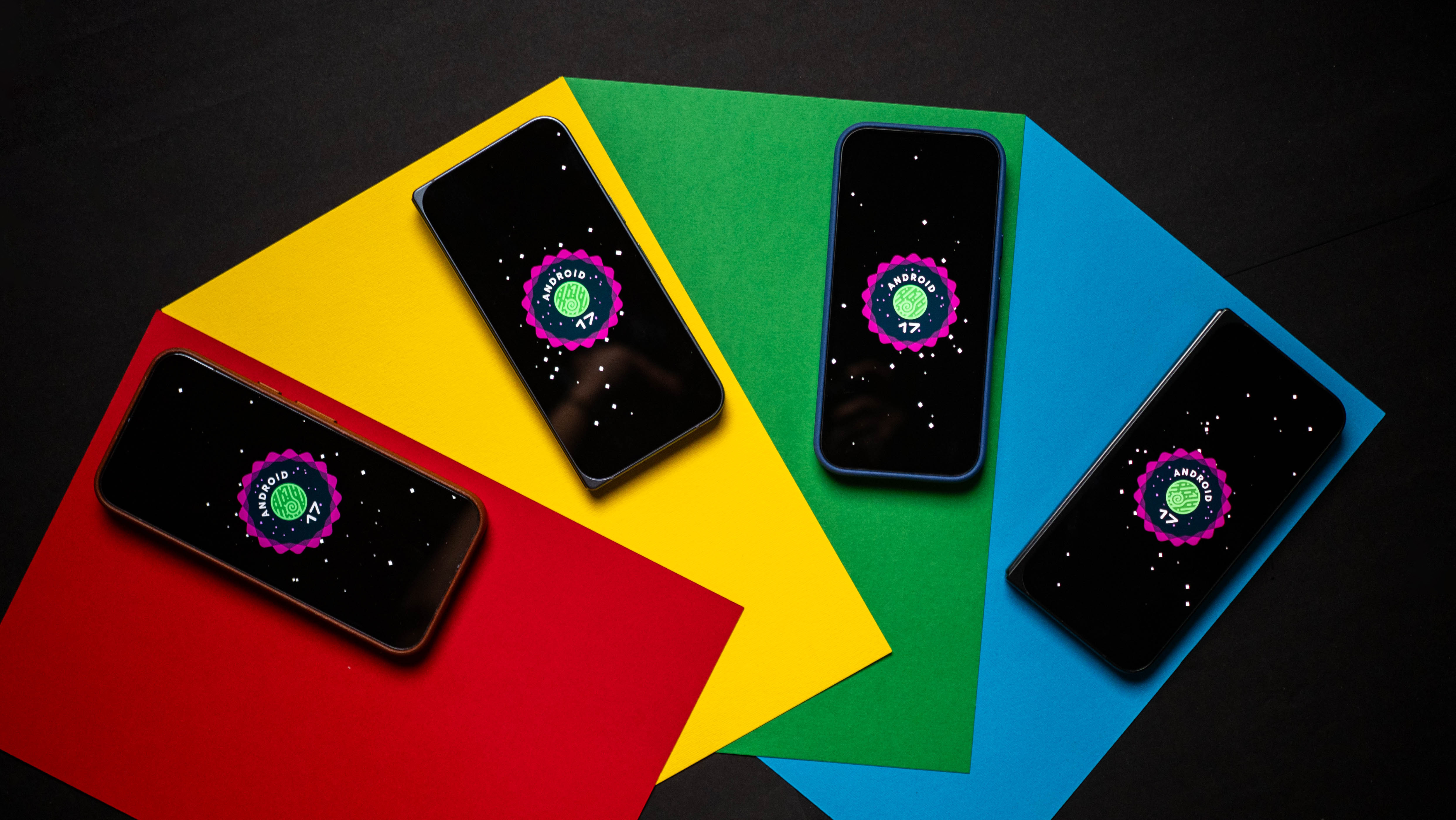
Google has officially released its latest pre-release software iteration for enrolled testers, deploying Android 17 QPR2 Beta 5 to a broad lineup of compatible Google Pixel smartphones, foldables, and tablets. As the development cycle for this quarterly platform release enters its final operational stretch, the technology giant is focusing heavily on squashing persistent bugs, tightening system stability, and rectifying user-reported hardware and software anomalies.
This fifth beta build serves as one of the final checkpoints before the software is prepared for a stable public rollout. Enrolled developers and everyday enthusiasts participating in the Android Beta Program can now download the update over-the-air (OTA). With Google having locked in its application programming interfaces (APIs) during the Platform Stability milestone reached late last month, Beta 5 acts primarily as a polish phase to ensure a seamless experience for the millions of users who will eventually receive the final public release.
Detailed Build Identifiers and Device Segmentation
For users actively monitoring the Android Beta ecosystem, identifying the correct installation package depends significantly on the specific Pixel hardware they own. Google has bifurcated the rollout into two distinct build numbers to address architectural and hardware variations across its device catalog.
Owners of slightly older or specialized hardware—specifically the Pixel 6a, Pixel 7, Pixel 7 Pro, Pixel 7a, the original Pixel Fold, and the Pixel Tablet—will find build number vCP41.260828.005.A6 waiting for them upon checking for system updates. Meanwhile, users operating any other eligible, newer Pixel device within the ecosystem will receive build version vCP41.260828.004.A8.
This segmentation highlights the intricate nature of modern mobile operating system deployment, where different system-on-chip (SoC) architectures and proprietary hardware components require tailored patches even within the same overarching Android version.
Targeted Bug Fixes and System Stability Improvements
Beta 5 arrives with a concentrated list of bug fixes directly responding to community feedback harvested from the Android Beta Reddit channels and Google’s official Issue Tracker. Among the most critical implementations is a direct patch for system instability. During the testing phases of QPR2, numerous users reported frustrating, unexpected device reboots. Google’s investigation revealed that these crashes were frequently triggered during continuous user interface (UI) scrolling within heavy, media-intensive applications. The new beta introduces a memory management and rendering fix designed to eliminate these abrupt reboots, ensuring smoother performance during heavy multitasking and media consumption.
Another prominent hardware-software interaction issue resolved in this update involves the physical side buttons used for volume control. During the preceding weeks, testers noticed an irritating bug where pressing the physical volume rocker while casting media to external displays or smart speakers failed to summon the on-screen volume slider UI. While the volume levels themselves might have adjusted, the lack of visual feedback caused considerable confusion. Google has confirmed that Beta 5 successfully restores the intended visual UI behavior during media casting sessions.
Furthermore, photography enthusiasts and privacy-conscious users alike will benefit from a correction regarding the Pixel camera’s enhanced High Dynamic Range (HDR) processing pipeline. Multiple entries on the Google Issue Tracker detailed a persistent glitch where the enhanced HDR setting remained stubbornly enabled at the system level, completely ignoring user preferences and toggles configured within the camera settings menu. Beta 5 resolves this misbehavior, ensuring that user-selected configurations are strictly adhered to, thereby giving owners direct control over their computational photography preferences.
The Chronological Path to Android 17 QPR2
Understanding the arrival of Beta 5 requires examining the broader timeline of Google’s quarterly platform release (QPR) schedule. The journey for Android 17 QPR2 began months prior with early developer previews, systematically progressing through iterative public betas that introduced incremental adjustments to system behaviors, security protocols, and visual design language.
In late August, Android 17 QPR2 officially crossed a critical threshold by entering the Platform Stability phase. This milestone is traditionally treated by Google and the broader Android app development community as a firm boundary. Entering Platform Stability means that internal and external APIs, app-facing system behaviors, and non-SDK implementation lists are completely finalized. For developers, this provides a stable environment to update their applications and ensure full compatibility without the risk of sudden under-the-hood code changes disrupting their software. For Google, it signals that the core engineering team can pivot away from major feature additions and concentrate entirely on telemetry analysis, crash reporting, and localized bug mitigation.
Throughout the life cycle of QPR2, Google has grappled with a variety of complex software hurdles. Last month’s Beta 4 update, praised by many within the community as one of the most polished early iterations of the cycle, laid much of the groundwork for the current stability. However, lingering hardware-level bugs continued to surface. Notably, Bluetooth audio routing issues plagued several users throughout August, occasionally causing phone call audio to inappropriately route through the device’s internal earpiece or external speaker rather than connected wireless headsets or car audio systems. Coupled with occasional gesture navigation hiccups and random UI freezes, Google’s software engineering teams have faced a demanding schedule to whip the operating system into shape.
Broader Implications for the Android Ecosystem
Pre-release software testing programs like the Android Beta Program play a vital role in modern consumer electronics. By leveraging a dedicated community of early adopters, tech enthusiasts, and professional app developers, Google can stress-test its software across a vast array of real-world usage scenarios that internal lab testing cannot fully replicate.
The implementation of targeted fixes in Beta 5—ranging from media-scrolling memory management to hardware volume UI overlays—demonstrates the responsiveness of Google’s engineering pipeline to community-driven bug tracking. As smartphones increasingly double as primary media hubs, navigation tools, and productivity workstations, even minor friction points like missing volume sliders or unresponsive HDR toggles can disproportionately degrade the user experience.
Moreover, the impending conclusion of the QPR2 testing cycle paves the way for the broader commercial release of these features to non-beta users. While Google has not yet announced the exact calendar date for the stable public rollout of this quarterly update, the transition into the final stretch of beta testing strongly indicates that a stable release is imminent. Users who prefer a rock-solid, bug-free daily driver experience are generally advised to remain on the stable public branch, while adventurous users enrolled in the beta program are currently reaping the benefits of these final fine-tuning patches.
As the tech industry looks ahead to upcoming hardware announcements and subsequent Android iterations, the meticulous refinement of QPR2 underscores Google’s ongoing commitment to platform maturity. For Pixel owners currently running Beta 5, the device experience is now significantly closer to the polished, reliable standard that Google aims to deliver across its entire hardware ecosystem.
Related posts: