New Backglow App Allows Users to Customize the Illuminated Apple Logo on the Latest MacBook Pro Models

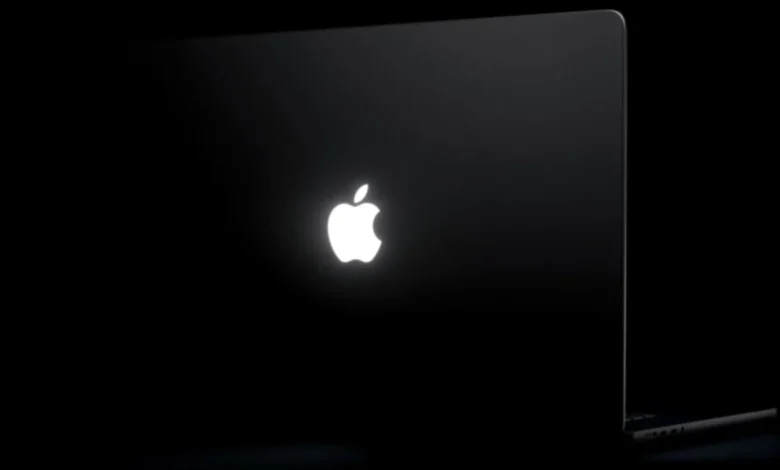
The resurgence of the iconic glowing Apple logo has been one of the most celebrated design reversals in the company’s recent history. Following the launch of the 14-inch and 16-inch MacBook Pro models featuring the cutting-edge PROLED XDR display this past Friday, the return of the illuminated lid has sparked a wave of enthusiasm among enthusiasts. Capitalizing on this renewed interest, designer Juan Buis has released a third-party utility titled "Backglow," which provides users with granular control over the logo’s behavior—functionality that is not natively provided within the macOS system settings.
The Return of an Iconic Aesthetic
For over a decade, the glowing Apple logo served as a visual hallmark of the MacBook line, instantly recognizable in dimly lit auditoriums, coffee shops, and offices worldwide. In 2015, Apple began a transition away from this feature, starting with the 12-inch MacBook and eventually removing it from all professional-grade laptops. The decision at the time was largely driven by the physical limitations of the display assembly; as the lids became thinner and display technology evolved, there was no longer a convenient backlight source to project through the logo.
The 2026 MacBook Pro models represent a technical pivot. Unlike the legacy models, which utilized a passive light pipe that drew power from the display’s backlight, the new machines feature a dedicated, custom-engineered light source. This innovation allows the logo to shine without requiring the display to be powered on or impacting the structural integrity of the thin chassis. As Apple representatives noted in discussions following the launch, the inclusion of this feature was a design-led decision, described simply as something the company deemed "awesome."
Technical Capabilities of the Backglow Utility
While Apple’s default implementation ties the logo’s luminosity to the ambient light sensor and the display’s brightness settings, the Backglow app introduces an independent layer of control. The application, which is available now, offers a tiered experience for users looking to integrate the logo into their personal workflow.
In its free, base configuration, Backglow provides a manual brightness slider that operates entirely independently of the internal display. This allows users to maintain a dimmed screen while keeping the lid logo at full intensity, or conversely, to extinguish the logo entirely without resorting to complex Terminal commands or system-level modifications. Furthermore, the app includes a "Breathe" mode, which mimics the gentle, rhythmic pulsing characteristic of the sleep indicator lights found on MacBooks from the mid-2000s.
For power users, a Pro version of the utility—available for a limited-time price of $9, rising to $15—unlocks two advanced features:
- Music Synchronization: This mode modulates the logo’s light in real-time based on the beat and amplitude of audio output from the system, effectively turning the lid into a visualizer.
- Agent Integration: Designed for developers and power users, this feature links the logo to the Claude Code environment. The light pulses to indicate active processing and blinks when the AI requires user input or attention, providing a non-intrusive status indicator.
Engineering the New Glow
The transition to PROLED XDR technology presented a unique engineering challenge for Apple’s display team. Because OLED and PROLED panels do not utilize a traditional backlight—each pixel serves as its own light source—there was no internal glow to "leak" through the logo. To achieve the aesthetic, Apple had to develop a discrete, white-LED module that occupies minimal space within the lid’s internal housing.
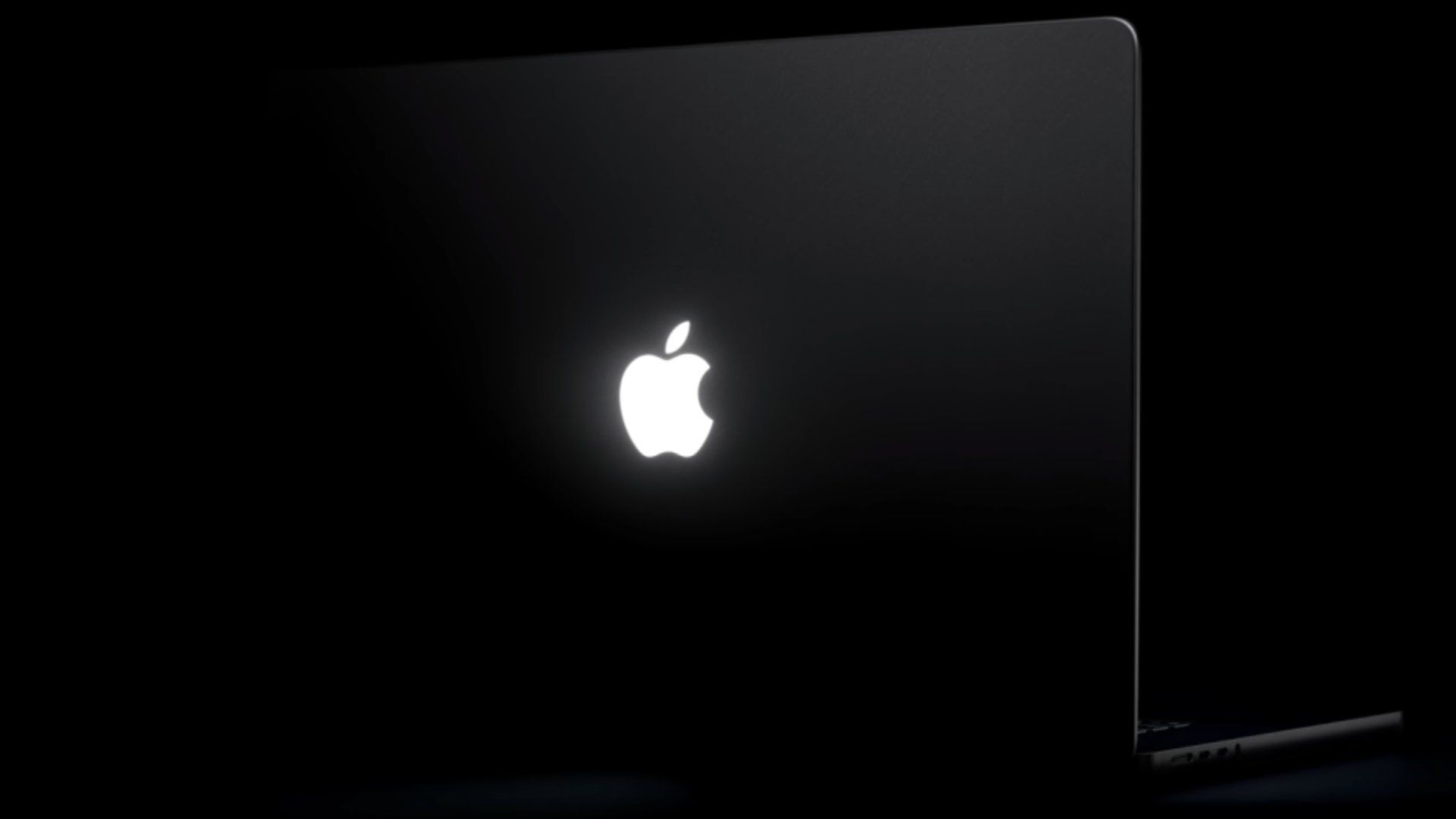
Initial reports from industry analysts suggest that this light source is highly power-efficient, drawing a negligible amount of energy relative to the system’s total battery capacity. By keeping the light strictly white, Apple has maintained a clean, minimalist aesthetic that aligns with its broader design language, avoiding the "RGB" trends seen in the gaming laptop market.
A Chronology of the Apple Logo Design
- 1999–2015: The "Golden Era" of the glowing logo, beginning with the PowerBook G3 and extending through the MacBook Pro lineup.
- 2015: Apple releases the 12-inch MacBook with a polished, non-illuminated metal logo, signaling the start of the "thin-is-everything" design philosophy.
- 2016–2025: The glowing logo remains absent from all MacBook Pro and MacBook Air models as Apple pivots toward thinner display assemblies.
- October 2026: Apple hosts a product event in Los Angeles, unveiling the new MacBook Pro with PROLED XDR touch-enabled displays and the return of the glowing lid.
- November 2026: Third-party developer Juan Buis launches the Backglow app, marking the first time users have had official or unofficial control over the logo’s output.
Industry Implications and User Customization
The emergence of the Backglow app highlights a broader trend in the Apple ecosystem: the desire for increased user agency over hardware features. While Apple has historically maintained a "walled garden" approach to software and hardware integration, the popularity of utilities like Backglow suggests a market appetite for customization that exceeds the standard settings provided in macOS.
From a design perspective, the return of the glowing logo serves as a bridge between nostalgia and modern performance. For professionals, the "Agents" mode introduced by Buis is particularly noteworthy, as it suggests a shift toward treating hardware components as interactive elements of a software-driven workflow. By using the logo as a notification light, users can maintain focus on their work without needing to check an external display or a notification center.
Furthermore, the price point of the Pro version of the app—coupled with its niche functionality—serves as a case study in the viability of the macOS developer ecosystem. As the hardware becomes more capable, developers are finding innovative ways to bridge the gap between "Pro" hardware and "Pro" user requirements.
Future Outlook
As the new MacBook Pro enters the hands of creators, developers, and general consumers, the role of the glowing logo is likely to evolve. Whether Apple will eventually integrate some of these features into a future macOS update remains a subject of speculation. For now, the logo remains a static, white-light element by default, but the existence of Backglow demonstrates that the hardware is capable of far more complex behaviors than Apple has currently enabled.
The success of these models, which start at $2,899 for the 14-inch variant and $3,399 for the 16-inch, indicates that consumers are willing to pay a premium for high-end display technology and the return of classic design elements. As the PROLED XDR platform matures, it is expected that Apple will continue to refine the interplay between its display hardware and the aesthetic elements of the MacBook chassis.
For developers, the challenge will be to ensure that such utilities remain compatible with future macOS iterations, particularly as Apple continues to tighten its security and privacy frameworks. For the average user, however, the ability to turn off the logo with a single click or pulse it to a favorite track represents a long-awaited return to the era of personal computing that feels both professional and distinctively individual.
The Backglow utility is currently available for download via the developer’s website, and early user feedback has been largely positive, citing the app’s low system footprint and the seamless integration of its advanced pulsing modes. As the adoption of the 2026 MacBook Pro grows, it is highly probable that similar utilities will emerge, further expanding the ways in which users interact with their machines. This small but significant software addition serves as a reminder that even in a highly curated environment, the community continues to find ways to make their hardware truly their own.