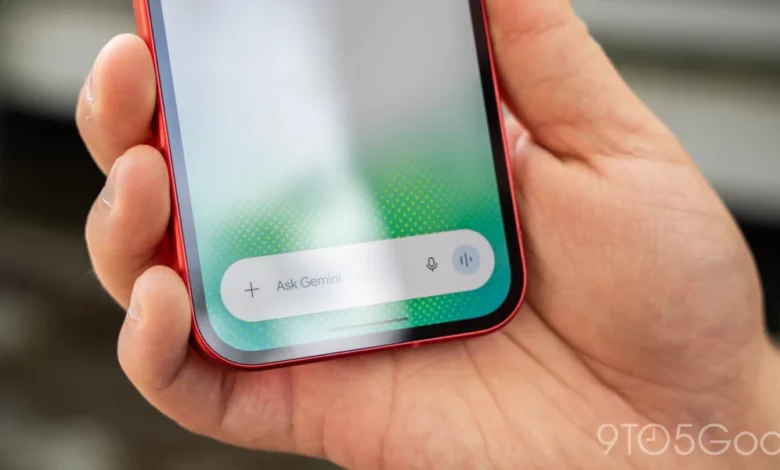
The Evolution of the Gemini Interface
The Gemini mobile application has undergone several iterations since its inception as a replacement for the traditional Google Assistant experience. Initially, the integration of generative AI into a mobile-first format required a delicate balance between the familiarity of the old Google Assistant and the capabilities of the Gemini model. Early versions relied on standard system UI elements, often feeling like a wrapper for the web interface.
The recent update to the in-app camera marks a departure from that utilitarian approach. Previously, selecting the camera icon from the "plus" menu triggered a generic, full-screen viewfinder that felt disconnected from the conversation flow. This older implementation was functional but lacked the fluidity expected of modern, high-performance mobile applications. By contrast, the new design—which mimics the successful implementation seen on the iOS version of the Gemini app—launches as a refined bottom sheet.
This sheet is highly interactive, allowing users to drag it upward to occupy nearly the entire display, providing a more immersive view for capturing images to be analyzed by the AI. The UI extends behind the system navigation bar, offering an edge-to-edge aesthetic that aligns with current Android design guidelines. The transition is marked by a polished animation that emphasizes the seamless nature of shifting between text-based prompting and image-driven inputs.
Technical Details and User Functionality
The new camera interface is not merely an aesthetic update; it integrates several functional improvements that streamline the user workflow. On the right side of the capture button, a new three-dot overflow menu provides quick access to essential camera controls, including flash settings and the ability to toggle between the primary and front-facing cameras. The interface is designed for intuitive navigation, allowing users to exit the camera view by either tapping a dedicated back button or utilizing a simple downward swipe gesture.
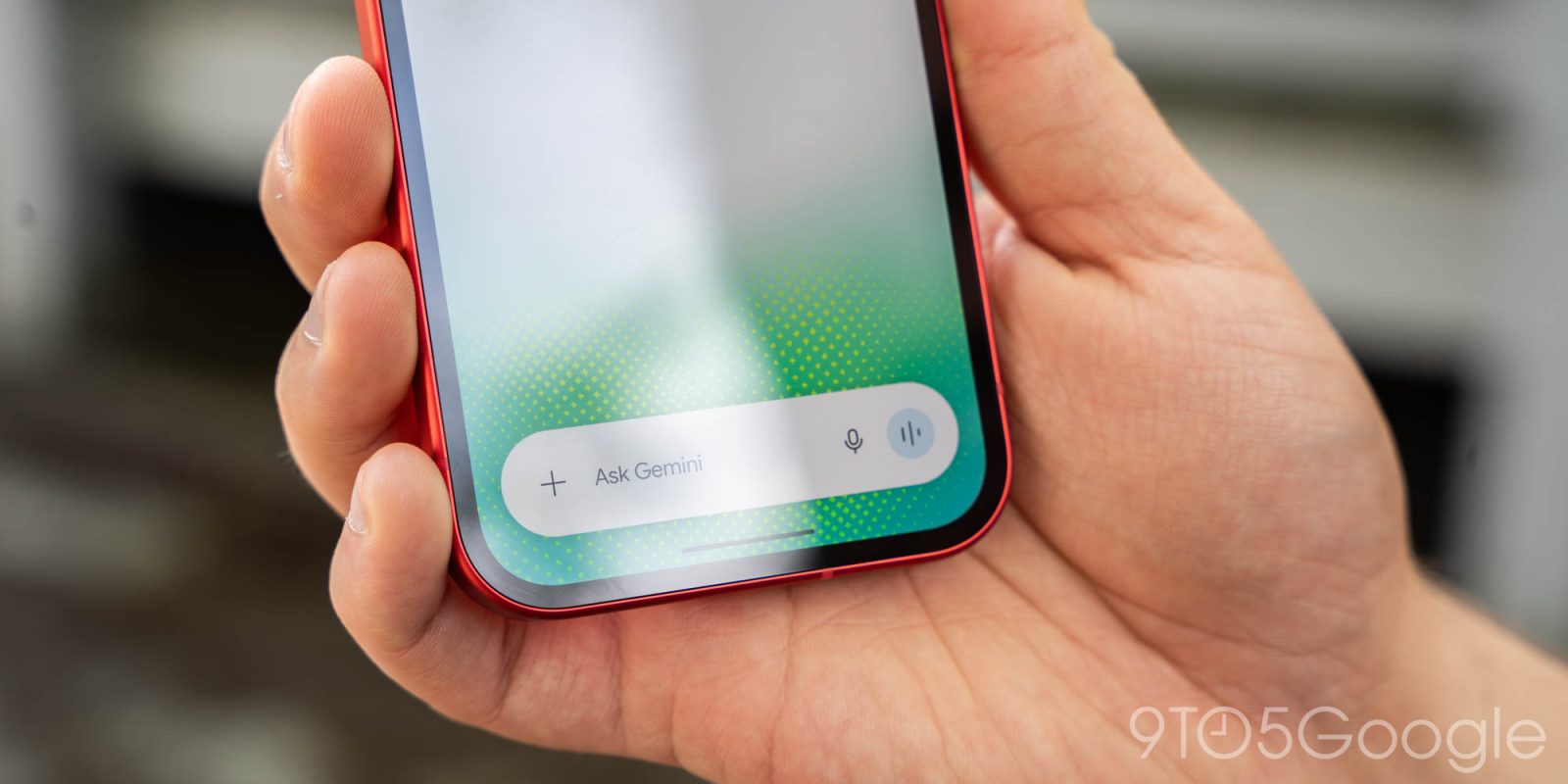
This redesign has been rolled out widely across both the beta and stable channels for Android users, specifically those on version 17.76 or higher. For users who do not see the changes immediately, Google suggests a manual force-stop of the Google app to trigger the update. This deployment strategy mirrors Google’s standard approach to A/B testing and phased rollouts, ensuring that critical infrastructure updates are stable before reaching the entire global user base.
The Rise of Multimodal AI Integration
The camera update follows closely on the heels of another significant feature release: the ability to generate GIFs directly within the Gemini app. Powered by the Gemini Omni 1.2 Flash model, this feature allows users to request GIF generation via the "Format" menu or by explicitly asking the assistant to "Create a GIF."
This addition is indicative of a broader shift in how users interact with AI. Rather than relying on search engines to find pre-existing content, users are increasingly expecting their AI assistants to generate custom assets on the fly. By leveraging the Gemini Omni 1.2 Flash model—which is optimized for low-latency, high-quality output—Google is positioning its assistant as a creative engine rather than just an information retrieval system.
Contextualizing Google’s AI Strategy
Google’s ongoing refinements to the Gemini app must be viewed through the lens of the intense competition within the generative AI market. With OpenAI’s ChatGPT, Anthropic’s Claude, and various open-source models rapidly improving, Google is under immense pressure to differentiate its product.
The strategy appears to be twofold: first, deep integration into the Android ecosystem to ensure Gemini is the default "brain" of the phone; and second, the development of high-utility, low-friction features like the new camera UI and native GIF creation. These features lower the barrier to entry for users who may find complex AI prompting intimidating. By making the interface feel like a standard smartphone camera, Google invites users to use AI for everyday tasks—such as identifying a plant, translating a menu, or summarizing a document—without needing to switch between different applications.

Chronology of Recent Gemini Updates
The path to the current version of the Gemini app has been marked by rapid development cycles:
- Q1 2026: Initial focus on replacing the legacy Google Assistant with Gemini, concentrating on core text-to-text response accuracy.
- Q2 2026: Introduction of enhanced multimodal capabilities, allowing for image uploads and basic analysis.
- Q3 2026: Refinement of the user interface, including the introduction of the overlay system for better multitasking.
- November 20, 2026: Launch of native GIF creation via the Gemini Omni 1.2 Flash model.
- Late November 2026: Widespread rollout of the redesigned in-app camera interface on Android, bringing it to feature parity with the iOS version.
Analysis of Implications for Mobile Computing
The move toward more sophisticated, in-app interfaces signals a long-term change in mobile interaction design. As AI models become more capable, the "chat box" format is becoming increasingly insufficient. Users require spatial awareness and visual tools. The "bottom sheet" camera design is a recognition that the screen real estate of a smartphone is premium, and users do not want to be interrupted by a full-screen app switch just to take a picture for an AI query.
Furthermore, the integration of the Omni 1.2 Flash model for GIF creation demonstrates that Google is prioritizing "smooth motion and consistent quality." For the average user, the quality of a generated GIF is less about technical perfection and more about speed and relevance. By integrating this directly into the conversational interface, Google is attempting to capture a demographic that values creative, bite-sized visual communication.
Official Stance and Market Reaction
While Google has not released specific usage data regarding the new camera interface, the company’s recent promotional material underscores its commitment to "removing the friction" from AI interactions. Through its official Gemini account, the company has framed the GIF feature as a direct replacement for traditional search, suggesting that the era of browsing through static libraries of GIFs is coming to a close in favor of bespoke, model-generated media.
Industry analysts suggest that this strategy is essential for maintaining market share. As AI becomes a commodity, the value proposition shifts from the underlying model to the user experience (UX) layer. The more seamless the integration—such as a camera interface that feels native to the OS—the stickier the product becomes.

The Path Forward
Looking ahead, it is highly probable that Google will continue to expand the Gemini app’s capabilities, particularly in the realm of real-time video analysis and augmented reality. If the camera is already a primary input device for the AI, the next logical step involves real-time interpretation of the viewfinder’s content without requiring a shutter-click.
For now, the redesign of the Gemini camera and the introduction of native GIF generation stand as evidence that Google is not resting on its laurels. By prioritizing high-frequency, low-latency interactions, the company is successfully evolving Gemini from a chatbot into a comprehensive mobile companion. For users, these updates translate to a more cohesive, efficient, and increasingly creative experience that leverages the full power of Google’s artificial intelligence infrastructure without demanding technical expertise from the consumer.
As these updates continue to proliferate, the distinction between "searching for information" and "generating content" will continue to blur, setting the stage for a new paradigm in how we utilize our mobile devices to interact with the world around us. Whether these changes will be enough to maintain dominance in an increasingly crowded field remains to be seen, but for the present, Google’s strategy is clearly focused on making the Gemini interface as frictionless as possible.