How to Diagnose Webpage Performance and SEO Issues in Three Minutes Using SEOquake

Digital marketers, site owners, and search engine optimization professionals frequently encounter a frustrating scenario: a critical web page—whether it is a newly launched product listing, a competitive blog post, or a high-value client landing page—fails to meet performance expectations in search engine results pages. Historically, diagnosing these issues required configuring comprehensive site crawls, exporting massive data sets, and spending hours parsing technical reports. However, modern lightweight diagnostic workflows allow practitioners to triage and diagnose individual web pages rapidly without ever leaving the browser interface.
The Evolution of Page-Level SEO Diagnostics
As search engine algorithms grow increasingly complex, incorporating myriad on-page signals, technical parameters, and structured data standards, the need for immediate, localized auditing tools has surged. For years, digital marketing teams relied heavily on deep-site crawling software for minor performance adjustments. While site-wide audits remain essential for macroeconomic health checks of a domain, they are often inefficient when an analyst needs immediate answers regarding a single URL.
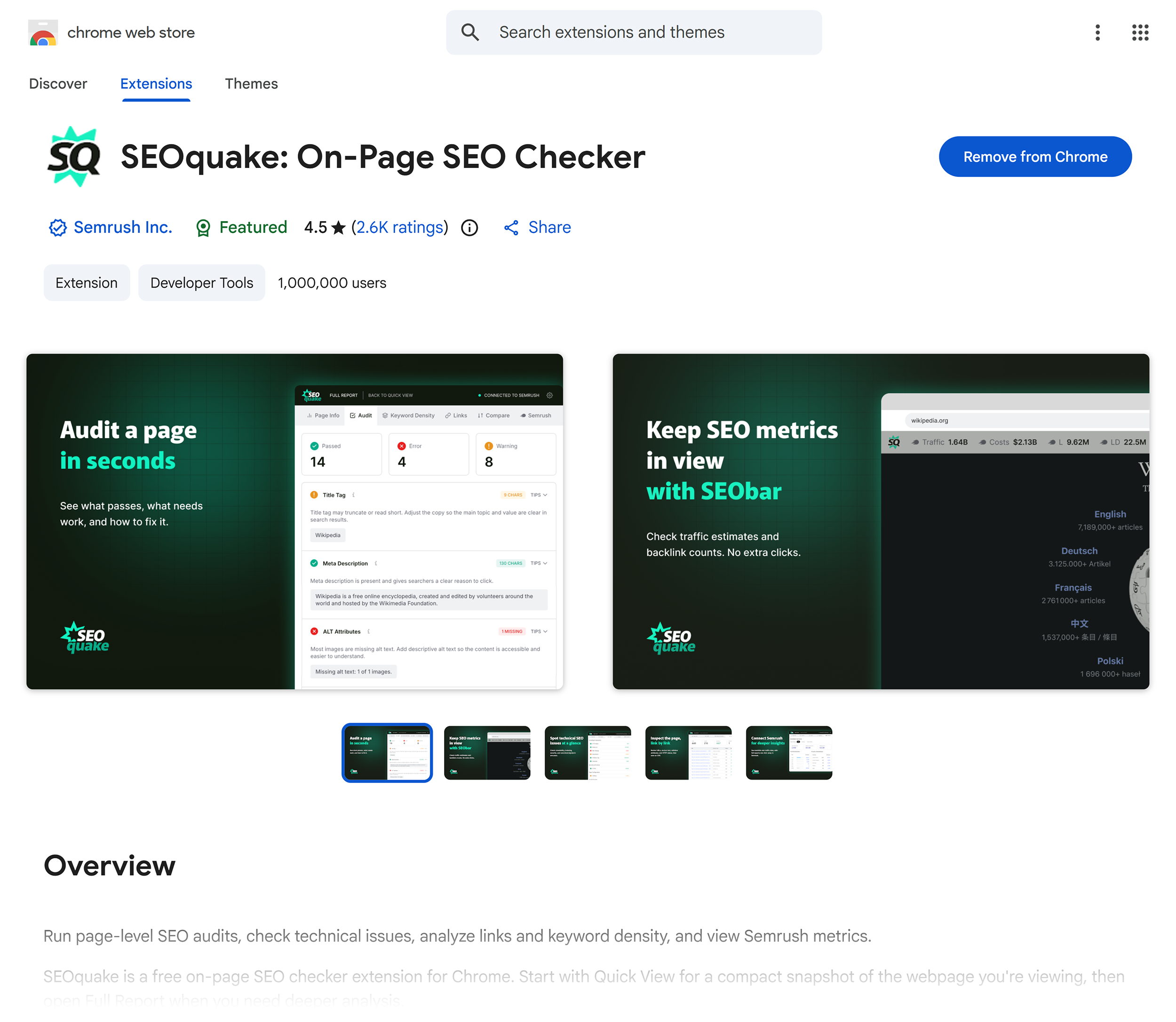
Enter browser extensions designed for on-page analysis. Tools such as SEOquake, a free Chrome extension developed by digital marketing software giant Semrush, bridge the gap between instant accessibility and deep data retrieval. By integrating technical signals, on-page optimization metrics, link structures, and core domain authority data directly into a browser toolbar, these applications allow professionals to perform rapid triage and target specific anomalies within minutes.
Understanding the Three-Minute Diagnostic Framework
An efficient SEO audit workflow prioritizes speed and accuracy, dividing the evaluation into distinct phases: triage and diagnosis. The first sixty seconds are dedicated to high-level triage, answering a fundamental question: Is there an obvious, catastrophic error preventing this page from ranking or converting?
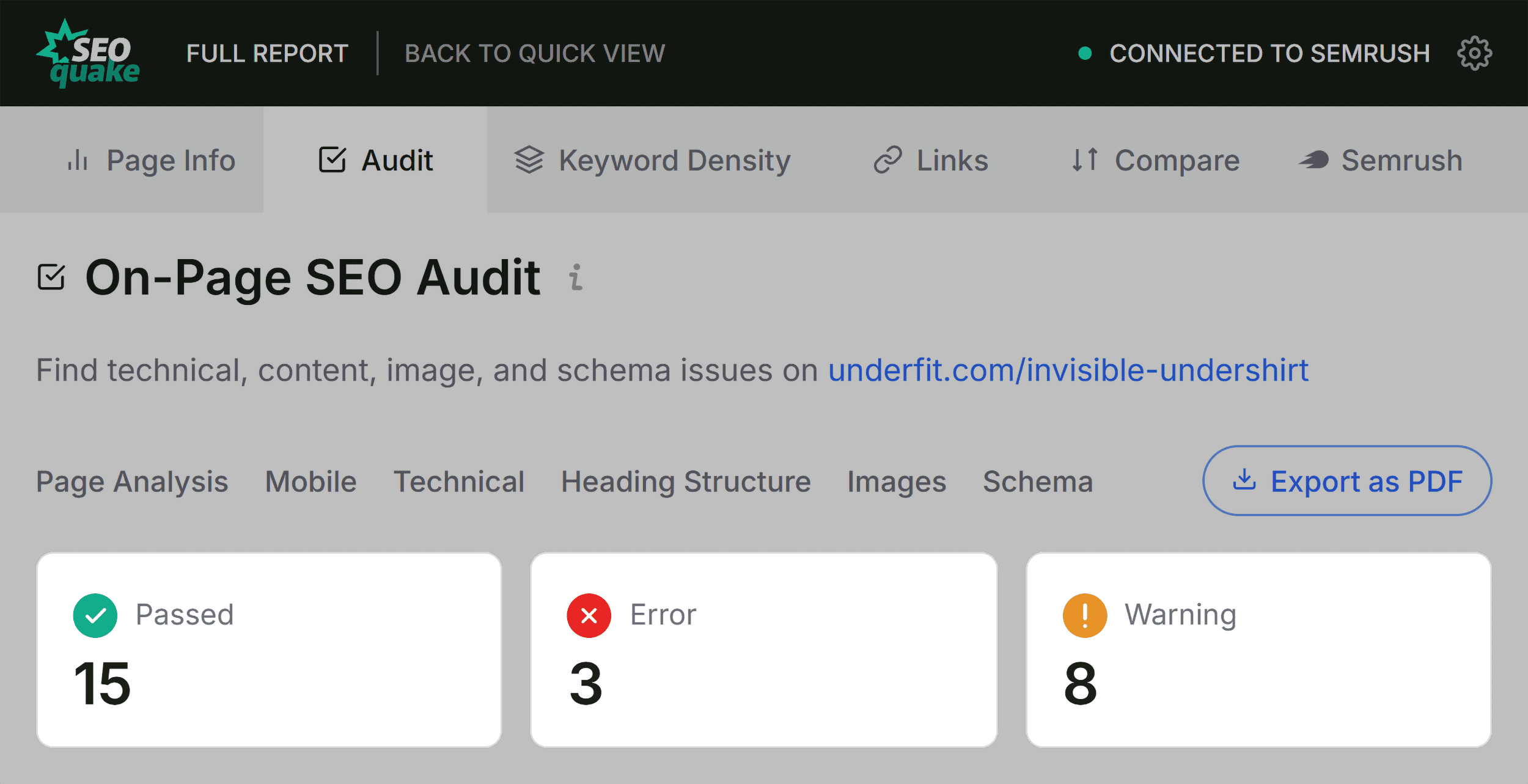
Using a structured approach, analysts can evaluate a page through distinct functional categories, utilizing color-coded reports that immediately draw attention to critical failures, warnings, or passed checks. Green indicators denote healthy implementation, orange signals highlight potential risks or optimization opportunities requiring human judgment, and red flags designate critical errors that demand immediate remediation.
Minute One: Triage via the Quick View Pop-Up
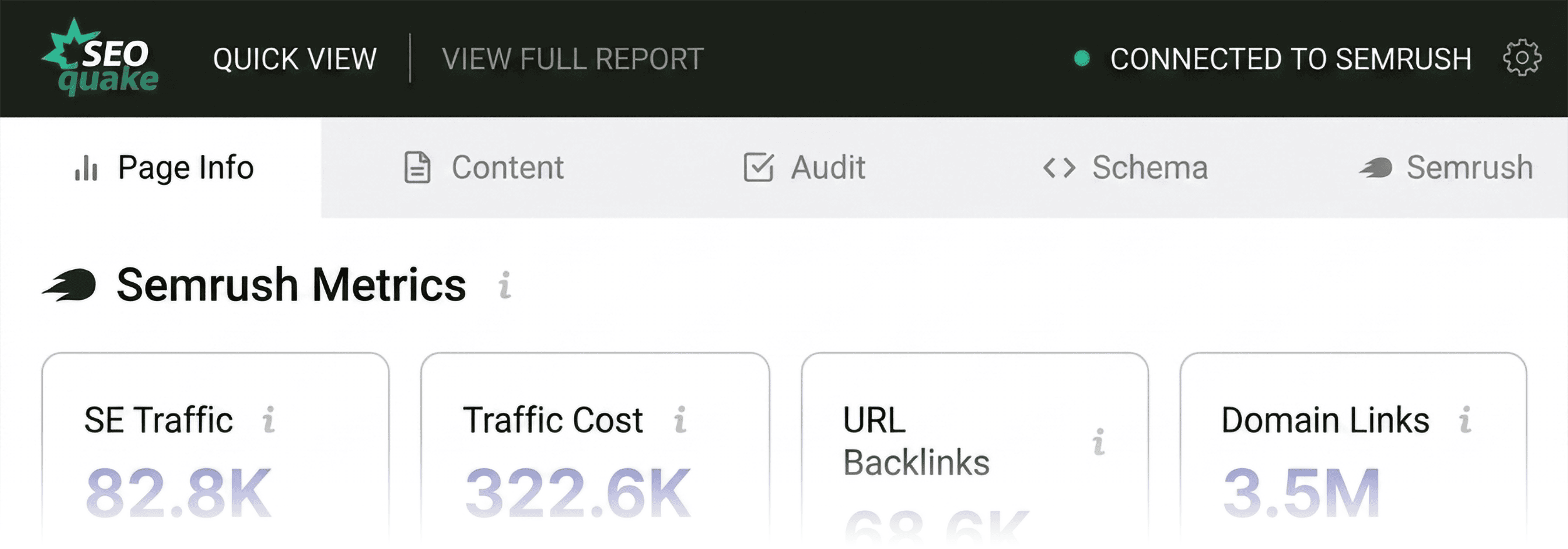
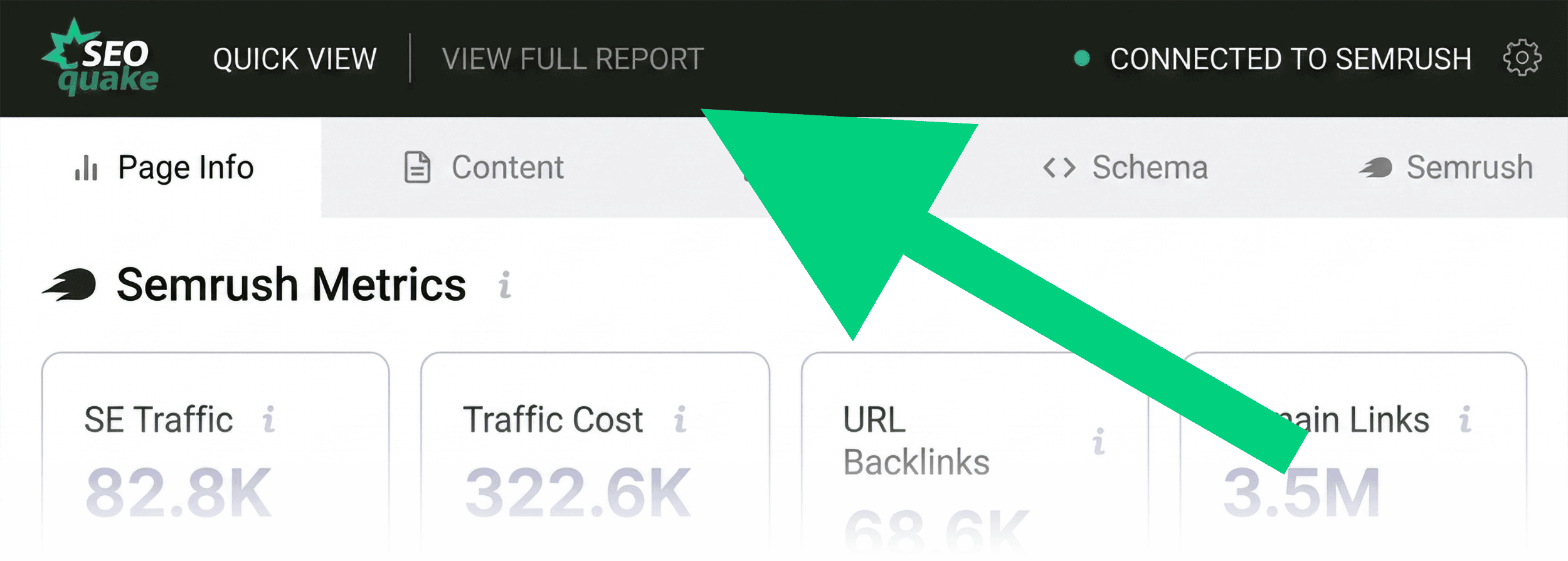
The triage phase relies heavily on the Quick View pop-up interface, which categorizes data into distinct tabs: Page Info, Diagnosis, External Links, Internal Links, and Compare URLs. For a rapid assessment, practitioners typically focus on three core components: Page Info, Audit, and Content.
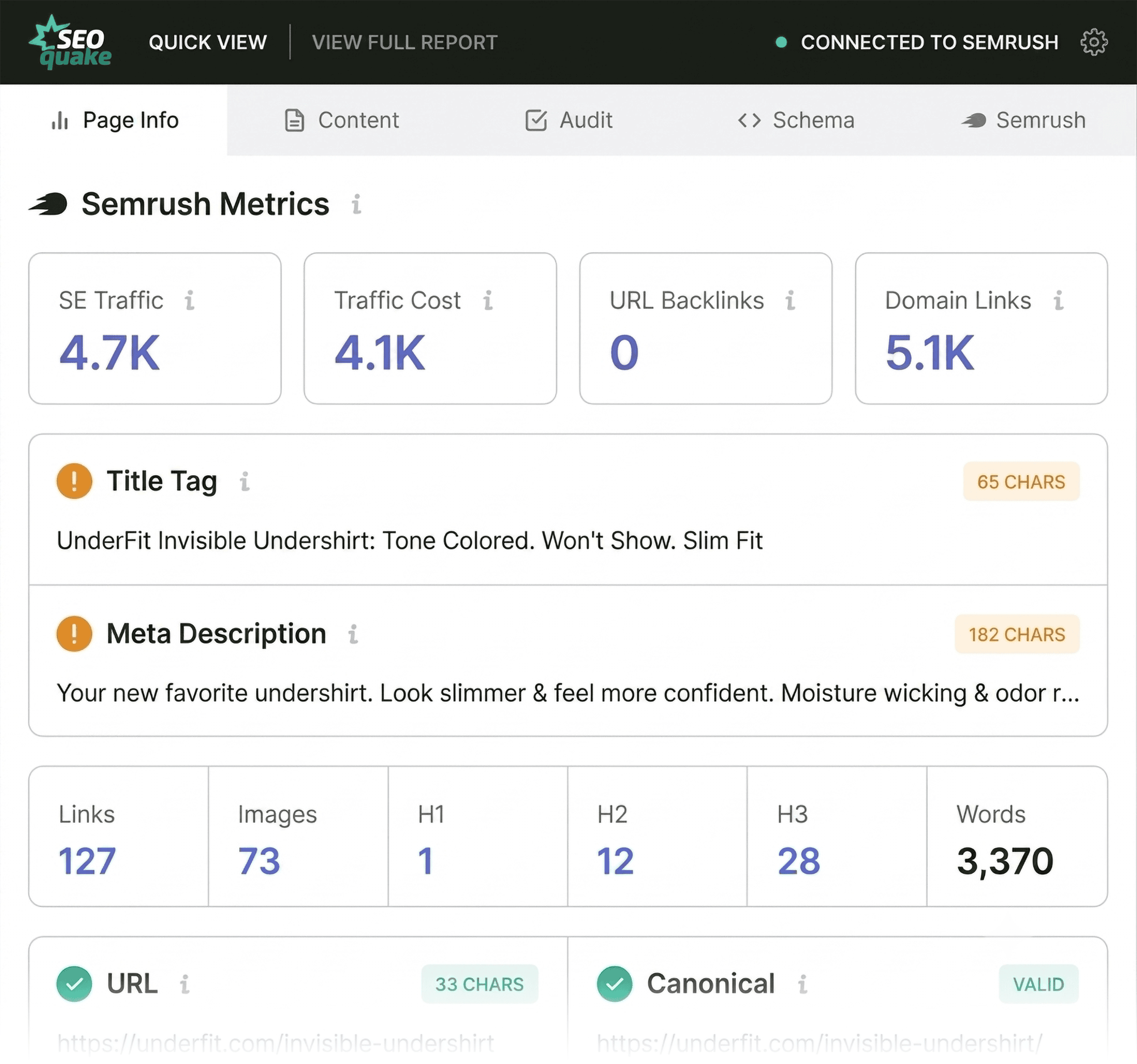
The Page Info tab provides an immediate overview of fundamental optimization elements. Analysts prioritize five key parameters during this initial scan: the page title tag, meta description, canonical URL status, HTTP response code, and meta robots directives. Discrepancies in these areas often explain sudden fluctuations in search visibility or indexing status.
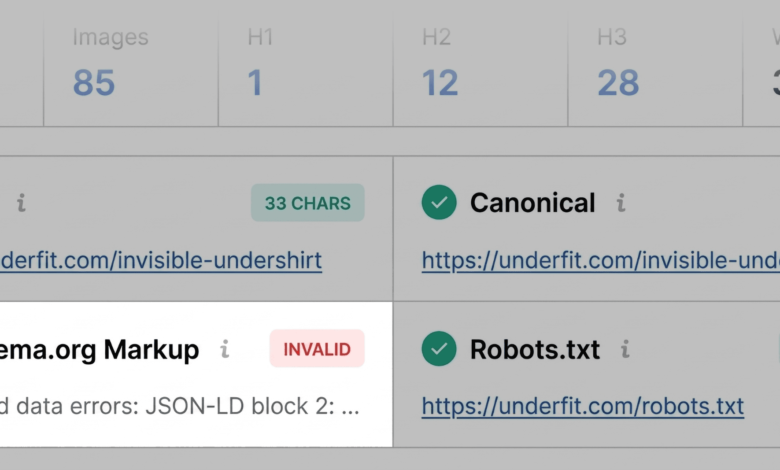
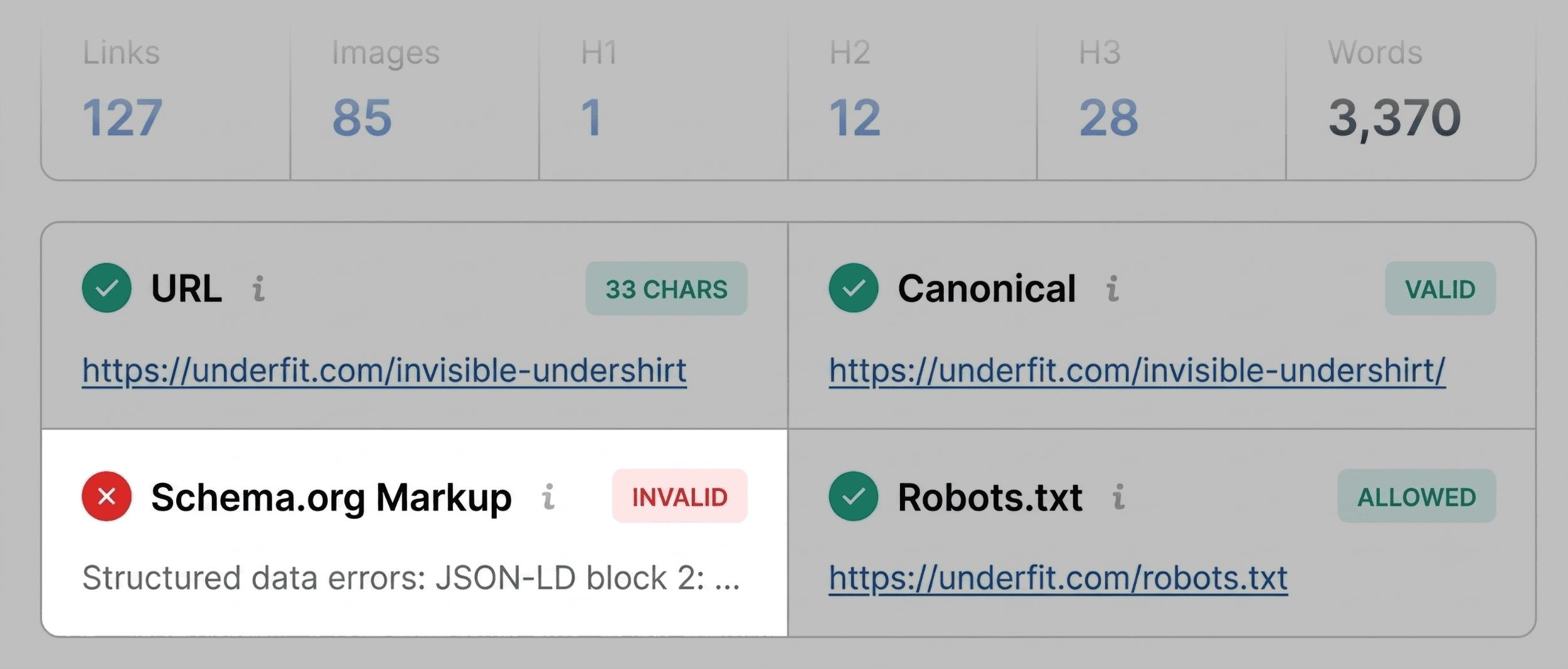
For instance, when auditing an e-commerce product page, an initial triage may reveal a red flag concerning Schema.org structured data. Invalid JSON-LD implementation can prevent search engines from parsing rich product snippets—such as pricing, real-time inventory, and aggregate review ratings—directly within search engine results. Identifying this flaw immediately directs the analyst toward targeted technical investigations rather than wasting time on irrelevant keyword adjustments.
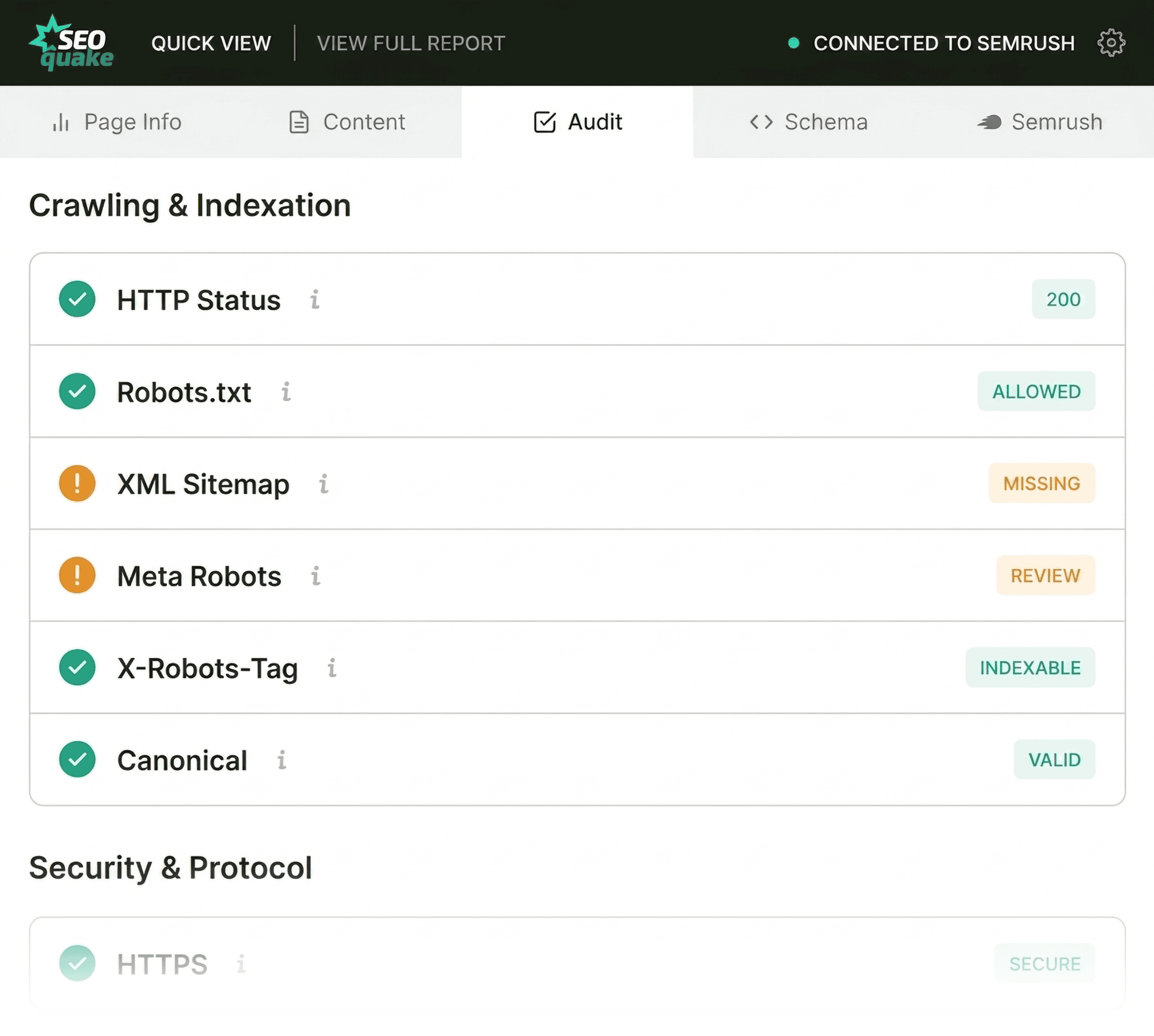
Simultaneously, the Audit tab within the Quick View interface scans for foundational technical parameters, including mobile responsiveness, HTTPS security, viewport configurations, and hreflang implementation for international targeting. While orange warnings do not always represent immediate site-breaking emergencies, they require careful contextual evaluation to prevent long-term visibility decay.
Structuring Content and Maintaining Clarity
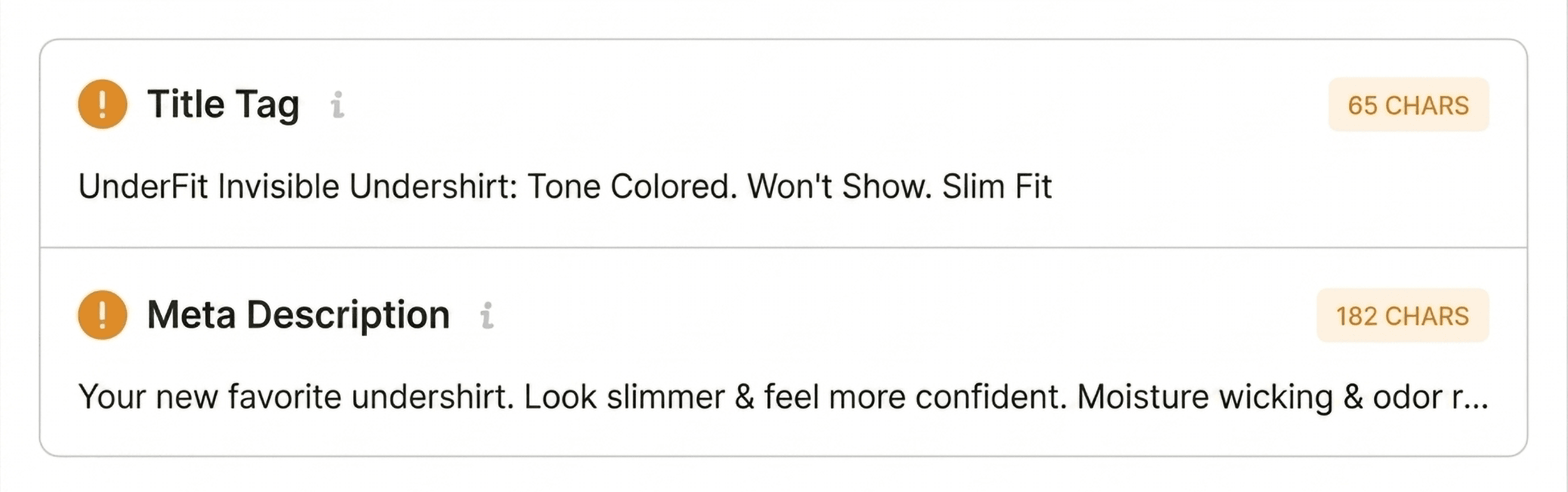
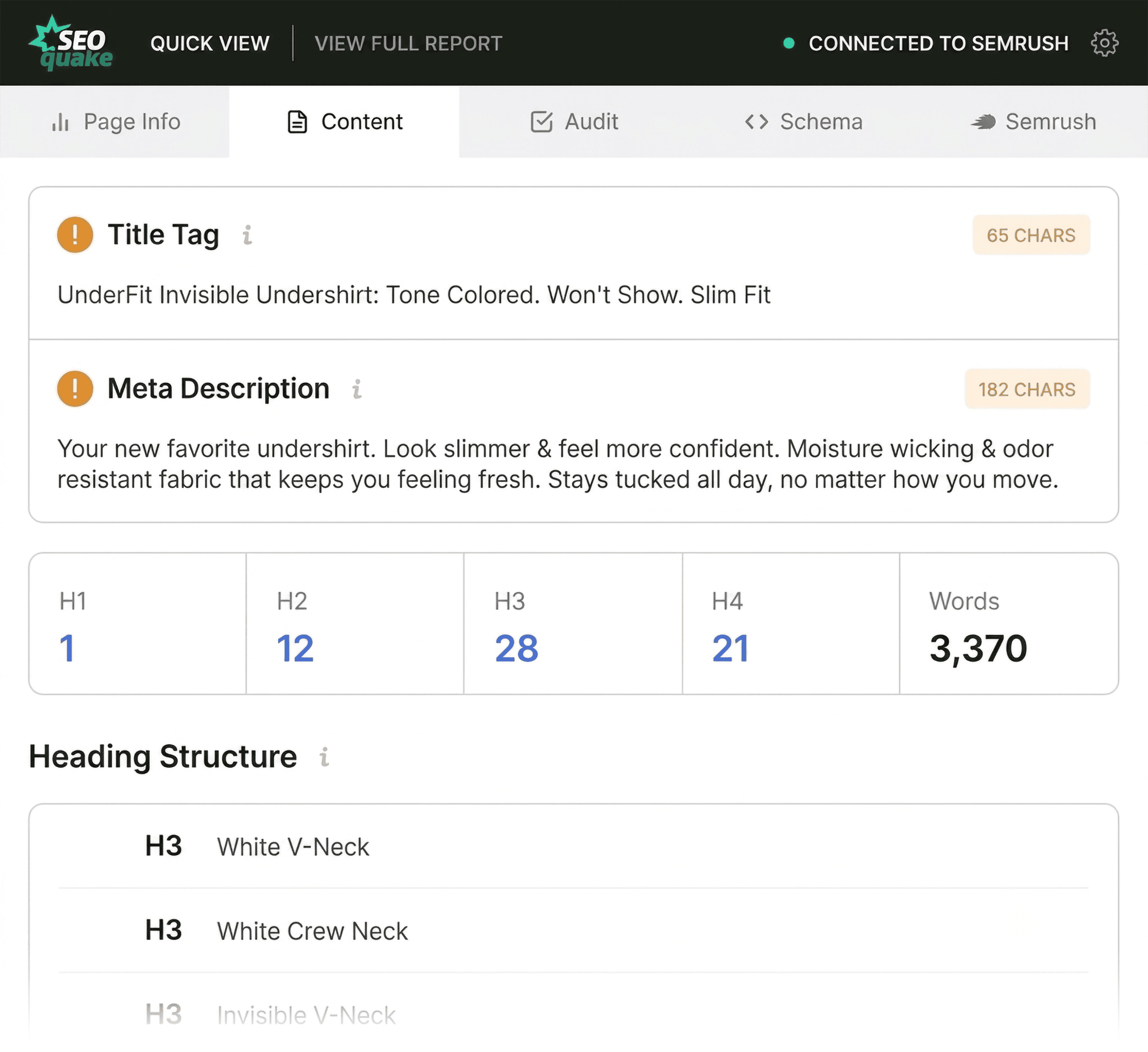
Following the technical and meta-tag review, the Content tab evaluates the structural hierarchy of the page. Content structure serves a dual purpose: it guides human readers smoothly through a narrative or product catalog, and it assists search engine crawlers and modern artificial intelligence discovery systems in contextualizing the subject matter.
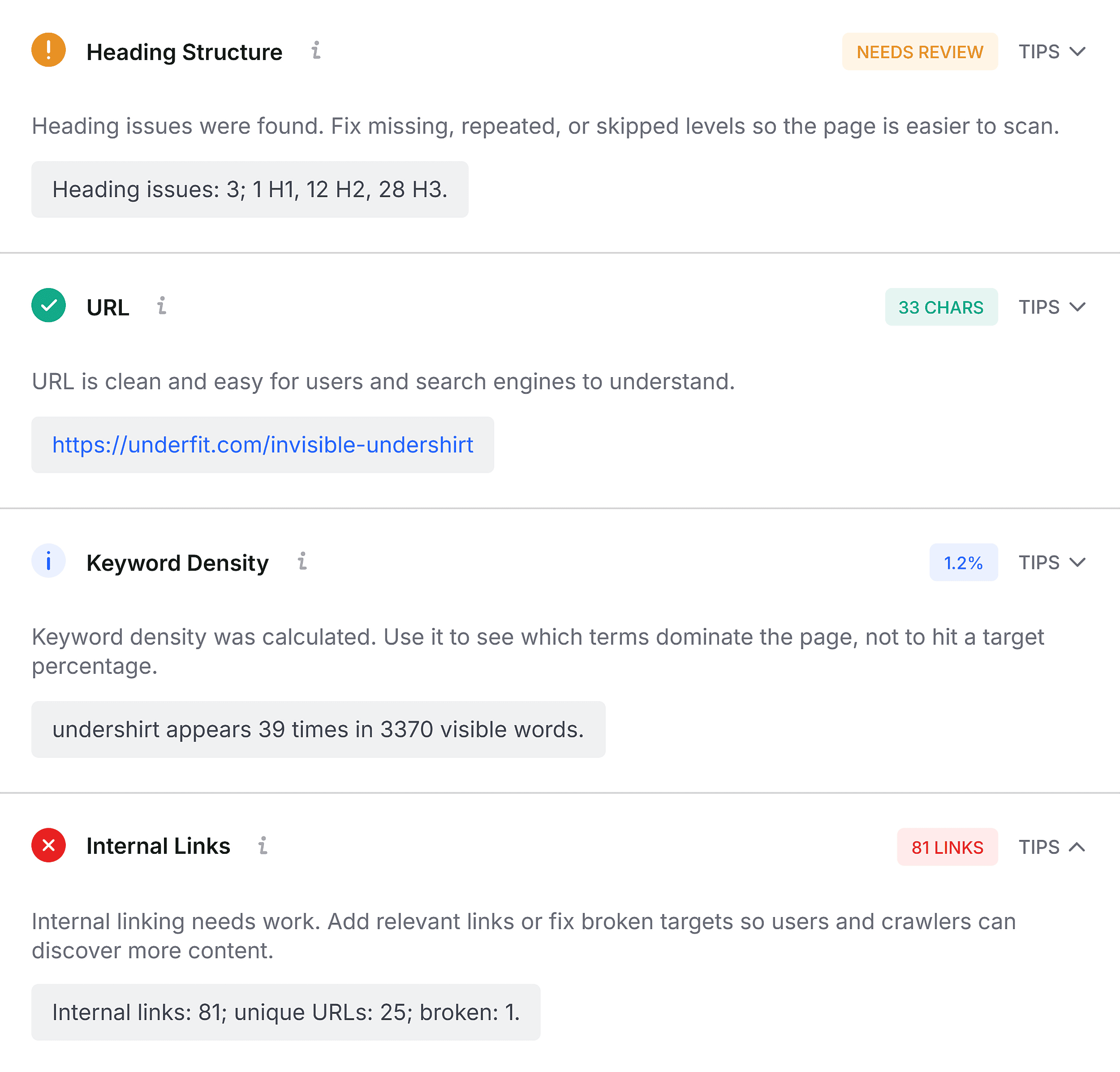
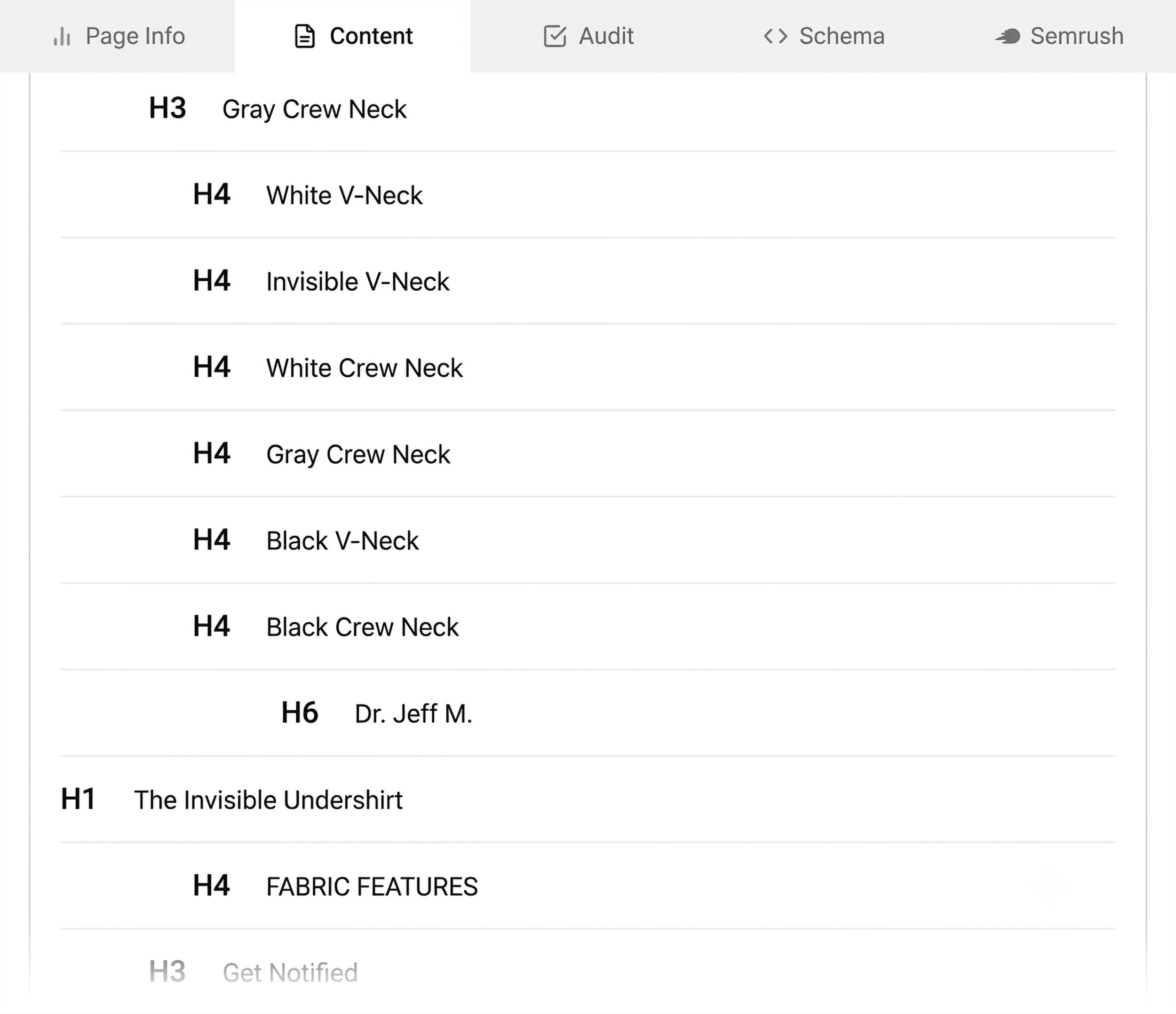
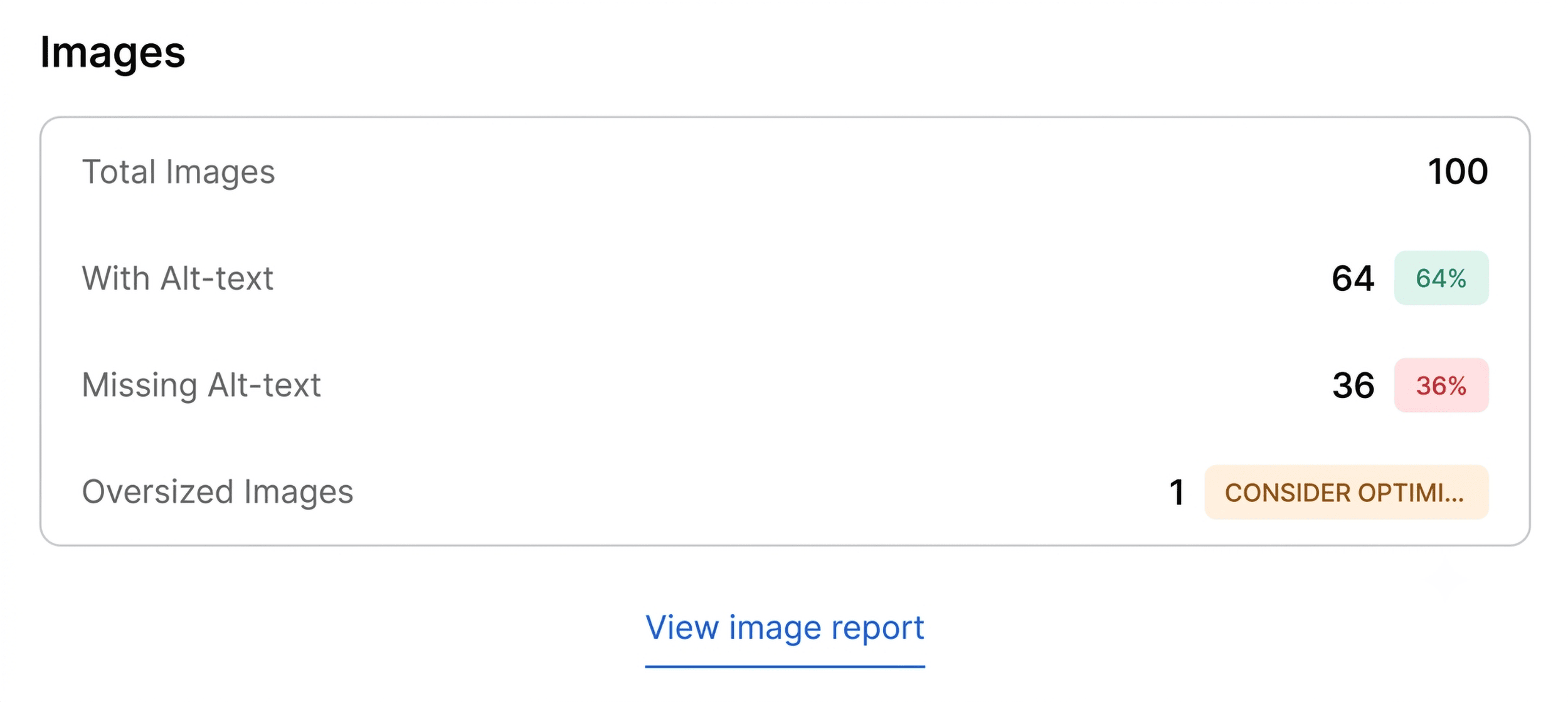
A thorough content review examines heading distribution, ensuring a logical flow from the primary H1 tag down through subheadings without erratic structural jumps—such as transitioning directly from an H1 to an H4. Furthermore, the analysis evaluates multimedia optimization, specifically checking for missing image alternative (alt) text. High-resolution product images that lack descriptive alt attributes not only hinder accessibility compliance for visually impaired users but also deprive search engines of valuable contextual data regarding visual assets.
Minutes Two and Three: Deep-Dive Diagnosis Using Full Reports
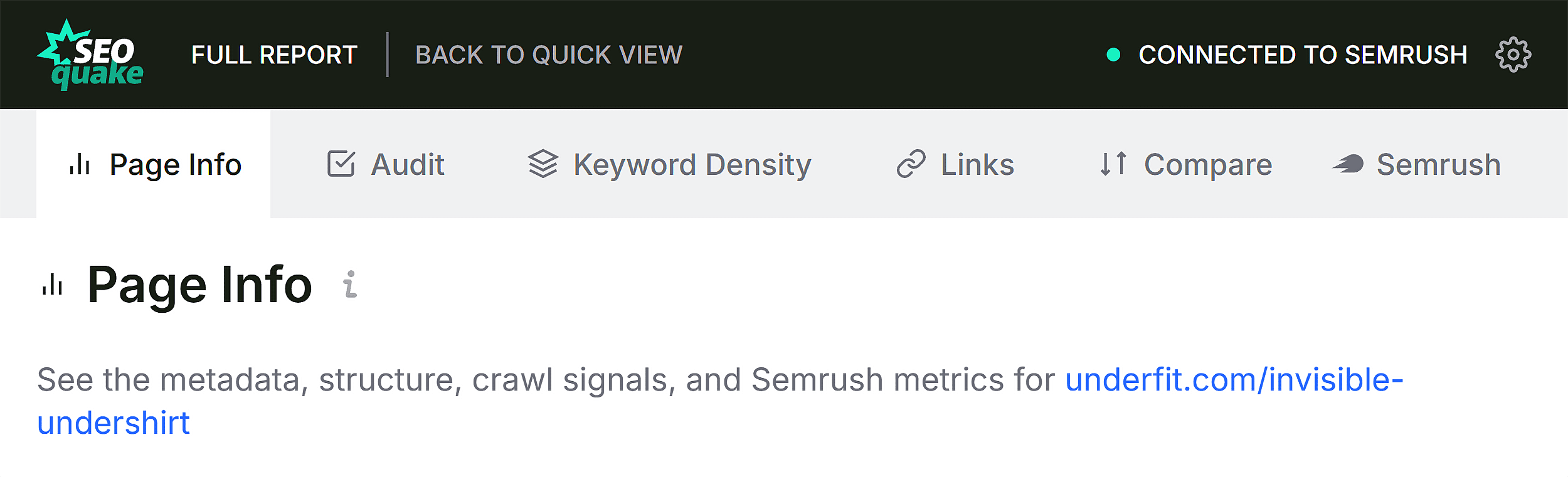
Once the initial sixty-second triage is complete, the subsequent two minutes are dedicated to diagnosing the root causes of flagged anomalies via the Full Report interface. This comprehensive panel expands upon the Quick View metrics, dividing data into dedicated panels covering overview statistics, diagnostics, external links, internal links, keyword density, and core Semrush domain insights.

Within the full Audit panel, analysts can systematically review crawlability, indexation status, sitemap inclusion, and advanced schema validation. For instance, if an XML sitemap check indicates that a specific URL exists on the server but is not explicitly referenced or properly indexed, it signals a structural discoverability barrier.
Furthermore, integrating advanced schema testing tools directly from the audit interface allows practitioners to execute live Rich Results validation. Discovering invalid product schema items confirms whether rich snippet eligibility has been compromised, providing a clear, actionable item for development teams.
Keyword Density and Topic Coverage Analysis
When a page underperforms despite sound technical foundations, evaluating keyword density provides essential insight into semantic topic coverage. The keyword density panel calculates the frequency of single-word and multi-word phrases within the visible HTML text.
A healthy product page or informative article should display core topical terms prominently within prominent areas, such as title tags, primary headings, and introductory paragraphs. Advanced analysis of multi-word phrases ensures that the semantic context aligns with user search intent. While auxiliary elements—such as navigation menus, interactive JavaScript widgets, and button labels—may introduce fringe terms into raw HTML word counts, a disciplined review separates functional interface text from core body copy.
Evaluating Link Health and Architectural Integrity
Link integrity remains a cornerstone of both user experience and search engine optimization. Broken internal or external links disrupt crawl paths and frustrate users, signaling poor maintenance to search engine algorithms. The Links panel inventories all internal and external hyperlinks, classifying them by response status, anchor text, and follow/nofollow attributes.
A high concentration of broken external links, particularly those driven by outdated JavaScript implementations or legacy widgets, requires systematic auditing. Resolving these broken pathways prevents "soft 404" errors and preserves the internal PageRank flow across the domain.
Contextualizing Page-Level Issues Within Domain Authority
Before finalizing any remediation strategy, practitioners must distinguish between page-specific errors and macro-level domain phenomena. The domain and page-level metrics provided by integrated analytics platforms offer vital context.
A poorly performing page situated on a highly authoritative domain with a robust backlink profile and consistent organic traffic typically indicates a localized page-level issue—such as thin content, poor keyword targeting, or minor technical friction. Conversely, warning flags related to XML sitemaps, site-wide schema templates, or widespread crawl errors suggest systemic technical challenges requiring a comprehensive site audit across the entire domain.
Implications and Best Practices for Digital Marketers
The ability to audit, triage, and diagnose a web page within a three-minute window transforms how digital marketing professionals manage site optimization. By leveraging lightweight browser extensions, teams can bypass the friction of heavy data exports and immediately identify critical friction points affecting user conversion and search engine visibility.
Ultimately, systematic page auditing bridges the gap between raw data collection and actionable web development. Whether correcting broken structured data, restructuring heading hierarchies, or repairing faulty hyperlinks, prompt identification ensures that high-value digital assets maintain peak performance in an increasingly competitive search landscape.