Mastering Post-Production Fixes: How to Eliminate Aliasing and Jaggies in Action Camera Footage

The rapid evolution of consumer videography has made high-definition action cameras, drones, and smartphones ubiquitous tools for both independent filmmakers and mainstream production crews. Devices from manufacturers such as GoPro, DJI, and various mobile brands allow creators to capture dynamic, high-frame-rate perspectives in extreme environments that were once impossible to reach. However, the miniaturization of internal camera hardware introduces distinct optical and digital challenges that post-production professionals must continually address. Among the most pervasive visual defects is aliasing—a form of distortion that compromises edge fidelity and introduces distracting artifacts into otherwise pristine cinematic sequences.
Understanding the Root Causes of Aliasing and Over-Sharpening
Aliasing, fundamentally, is a sampling error that transpires when an image sensor captures high-frequency details that exceed the spatial resolution of the sensor grid. In the context of action cameras and small-sensor devices, this limitation is compounded by physical constraints. Because these compact cameras rely on micro-sensors, they struggle to faithfully resolve intricate patterns, high-contrast edges, and fine textures, such as the ripples on a body of water, distant foliage, or architectural grids.
Compounding this hardware limitation is the software processing pipeline utilized by most consumer-grade action cameras. Manufacturers frequently apply aggressive in-camera sharpening algorithms by default to make footage appear crisper and more marketable straight out of the box. While this artificial enhancement can create an initial illusion of high definition, it severely exacerbates aliasing artifacts. When an over-sharpened edge interacts with the limited photosites of a small sensor, the resulting pixelation manifests as jagged, stair-stepped lines and high-frequency flickering during motion. Furthermore, heavy digital compression—a necessity for managing massive data rates of 4K and higher frame-rate video within small processors—further degrades the signal, making edge distortion even more prominent in final renders.

The Historical Approach: Gaussian Blur as a Blunt Instrument
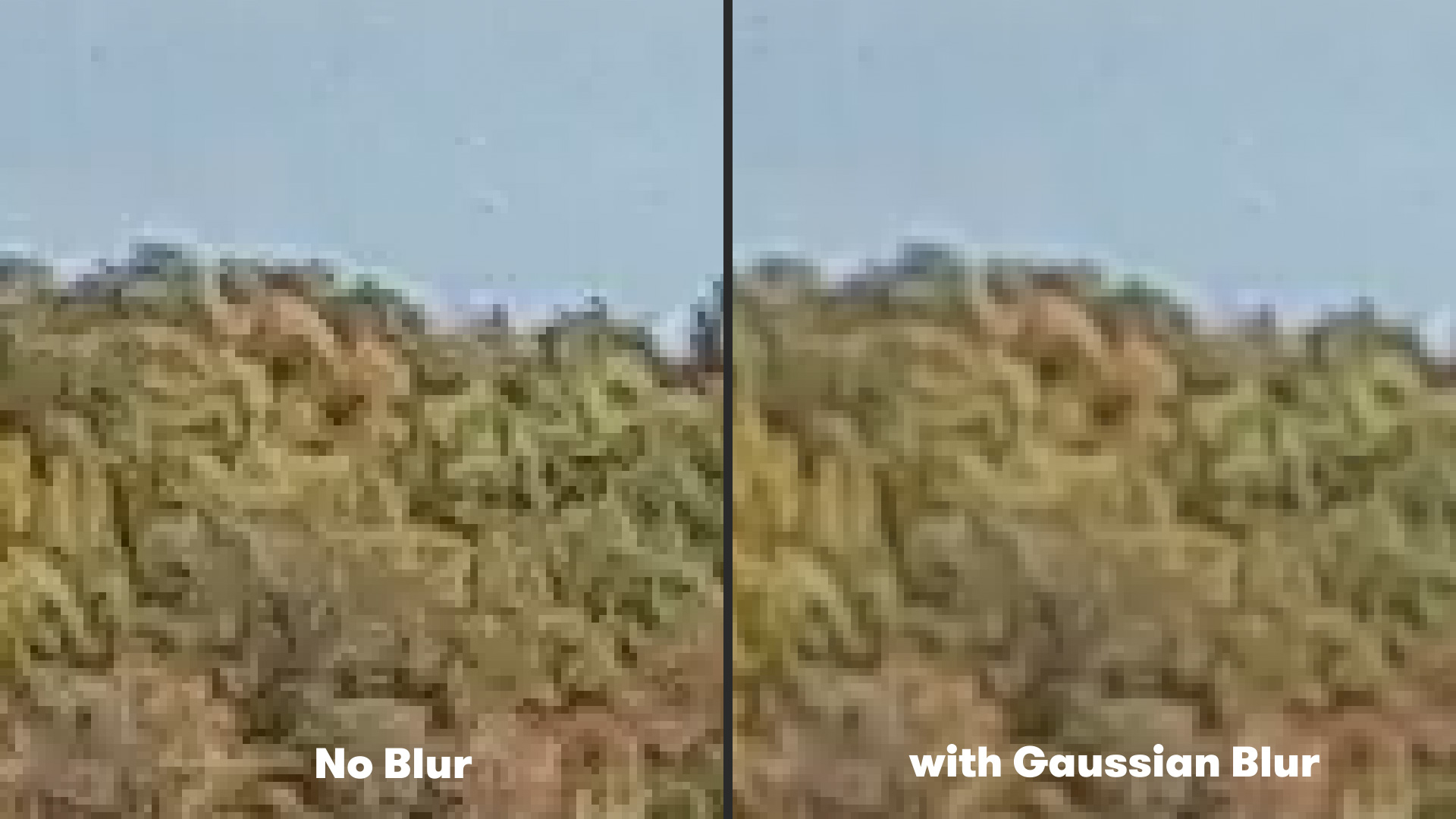
For years, video editors and post-production specialists relied on traditional, broad-stroke techniques to mitigate aliasing and flickering in action camera recordings. The industry-standard workaround involved applying a mild Gaussian Blur across the entire frame. By softening the image globally, editors could effectively dull the harsh, over-sharpened edges that triggered the aliasing effect.
While this method yielded some success in stabilizing high-frequency flicker, it introduced a significant operational drawback: a universal loss of fine detail. Applying a Gaussian Blur at a setting of 2.0 or higher affects not only the jagged edges requiring correction, but also the entire canvas, stripping away legitimate textures that the filmmaker intended to preserve. Consequently, creators were forced to compromise between distracting, jagged artifacts and an unacceptably soft, washed-out visual aesthetic. This limitation drove the demand for more sophisticated, algorithmic solutions capable of targeting problem areas selectively without sacrificing overall image sharpness.
Emerging Post-Production Solutions: The Introduction of FXAA
To address the shortcomings of global blurring techniques, software developers have increasingly looked toward computer graphics rendering concepts for solutions. A notable development in this space is the adoption of Fast Approximate Anti-Aliasing (FXAA), originally popularized in the gaming industry to smooth out jagged lines in real-time rendering environments without imposing heavy computational penalties.
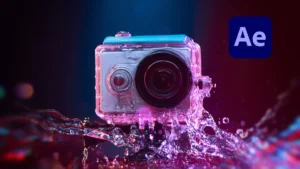
Plugin Everything, a prominent developer of visual effects tools for Adobe Creative Cloud, adapted this concept into a dedicated, free plugin for Adobe After Effects. Unlike traditional blur filters that treat every pixel equally, the FXAA plugin executes a sophisticated edge-detection algorithm. The software scans the composition, identifies high-contrast pixel boundaries where aliasing is most likely to occur, and applies a localized smoothing process exclusively to those jagged edges.
Because the algorithm targets specific geometric anomalies rather than processing the entire frame uniformly, it renders exceptionally fast. This performance efficiency makes it an invaluable asset for digital artists working with demanding 4K and 8K action camera sequences.
Step-by-Step Implementation in Adobe After Effects
Integrating edge-detection anti-aliasing into a professional workflow requires minimal friction. Within Adobe After Effects, editors can deploy the tool by highlighting the target video layer within the timeline composition panel, navigating to the Effect menu, selecting Plugin Everything, and applying the FXAA effect.
Upon application, the algorithm immediately begins analyzing pixel luminance and color gradients to neutralize stair-stepped edges. For footage suffering from extreme compression or severe factory over-sharpening, the plugin’s architecture allows for non-destructive stacking. Editors can apply multiple instances of the effect sequentially to progressively subdue stubborn aliasing artifacts without inducing the muddy, generalized blur characteristic of older editing methods.
Comparative Analysis of Post-Production Techniques
A rigorous technical evaluation of available remediation methods highlights clear operational advantages for targeted algorithmic approaches over legacy blurring filters.
| Remediation Method | Processing Speed | Preservation of Fine Detail | Risk of Motion Artifacts | Ease of Use |
|---|---|---|---|---|
| Gaussian Blur | High | Low (Global Softening) | Minimal | High (Native Effect) |
| Bicubic Rescaling | Moderate | Moderate | Moderate | High |
| FXAA Plugin | High | High (Edge-Specific) | Low | High (Free Third-Party) |
As evidenced by comparative data, targeted edge-detection tools maintain the integrity of background textures and sharp focal points while successfully neutralizing the high-frequency strobing and jaggedness characteristic of action camera files.
Broader Implications for Content Creators and Filmmakers
The availability of specialized anti-aliasing tools for digital compositing software reflects a broader shift in modern media production. As consumer-grade capture devices achieve higher resolutions—pushing 4K, 5.2K, and 6K capture into lightweight form factors—the disparity between professional cinema hardware and action cameras continues to narrow in terms of resolution, while widening in terms of optical processing.
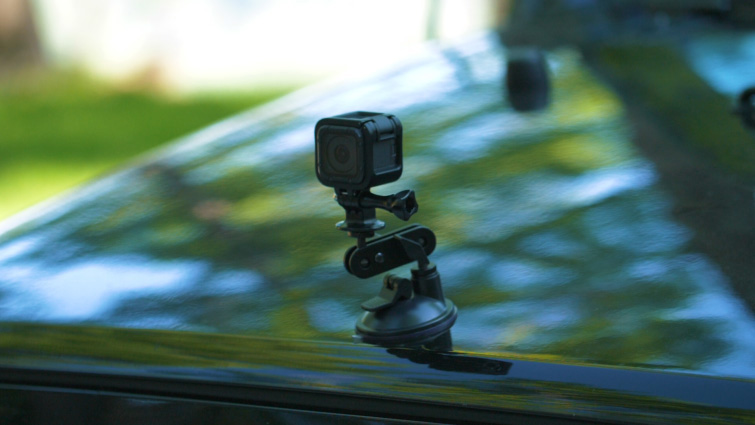
For independent filmmakers, extreme sports videographers, and documentary crews relying on compact gear, these software advancements democratize high-end finishing capabilities. Eliminating visual artifacts in post-production ensures that footage captured under adverse conditions—such as high-vibration automotive mounts, drone flights over complex water surfaces, or rapid handheld tracking shots—meets the rigorous technical standards expected by broadcast networks and streaming platforms.
Future Outlook in Video Restoration and Enhancement
As machine learning and artificial intelligence continue to reshape the post-production landscape, the industry anticipates even more advanced neural-network-driven anti-aliasing and upscaling technologies. Current developments in AI-assisted video restoration focus on intelligent super-resolution, which can reconstruct missing high-frequency data rather than simply smoothing or blurring damaged pixels.
Until these neural restoration tools become standard across all editing suites, lightweight algorithms like FXAA remain essential utilities in the digital artist’s toolkit. By addressing the fundamental physical limitations of small-sensor capture through intelligent post-processing, creators can continue pushing the boundaries of action cinematography without compromising visual fidelity.