WatchOS 27: A Comprehensive Analysis of Apple’s Latest Wearable Operating System Update

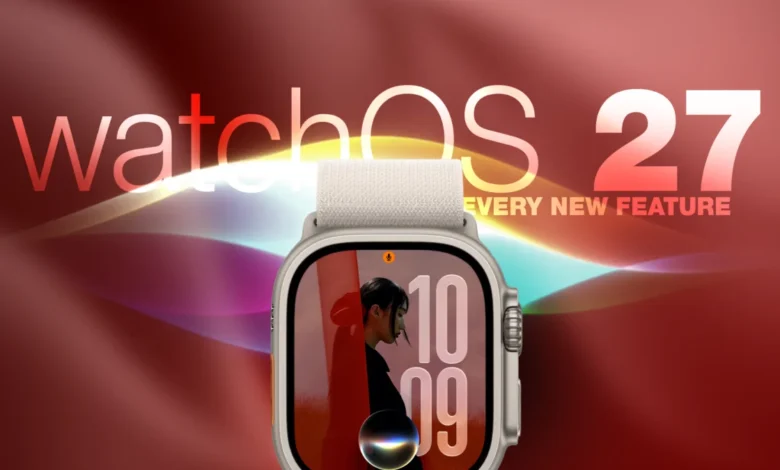
Apple released watchOS 27 on September 14, marking a significant milestone in the evolution of the Apple Watch ecosystem. This latest software iteration, which arrived shortly after the company’s "Surprise and Shine" event on September 9, introduces a suite of features designed to enhance utility, health monitoring, and interface navigation. While the update arrives alongside the launch of the Apple Watch Series 12 and Apple Watch Ultra 4, its impact extends to a wide range of compatible legacy devices, effectively bridging the gap between hardware generations.
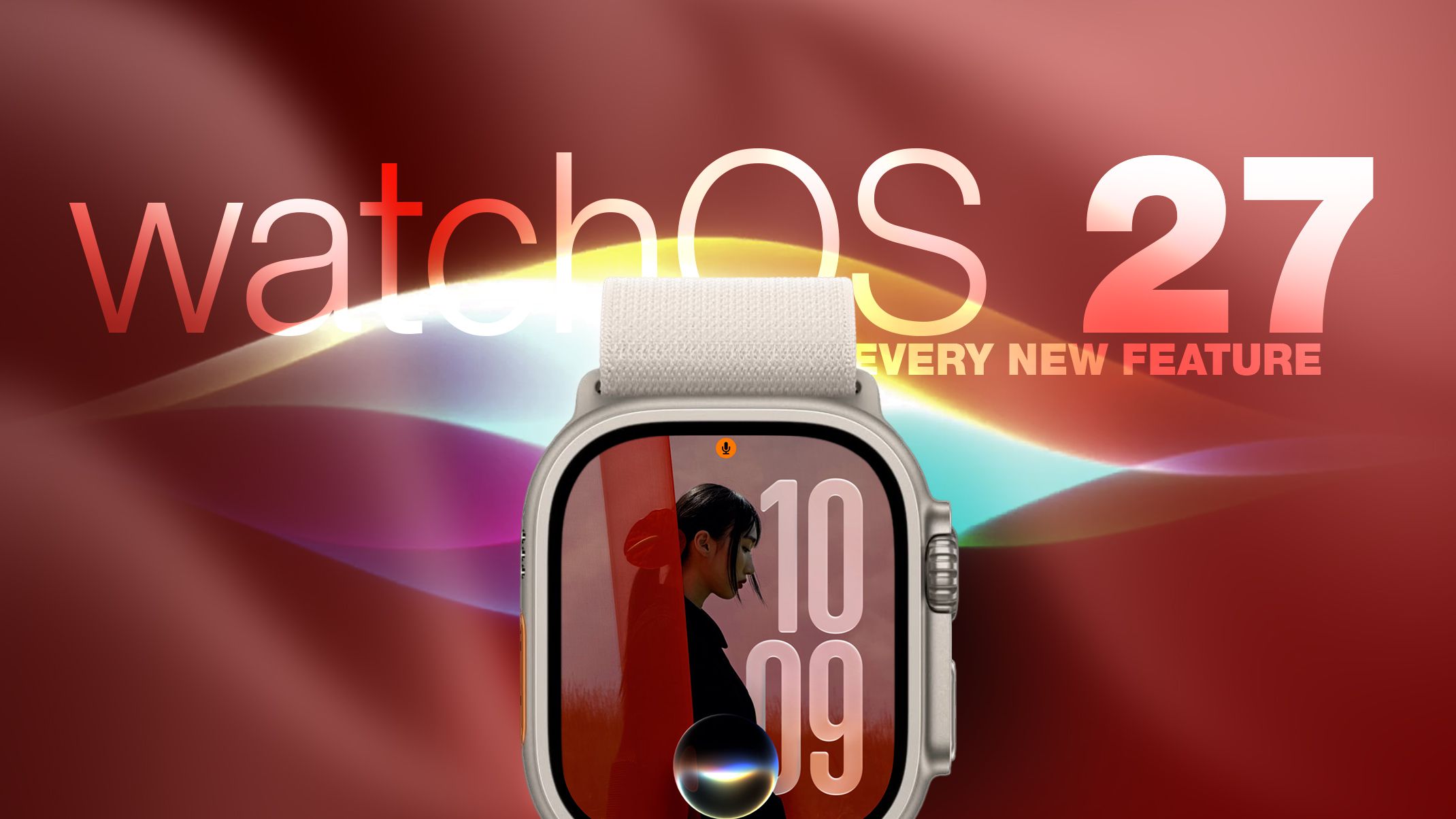
The deployment of watchOS 27 follows a rigorous beta testing cycle that began in early June 2026. Developers and public testers spent three months refining the operating system’s performance, particularly regarding the integration of artificial intelligence features and the overhaul of the system’s navigation architecture. For users looking to update, the process remains consistent with previous years: the installation is managed via the Watch app on a paired iPhone, requiring the device to be connected to its magnetic charger and possess a battery level of at least 50 percent.
The Evolution of Siri and Contextual AI
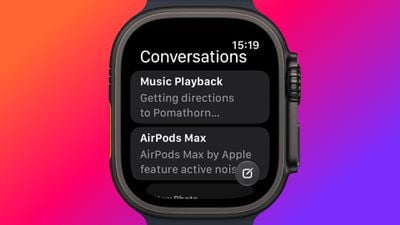
One of the most profound shifts in watchOS 27 is the elevation of Siri from a voice-command utility to a robust, standalone application. Historically, Siri on the Apple Watch acted as an extension of the iPhone’s processing capabilities. With the advent of watchOS 27, the virtual assistant has gained full contextual awareness, allowing it to interpret complex queries based on the user’s current environment, past interactions, and biometric data.
The new dedicated Siri app serves as a centralized hub for all interactions, synchronizing conversation history across the user’s entire Apple device portfolio via iCloud. This cross-device continuity ensures that a task initiated on an iPhone—such as drafting a message or setting a complex reminder—can be seamlessly completed on the wrist. Furthermore, the ability to pin essential conversations directly within the watchOS interface suggests a move toward making the Apple Watch a primary communication device rather than a secondary notification screen.
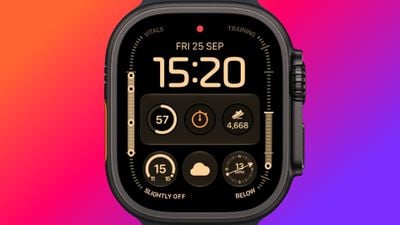
Complementing this, the updated Siri Modular watch face has been re-engineered to prioritize relevant information. By leveraging the intelligence inherent in the system’s Smart Stack, the face now displays dynamic complications that change in real-time. Whether a user is approaching a scheduled meeting, entering a geofenced zone like their office, or receiving a high-priority health alert, the watch face intelligently surfaces the most pertinent data without requiring user input.
Navigational Shifts: The Dynamic App Grid
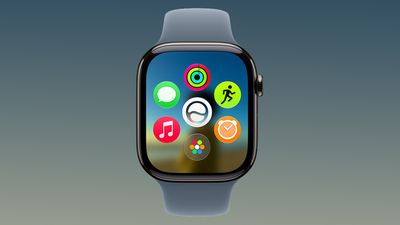
In a departure from the long-standing honeycomb layout, Apple has introduced a Dynamic App Grid in watchOS 27. When the Digital Crown is depressed, users are now presented with a curated view of suggested applications based on usage patterns, time of day, and location. This shift prioritizes efficiency, reducing the cognitive load required to locate frequently used tools.
While the new grid acts as the default, the traditional alphabetical list remains accessible through a simple scroll gesture, ensuring that the transition for power users remains smooth. Industry analysts suggest that this change reflects Apple’s broader strategy to reduce friction within its wearable interface, moving away from "app discovery" and toward "action-oriented" navigation.
Gesture Control and the Future of Interaction
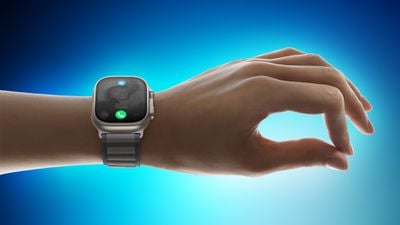
The introduction of the "Tap" gesture marks the third pillar of Apple’s hands-free interaction strategy, joining the existing Double Tap and Wrist Flick. A single tap of the index finger and thumb now enables users to select highlighted widgets within the Smart Stack. This development is part of a larger push to make the Apple Watch truly operable with one hand—a critical feature for individuals engaging in physical activities or those with limited mobility.
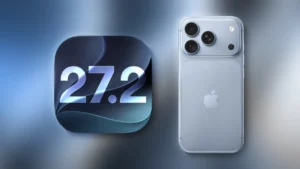
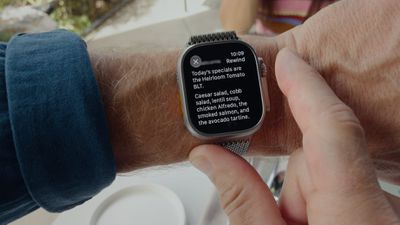
However, the refinement of these gestures has necessitated changes to existing shortcuts. The removal of the traditional double-press gesture for the App Switcher has caused some initial confusion among veteran users. Apple has reallocated this hardware gesture to the upcoming "Live Rewind" feature, which will provide a transcript of the last 15 seconds of ambient audio. While currently exclusive to the Series 12 and Ultra 4 models, Apple has confirmed that a revised method for accessing the App Switcher—via a long press on the bottom of the active screen—will be standard in the forthcoming watchOS 27.2 update.
Strategic Sunset: The Retirement of Walkie-Talkie
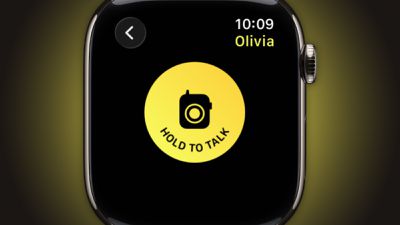
Perhaps the most controversial change in the watchOS 27 release is the complete removal of the Walkie-Talkie application. Once a hallmark feature showcasing the unique communication capabilities of the Apple Watch, the app has been entirely deprecated. Users who upgrade to watchOS 27 will find the application uninstalled and unavailable for re-download.
This move signals a strategic pivot by Apple to prioritize more robust, asynchronous communication channels like iMessage and FaceTime Audio. By removing a niche, proprietary tool, Apple simplifies the communication stack, likely to improve system stability and reduce the maintenance overhead associated with maintaining the Walkie-Talkie server infrastructure.
Advancements in Health and Fitness
The health-tracking capabilities of watchOS 27 have been significantly bolstered, particularly regarding women’s health and indoor training accuracy. The Cycle Tracking feature now includes sophisticated analysis for patterns suggestive of perimenopause. By aggregating long-term logged data, the software can provide users with insights that, while not a medical diagnosis, act as a catalyst for professional consultation.
For fitness enthusiasts, the update addresses long-standing complaints regarding the accuracy of indoor exercise tracking. New machine learning algorithms now calibrate distance and pace metrics from the very first step of an indoor run or walk. Data consistency between the Fitness and Health applications has also been tightened, resolving discrepancies that historically plagued users who relied on the watch as their primary training log.
Furthermore, the "Workout Buddy" feature—which previously required an active connection to an iPhone—has been liberated. With watchOS 27, the application can operate independently over Wi-Fi or cellular networks, reflecting the growing trend of "phone-free" workouts. The addition of Spanish language support alongside English demonstrates Apple’s commitment to expanding the accessibility of its fitness coaching tools to a broader global demographic.
The Find My Integration and Smart Stack Efficiency
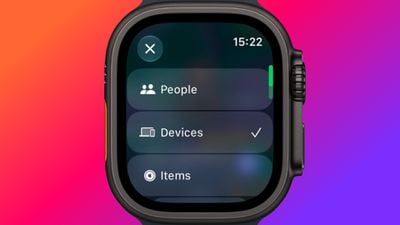
The consolidation of the "Find" ecosystem—integrating Find Devices, Find Items, and Find People into a single, unified Find My application—brings a streamlined approach to asset tracking. The map-centric interface allows users to quickly toggle between tracking a lost set of keys, a family member, or a misplaced iPad.
Concurrently, the Smart Stack has received significant intelligence upgrades. It can now surface contextual information with greater precision, such as displaying a transit card balance when a user is near a subway station, or showing a "Noise" widget immediately after the watch detects a sound level that exceeds safety thresholds. This proactive information delivery is indicative of the "ambient computing" philosophy that Apple has been cultivating for several years.
Technical Specifications and Future Implications
The hardware requirements for the most advanced features, specifically the real-time step counter and Live Rewind, underscore the importance of the new S11 chip found in the latest models. This hardware-software synergy allows for more accurate pedometer data and lower-latency audio processing.
While older models receive many of the software benefits of watchOS 27, the exclusion of certain high-compute features serves as a reminder of the hardware limitations inherent in previous generations. Market observers note that this creates a clear performance tiering, which may incentivize users of older models—such as the Series 9 or 10—to consider upgrading to the Series 12 or Ultra 4 to take full advantage of the latest algorithmic improvements.
In conclusion, watchOS 27 is an evolutionary update that prioritizes efficiency, AI-driven contextual awareness, and refined health metrics. While the removal of legacy features like Walkie-Talkie may be felt by a subset of the user base, the overall shift toward a more intelligent, proactive, and independent operating system suggests a bright future for the Apple Watch platform. As Apple continues to iterate on these foundations, the device is increasingly moving away from being a mere accessory to the iPhone and toward becoming a powerful, standalone instrument for personal productivity and health management.