The Technical Foundations of Aliasing in Digital Imaging
Aliasing is a fundamental challenge in digital signal processing that occurs when the frequency of the detail in a scene exceeds the sampling rate of the camera’s sensor. In the context of video, this manifest as "stair-stepping" on diagonal lines or shimmering patterns on repetitive textures like water ripples, brick walls, or fine fabrics. This phenomenon is rooted in the Nyquist-Shannon sampling theorem, which dictates that a signal must be sampled at least twice its highest frequency to be accurately reconstructed. When a camera sensor lacks sufficient pixel density to capture high-frequency spatial information, the resulting image "aliases" that information into lower-frequency artifacts.
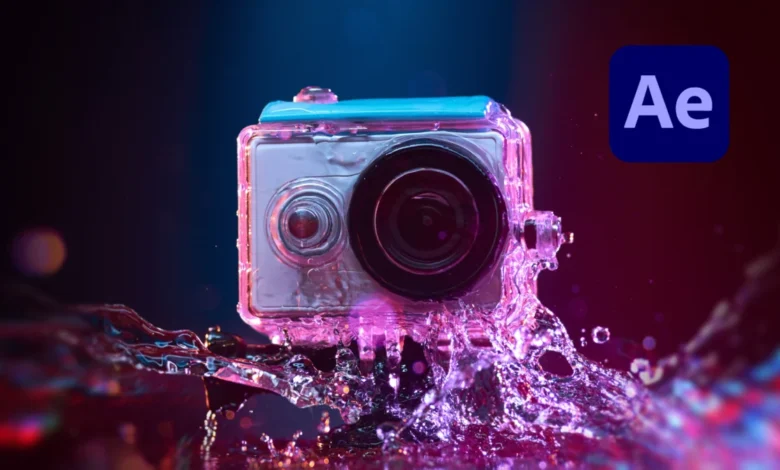
Action cameras are particularly susceptible to this issue for several architectural reasons. Primarily, these devices utilize small sensors—often 1/2.3-inch or 1/1.7-inch—which are packed with pixels to market 4K or 5K resolutions. However, the physical size of these pixels (pixel pitch) is minute, limiting their ability to resolve fine detail without interference. Furthermore, unlike high-end cinema cameras from manufacturers like ARRI or RED, most action cameras lack a physical Optical Low Pass Filter (OLPF). An OLPF, also known as an anti-aliasing filter, slightly blurs the light before it hits the sensor to eliminate frequencies that would cause aliasing. Manufacturers of action cameras omit this filter to maintain a "sharp" look out of the box, but this often results in artificially harsh edges and digital noise.
The Role of In-Camera Processing and Compression
Beyond hardware limitations, the software "pipeline" within action cameras often exacerbates aliasing. Most consumer-grade action cameras are programmed with aggressive edge enhancement (sharpening) algorithms. While this makes the footage look "crisp" on small smartphone screens, it creates a "halo" effect around objects and highlights aliasing artifacts. In many models, this sharpening is baked into the recorded file and cannot be fully disabled, leaving editors to deal with "over-sharpened" footage in post-production.

Compression also plays a significant role. To fit high-resolution video onto microSD cards, action cameras use heavy H.264 or HEVC (H.265) compression. This process can group pixels together in ways that make jagged edges even more prominent, especially in high-motion scenes. When an editor attempts to color grade or scale this footage, these artifacts become even more distracting, necessitating a specialized intervention in the editing suite.
Historical Mitigation: The Limitations of Gaussian Blur
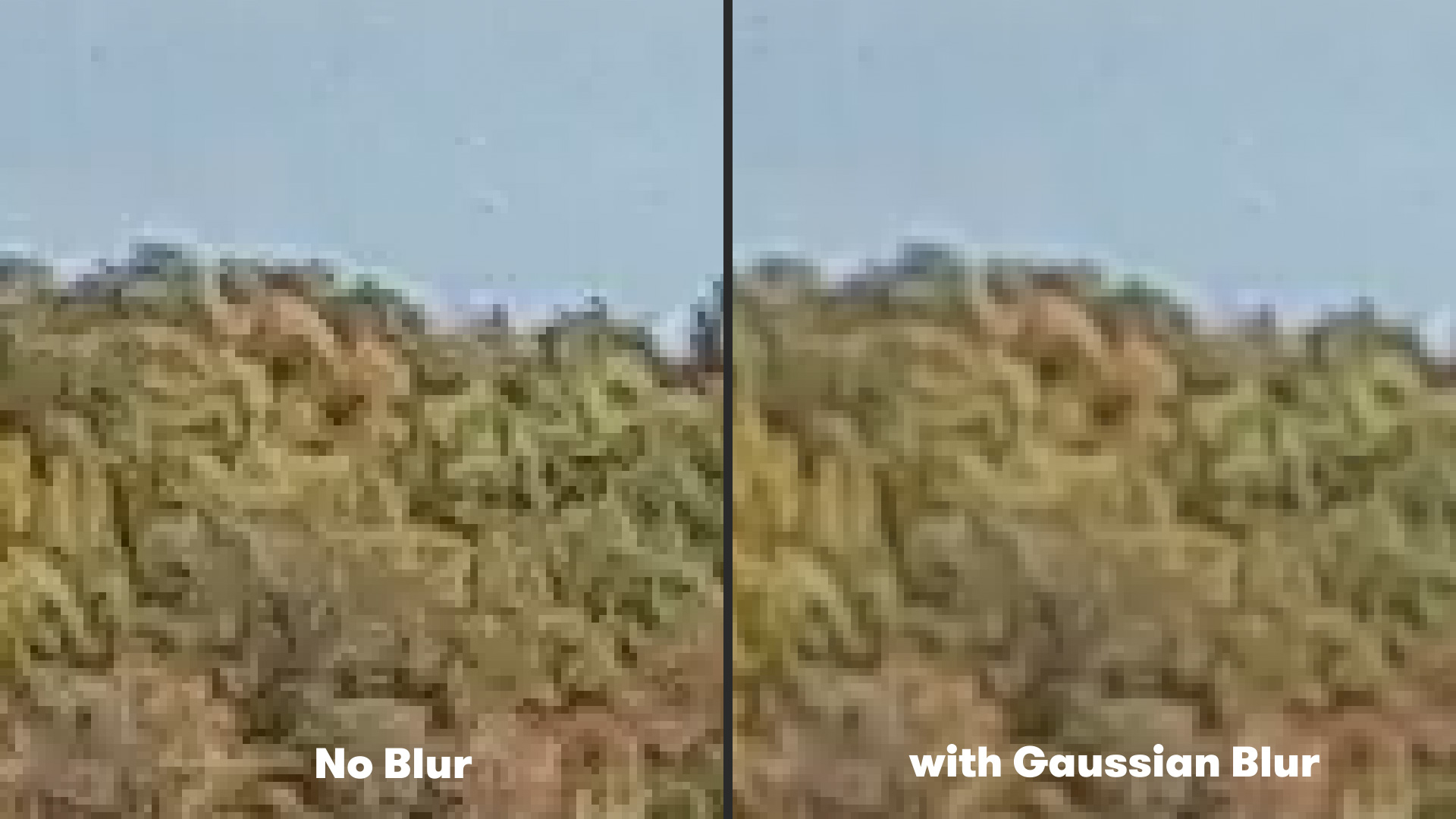
For years, the standard industry response to aliasing in post-production was the application of a global blur, typically via the Gaussian Blur effect in Adobe After Effects or Premiere Pro. The logic was straightforward: if the image is too sharp and jagged, softening the entire frame will hide the defects.
While effective at reducing "shimmer," the Gaussian Blur method is a blunt instrument. By applying a uniform blur across the entire frame, the editor inevitably sacrifices legitimate fine detail in areas where aliasing is not present. For example, in a shot of a mountain biker, a Gaussian Blur might smooth out the jagged lines of the bicycle frame but would also soften the texture of the rider’s jersey and the surrounding foliage, leading to a "muddy" or out-of-focus appearance. Typically, a blur radius of 1.0 to 2.0 pixels is used, but even at these low values, the loss of micro-contrast is noticeable to the discerning eye.
The Introduction of FXAA: A Sophisticated Algorithmic Approach
The limitations of traditional blurring have led to the adoption of more intelligent spatial anti-aliasing techniques originally developed for the video game industry. One of the most effective solutions currently available for video editors is FXAA, or Fast Approximate Anti-Aliasing. Developed by Timothy Lottes at NVIDIA, FXAA was designed to provide high-quality edge smoothing in real-time rendering environments where computational resources are at a premium.
The FXAA plugin for Adobe After Effects, provided by developers like Plugin Everything, brings this technology to the non-linear editing workflow. Unlike a standard blur, FXAA utilizes an edge-detection algorithm. It analyzes the contrast between neighboring pixels to identify where "jaggy" edges exist. Once these edges are identified, the plugin applies a localized smoothing effect only to those specific pixels. This results in a significant reduction in aliasing while preserving the sharpness and detail of the rest of the image.
Chronology of the Anti-Aliasing Workflow in After Effects
Implementing a professional anti-aliasing workflow requires a systematic approach to ensure the best results without compromising the integrity of the footage.
- Footage Analysis and Preparation: The process begins by importing the raw action camera footage into a high-bit-depth composition (16-bit or 32-bit) in After Effects. This ensures that the mathematical calculations performed by the plugins have enough data to avoid further banding or artifacts.
- Initial Noise Reduction (Optional): If the footage is particularly noisy, a subtle temporal noise reduction may be applied first. This helps the FXAA algorithm distinguish between actual edges and random sensor noise.
- Application of FXAA: The editor navigates to the Effects menu and applies the FXAA plugin. Because the algorithm is highly optimized, the results are often instantaneous.
- Parameter Tuning: While the default settings of FXAA are often sufficient, editors can adjust the intensity of the effect. In cases of extreme aliasing—often seen in drone footage of urban environments—multiple instances of the FXAA plugin can be "stacked." This iterative approach allows for a more aggressive smoothing of edges without the "ghosting" that might occur with a single high-intensity pass.
- Final Polish: After the aliasing is mitigated, the editor may apply a subtle "Unsharp Mask" or a specialized sharpening tool like "Detail-Preserving Upscale" to bring back a controlled sense of clarity that looks more natural than the camera’s original internal sharpening.
Comparative Data and Performance Metrics
The shift toward FXAA is supported by its performance metrics. In a rendering environment, traditional multi-sampling anti-aliasing (MSAA) requires significant memory and processing power because it samples multiple points within a single pixel. In contrast, FXAA is a post-processing filter, meaning it acts on the already-rendered frame. This makes it significantly faster for high-resolution 4K and 8K workflows.
In a professional production environment, render times are a critical factor. Tests have shown that applying FXAA in After Effects adds negligible time to the final export compared to more complex de-noising or de-interlacing filters. Furthermore, because FXAA targets the luminance of edges, it is particularly effective at treating the "shimmering" water trails or power lines that are common in action camera shots, which are traditionally the most difficult artifacts to remove.
Broader Implications for the Film and Broadcast Industry
The ability to effectively "clean up" action camera footage has significant implications for the broader media landscape. It has lowered the barrier to entry for high-quality production, allowing independent filmmakers to intercut GoPro or DJI footage with high-end cinema camera footage more seamlessly. When the "digital edge" of an action camera is removed, the footage takes on a more filmic quality that matches the softer, more organic roll-off of professional lenses and larger sensors.
This technological evolution also impacts the world of FPV (First Person View) drone cinematography. FPV drones often carry "naked" action cameras to save weight, and these cameras are subjected to extreme vibrations and lighting changes. The combination of stabilization software like ReelSteady GO and anti-aliasing tools like FXAA has transformed FPV from a niche hobbyist pursuit into a staple of Hollywood action sequences, as seen in major motion pictures where high-speed, close-proximity maneuvers are required.
Official Responses and Expert Perspectives
Industry experts emphasize that while software tools are powerful, they should be part of a holistic approach to image quality. "The goal is not to fix everything in post, but to provide a safety net for the inherent limitations of the hardware," says a senior digital imaging technician (DIT) familiar with action sports production. "Using ND filters to maintain a proper shutter speed (the 180-degree rule) is still the best way to introduce natural motion blur, which inherently reduces the perception of aliasing."
Software developers at Plugin Everything have noted that the demand for free, high-quality tools like FXAA reflects a growing community of creators who are pushing consumer hardware to its absolute limits. By democratizing these professional-grade algorithms, the gap between "amateur" and "professional" aesthetics continues to shrink.
Future Outlook: AI and Neural Anti-Aliasing
Looking forward, the industry is moving toward AI-driven solutions for image restoration. Deep Learning Super Sampling (DLSS) and other neural-network-based upscaling and anti-aliasing techniques are beginning to emerge in the video space. These tools do not just look at neighboring pixels; they have been "trained" on thousands of hours of high-quality footage to understand what a clean edge should look like.
Until these AI tools become standard in every editor’s toolkit, the use of FXAA in After Effects remains the most efficient and effective method for neutralizing the technical shortcomings of action cameras. By understanding the science of aliasing and the specific mechanics of edge-detection smoothing, editors can ensure that their high-energy, action-packed footage remains clear, professional, and free from distracting digital artifacts.