Macos Sequoia Just Changed Using Your Iphone Forever With Iphone Mirroring That Even Works In Standby Mode
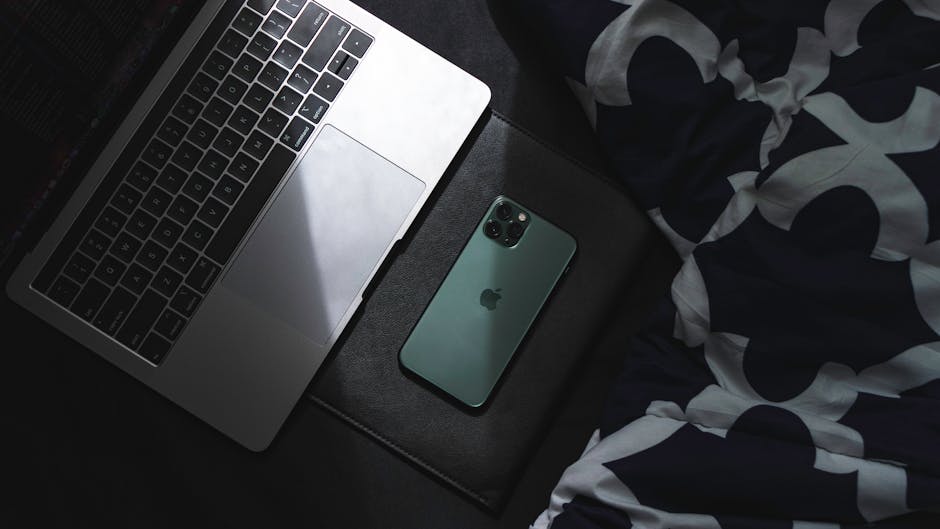
macOS Sequoia: iPhone Mirroring Redefines Mac-iPhone Integration, Even in Standby
The introduction of macOS Sequoia marks a seismic shift in how Mac and iPhone users interact, primarily driven by the groundbreaking feature of iPhone Mirroring. This isn’t merely an incremental update; it’s a fundamental reimagining of continuity that allows users to fully control and interact with their iPhone directly from their Mac, a feat previously unimaginable, especially with the added functionality of Standby mode. This article will delve deep into the capabilities, implications, and technical underpinnings of iPhone Mirroring in macOS Sequoia, explaining why it’s poised to change your workflow forever.
iPhone Mirroring in macOS Sequoia grants users the ability to see and interact with their iPhone’s entire interface on their Mac’s screen. This means every app, every notification, every setting – all accessible and controllable from the larger display and more precise input methods of the Mac. The mirroring is remarkably fluid and responsive, providing an experience that feels almost native. Imagine replying to an iMessage on your iPhone using your Mac’s keyboard, or checking a specific app on your phone without needing to pick it up. This level of integration eliminates the need for constant context switching, significantly boosting productivity for anyone who juggles both devices throughout their day.
The true magic of iPhone Mirroring, however, lies in its persistence and the integration with Standby mode. Previously, mirroring features were often limited to when the iPhone was actively unlocked and in use. macOS Sequoia shatters this limitation. iPhone Mirroring continues to function even when your iPhone is in Standby mode, a feature introduced with iOS 17. Standby mode transforms your iPhone into a smart display when placed on a charger horizontally, showcasing widgets, photos, and clocks. With Sequoia, you can now access and interact with your iPhone’s core functionalities while it’s in this passive, glanceable state. This means you can glance at your iPhone’s Standby display, see a notification, and then, without touching your iPhone, open the corresponding app directly on your Mac, respond, and close it, all while your iPhone remains charging and in its elegant Standby presentation.
This seamless transition from Standby to full interaction on the Mac is a game-changer. Previously, a notification appearing in Standby might require you to physically pick up your iPhone, unlock it, find the app, and then perform the action. Now, that notification can appear as a standard macOS notification on your Mac. Clicking it can either bring up the iPhone Mirroring window or directly open the relevant app within that window, allowing for immediate interaction. This is particularly beneficial for tasks that require precise input, such as typing longer responses to messages, editing documents within iPhone-specific apps, or even managing more complex settings. The Mac’s keyboard and trackpad become an extension of your iPhone’s interface, offering a far superior user experience for many tasks.
The technical underpinnings of this feature are built upon Apple’s robust Continuity framework, which has been steadily evolving to create a more unified ecosystem. iPhone Mirroring leverages technologies like Handoff, Universal Clipboard, and AirDrop, but elevates them to a new level of interactivity. It’s not just about transferring data or initiating actions; it’s about a live, bidirectional stream of your iPhone’s interface to your Mac. This is achieved through a combination of local network communication and potentially more advanced wireless protocols that Apple has developed to ensure low latency and high fidelity. The encryption and security inherent in Apple’s ecosystem are also paramount, ensuring that your iPhone’s data remains protected even when mirrored to your Mac.
From an SEO perspective, the keywords "macOS Sequoia," "iPhone Mirroring," "iPhone Standby mode," "Mac iPhone integration," "Continuity features," and "workflow optimization" are central to this discussion. The ability to control your iPhone from your Mac, especially in Standby, is a unique selling proposition for macOS Sequoia. This article aims to rank highly for searches related to these terms by providing comprehensive and detailed information.
The implications for workflow are vast. Professionals who rely on both devices will find their productivity soaring. Developers can test apps on their iPhone and make quick adjustments on their Mac without constantly switching devices. Content creators can manage social media posts, respond to comments, and even edit photos or videos on their iPhone apps directly from their Mac’s larger screen. Students can take notes on their Mac while referencing materials or completing assignments on their iPhone apps. The barrier between the two devices has effectively dissolved, creating a singular computing experience.
Furthermore, the accessibility benefits are significant. Users who find it challenging to interact with smaller touchscreens might find the Mac interface for their iPhone far more manageable. The ability to use a physical keyboard and mouse or trackpad can dramatically improve the usability of iPhone apps for a wider range of individuals.
The setup process for iPhone Mirroring is designed to be as seamless as possible, a hallmark of Apple’s user-centric design. Typically, it involves ensuring both devices are signed into the same Apple ID, are on the same Wi-Fi network, and have Bluetooth enabled. Once these prerequisites are met, the iPhone Mirroring option should automatically appear in the macOS Sequoia Control Center or when you connect your iPhone to your Mac. The initial connection may involve a brief pairing process, but subsequent activations are generally instant. The responsiveness of the mirroring is key to its utility. Delays or lag would quickly render the feature frustrating, but Apple has clearly invested heavily in optimizing this aspect. The visual fidelity is also impressive, with the mirrored iPhone display appearing crisp and clear on the Mac.
The integration with Standby mode deserves special mention again. This is where macOS Sequoia truly differentiates itself. Imagine your iPhone sitting on your bedside table in Standby mode, displaying the time and your morning agenda. You see a reminder for an important email. Instead of fumbling for your phone, you can simply click a notification on your Mac, and the Mail app on your iPhone pops up in the Mirroring window. You can compose and send your reply using your Mac’s keyboard, and then close the window, all without interrupting your iPhone’s Standby display or requiring you to physically touch your device. This creates a truly ambient computing experience where your devices work in concert without demanding constant, active attention.
This level of integration also extends to notifications. Notifications from your iPhone will appear on your Mac as standard macOS notifications. You can choose to dismiss them, or, if the feature is enabled and the app supports it, interact with them directly from the notification itself or by launching the mirrored iPhone app. This significantly reduces the chances of missing important alerts or having to constantly check your iPhone.
The benefits of iPhone Mirroring in macOS Sequoia are manifold and extend beyond mere convenience. It represents a paradigm shift in device interoperability, making the Mac and iPhone feel less like separate entities and more like components of a single, cohesive personal computing system. This deep integration fosters a more intuitive and efficient workflow, allowing users to leverage the strengths of both devices without the friction of constant device switching. For anyone invested in the Apple ecosystem, macOS Sequoia and its revolutionary iPhone Mirroring feature are not just an upgrade; they are a fundamental enhancement to how they interact with their technology on a daily basis, with the Standby mode integration being a particularly significant advancement that redefines passive device interaction.


