Mastering Action Camera Post-Production: Eliminating Aliasing Artifacts in Adobe After Effects Using FXAA

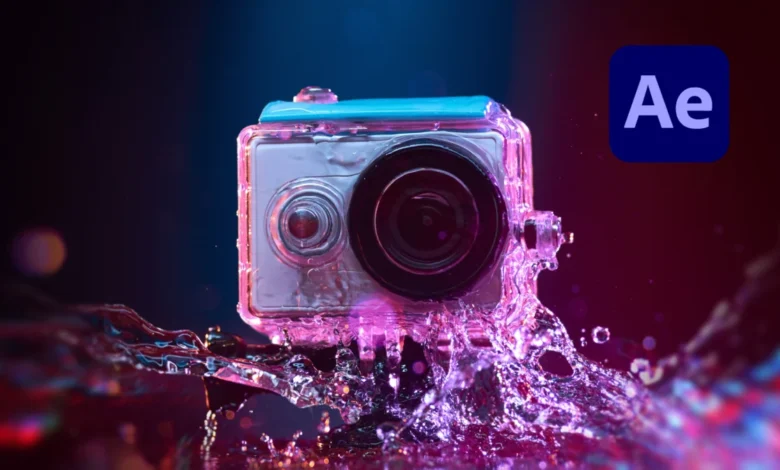
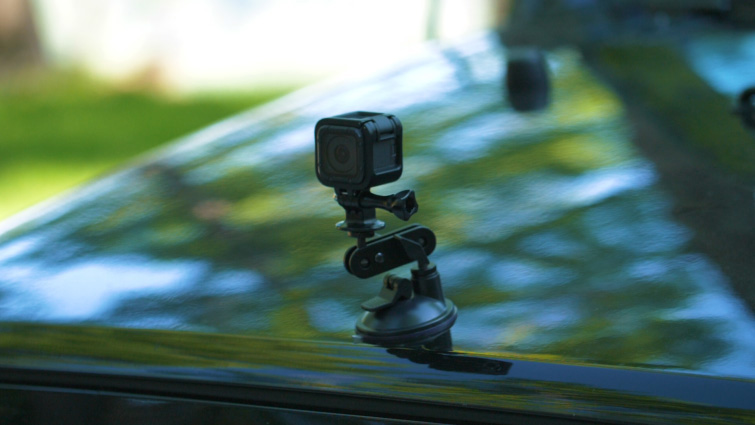
Action cameras, aerial drones, and smartphones have fundamentally transformed modern videography. By packing high-resolution recording capabilities into remarkably compact form factors, these devices allow creators to capture dynamic, high-octane perspectives that were once impossible or prohibitively expensive to achieve. However, this technological democratization of video production comes with distinct technical compromises. Among the most persistent and visually distracting issues plaguing small-sensor footage is aliasing—a form of digital distortion that can severely degrade the professional quality of an otherwise compelling shot.
Addressing this technical hurdle requires a nuanced understanding of digital imaging limitations and post-production correction techniques. Historically, editors relied on broad, destructive blurring methods to mask these artifacts, often sacrificing critical overall image sharpness in the process. Today, advanced yet accessible solutions—such as the free FXAA plugin developed by Plugin Everything for Adobe After Effects—offer a streamlined, intelligent alternative. By analyzing edge geometry rather than applying a blanket blur, modern post-production workflows allow filmmakers to preserve intricate details while effectively eradicating jagged edges and flickering patterns.
Understanding Aliasing: The Root Cause of Sensor Distortion
To effectively combat aliasing, creators must first understand the underlying mechanics of how digital image sensors capture the physical world. Aliasing is a visual artifact characterized by jagged, "stair-stepped" diagonals, shimmering lines, and unwanted flickering patterns along high-contrast edges. In the realm of digital signal processing, this phenomenon is rooted in sampling error—specifically, a failure to meet the Nyquist-Shannon sampling theorem, which dictates that a sampling frequency must be at least twice the highest frequency of the input signal to accurately reconstruct it.

When applied to digital video, aliasing occurs when the fine details of a scene exceed the spatial resolution of the camera’s sensor. Because action cameras and drones rely on physically small sensors packed with millions of photosites (pixels), they frequently struggle to resolve fine, repetitive patterns—such as distant foliage, architectural brickwork, architectural grates, or rippling water surfaces. When the frequency of these fine details surpasses the sensor’s pixel grid resolution, the sensor misinterprets the data, translating smooth lines into jagged, pixelated anomalies.
The Compounding Problem of Factory Over-Sharpening
Compounding the inherent limitations of small sensors is a manufacturing trend toward aggressive in-camera processing. Consumer action cameras are engineered to appeal to the mass market, where viewers often equate high visual contrast and extreme edge enhancement with superior image quality. Consequently, most action cameras apply heavy algorithmic sharpening to their footage by default.
In many instances, users are unable to completely disable this aggressive sharpening within the camera’s internal firmware settings. When high-frequency details captured by a small sensor are artificially sharpened in-camera, the edges become hypersensitive. This over-sharpening amplifies the visibility of sampling errors, turning minor aliasing into severe, high-contrast visual noise. Furthermore, heavy digital compression—a necessity for handling high-frame-rate, high-resolution footage on constrained hardware codecs—interacts poorly with aliased edges. Compression algorithms struggle to encode erratic, pixelated high-contrast transitions, resulting in blocky artifacts and distracting luminance flickering that can instantly betray amateur production quality.
The Legacy Approach: Gaussian Blur and Its Limitations
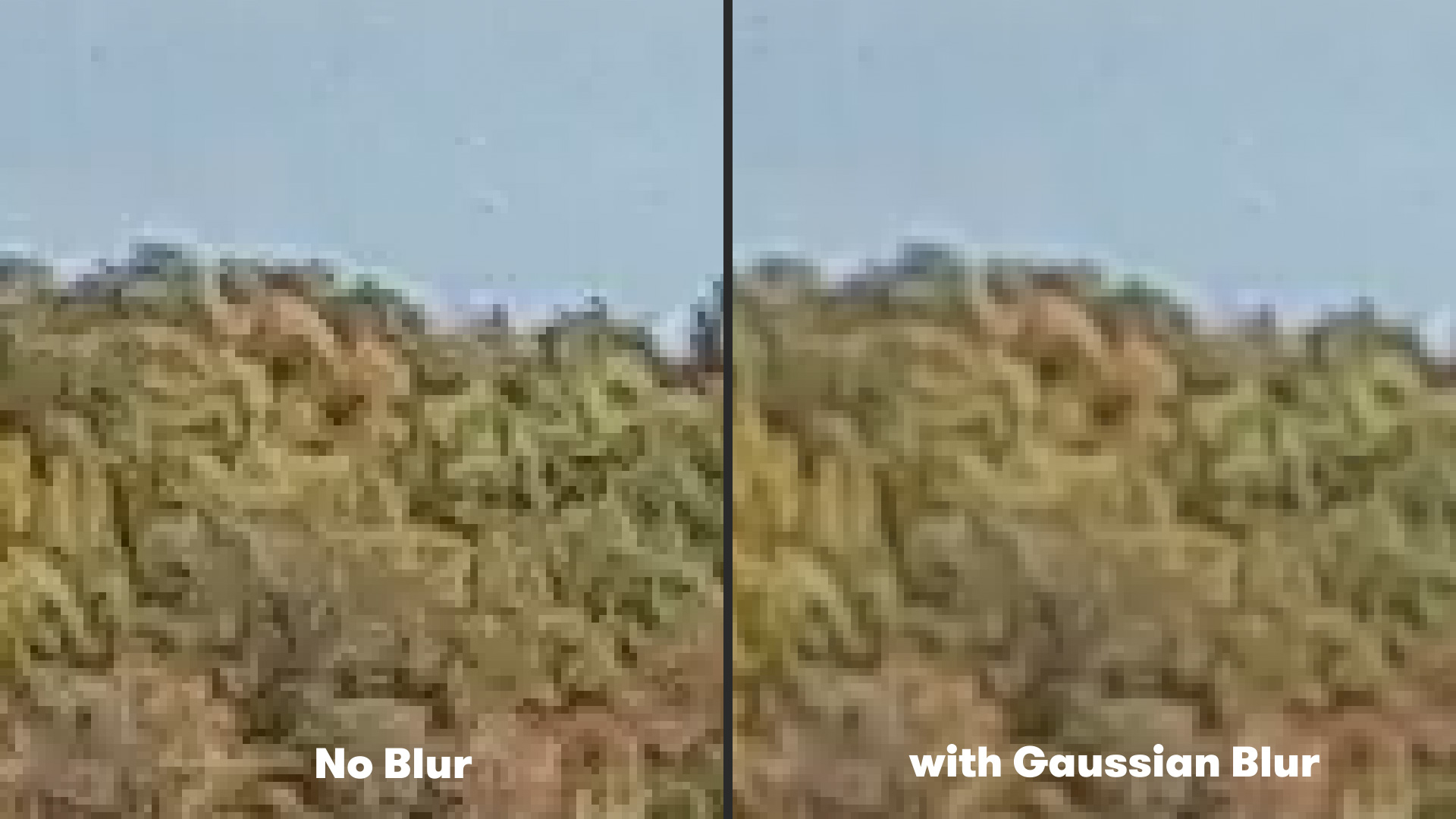
For years, the standard post-production remedy for severe aliasing involved applying a mild spatial blur to the entire video clip. In Adobe After Effects, editors traditionally accomplished this by navigating to the Effects panel, selecting Blur & Sharpen, and applying a Gaussian Blur effect with a minimal radius—typically set to a value of approximately 2.
While this technique successfully softens the harsh contrast of jagged edges and reduces the distracting flicker associated with motion, it comes at a significant creative cost. A Gaussian blur is mathematically indiscriminate; it affects every pixel across the entire frame equally. Consequently, while the aliased elements are softened, legitimate fine details—such as intricate textures, distant background clarity, and micro-contrast—are permanently degraded. For filmmakers striving for a crisp, professional aesthetic, sacrificing overall image fidelity merely to suppress localized aliasing is an imperfect, highly restrictive compromise.
The Modern Solution: Intelligent Edge Detection via FXAA
Recognizing the need for a more sophisticated approach, developers have increasingly looked toward algorithms originally designed for real-time computer graphics. Fast Approximate Anti-Aliasing (FXAA), a popular shader-based anti-aliasing technique long utilized in the video game industry, has recently been adapted for professional motion graphics and video editing suites through specialized tools like the free FXAA plugin by Plugin Everything.
Unlike a traditional Gaussian blur, which indiscriminately softens the entire canvas, FXAA operates via an intelligent edge-detection algorithm. The plugin analyzes the pixel matrix of the video frame, identifying specific high-contrast boundaries where aliasing is actively occurring. Once these problem areas are isolated, the algorithm applies a targeted, localized smoothing effect exclusively to the jagged edges, leaving the surrounding flat surfaces and genuine fine details untouched.
Because the algorithm is computationally lightweight, FXAA renders exceptionally fast within Adobe After Effects. This processing efficiency represents a major operational advantage for post-production professionals working under tight broadcast or client delivery deadlines, where render times directly impact project profitability.
Step-by-Step Implementation in Adobe After Effects
Integrating FXAA into a standard post-production workflow requires minimal technical friction, making it accessible to editors of all skill levels. To apply the effect and restore compromised action camera footage, operators can follow a straightforward procedure:
- Import the problematic action camera, drone, or smartphone footage into Adobe After Effects and add it to an active composition timeline.
- Select the target video layer within the timeline panel to ensure the effect is applied globally to that footage stream.
- Navigate to the top menu bar, select Effect, scroll down to the Plugin Everything category, and choose FXAA.
- Review the canvas playback. The algorithm will automatically detect jagged edges and apply a clean, non-destructive smoothing process.
For extreme cases of aliasing—such as footage captured in highly complex environments featuring dense foliage, shimmering water, or intricate geometric patterns—a single instance of the plugin may occasionally require reinforcement. A distinct advantage of the FXAA architecture in After Effects is its modularity; editors can easily apply multiple instances of the FXAA effect to a single layer, effectively stacking the algorithm to achieve a higher degree of anti-aliasing without introducing muddy blur to the rest of the frame.
Broader Implications for Content Creators and Independent Filmmakers
The widespread availability of specialized post-production tools like FXAA reflects a broader maturation in the content creation ecosystem. As the boundary between professional cinema cameras and consumer-grade action devices continues to blur, editors are increasingly tasked with bridging the quality gap entirely within software environments.
Action cameras occupy an indispensable niche in modern visual storytelling, offering perspectives from vehicular bumpers, surfboards, drone ascents, and extreme sports helmets that larger cinema rigs cannot safely replicate. By decoupling the inherent optical limitations of small sensors from the final visual output, advanced post-production filters empower independent filmmakers to deploy these versatile cameras with confidence. Ensuring that dynamic, high-action sequences remain visually polished and free from distracting digital artifacts ultimately elevates the production standard across digital media platforms, ensuring that technical compromises never overshadow creative execution.